
Echonix AI Chatbot Extension: Get instant AI-powered responses directly in your Edge or Chrome browser. Boost productivity with lightning-fast answers!
Explore a specific workflow
Explore edge extension tools through the product profiles below. The collection groups applications around a shared task. Product scope can overlap, so compare the specific workflow each tool describes rather than the category name alone.
Identify the files, text or account connections your task needs. Confirm that the product accepts those inputs and offers controls for reviewing its work.
Test one representative task and inspect the result for accuracy and completeness. Record where manual corrections or extra tools are needed.
Echonix AI Chatbot Extension: Get instant AI-powered responses directly in your Edge or Chrome browser. Boost productivity with lightning-fast answers!

LinkedIn Saved Jobs Extractor lets you quickly export and organize your saved LinkedIn jobs with ease. Simplify job tracking in just a few clicks!
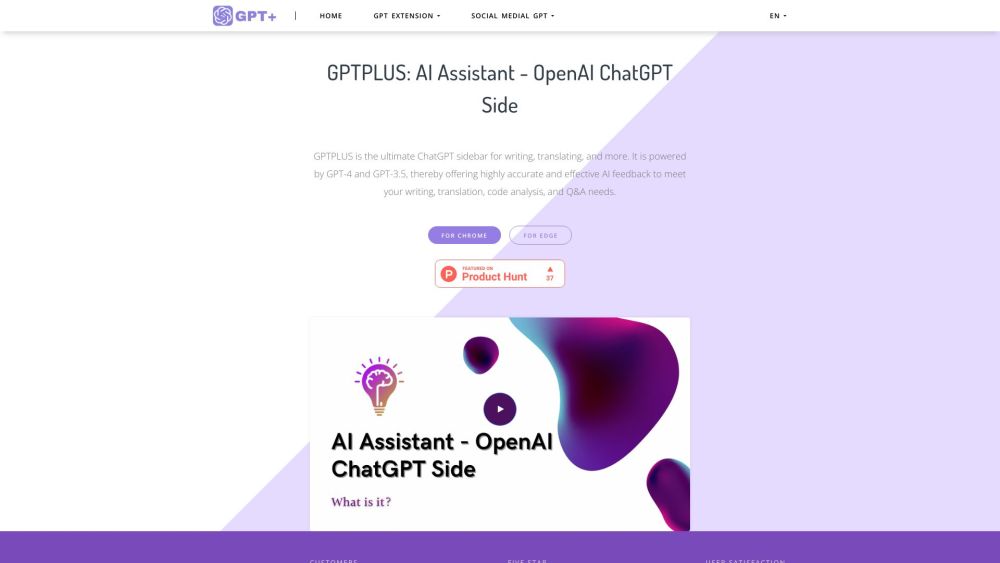
Ultimate ChatGPT sidebar for writing, translating, and more.

ChatGPT Writer is an AI-powered tool that allows users to write emails, messages, and other text-based content effortlessly. It can help users fix grammar mistakes, rephrase text, change writing tone, summarize text, and perform various other writing tasks using ChatGPT AI.
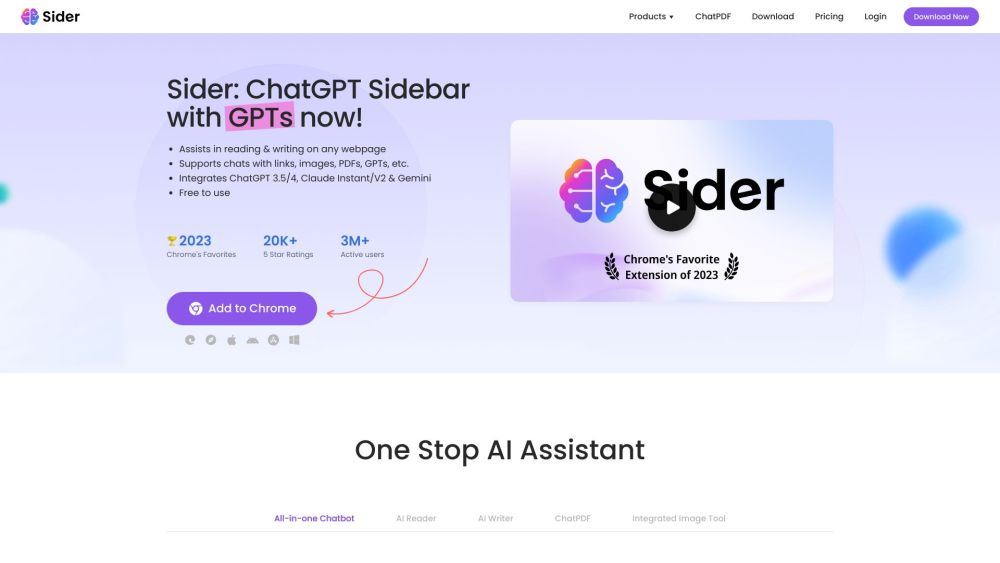
Sider: Your AI sidekick for productivity. As a Chrome/Edge extension, it simplifies browsing, reading, and writing. Boost efficiency effortlessly!
FAQ
Practical answers to help you take the next step.
The collection groups applications around a shared task. Product scope can overlap, so compare the specific workflow each tool describes rather than the category name alone.
Identify the files, text or account connections your task needs. Confirm that the product accepts those inputs and offers controls for reviewing its work.
Test one representative task and inspect the result for accuracy and completeness. Record where manual corrections or extra tools are needed.
Choose one task with a clear success condition. Keep the input consistent, record the time spent reviewing and compare the complete workflow cost.
Echonix AI Chatbot Extension: Get instant AI-powered responses directly in your Edge or Chrome browser. Boost productivity with lightning-fast answers!
Read about Echonix AI Chatbot ExtensionLinkedIn Saved Jobs Extractor lets you quickly export and organize your saved LinkedIn jobs with ease. Simplify job tracking in just a few clicks!
Read about LinkedIn Saved Jobs ExtractorUltimate ChatGPT sidebar for writing, translating, and more.
Read about GPTPLUSChatGPT Writer is an AI-powered tool that allows users to write emails, messages, and other text-based content effortlessly. It can help users fix grammar mistakes, rephrase text, change writing tone, summarize text, and perform various other writing tasks using ChatGPT AI.
Read about ChatGPT WriterSider: Your AI sidekick for productivity. As a Chrome/Edge extension, it simplifies browsing, reading, and writing. Boost efficiency effortlessly!
Read about SiderCheck export formats, integrations and whether you can keep using your work outside the service. Test a real export before committing to a longer plan.