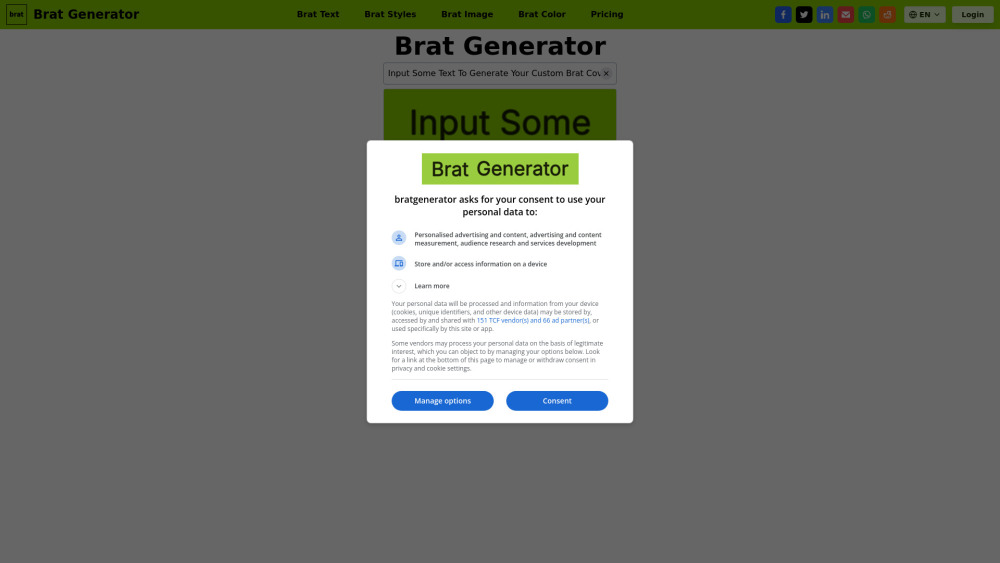
Create iconic Brat-style album covers in seconds! Free, fun, and instantly shareable—channel Charli XCX’s bold, neon-drenched aesthetic. No design skills needed.
Explore a specific workflow
Explore custom design tools through the product profiles below. Visual AI tools cover image generation, photo editing, enhancement and design tasks. Choose between creating a new image and modifying an existing asset before comparing products.
Look for text prompts, image references, masks or sketches as appropriate. Compare composition control, supported upload types and the ability to revise a selected area.
Inspect text, hands, edges, reflections and repeated objects at full size. Check that important product or brand details survive editing.
Create iconic Brat-style album covers in seconds! Free, fun, and instantly shareable—channel Charli XCX’s bold, neon-drenched aesthetic. No design skills needed.
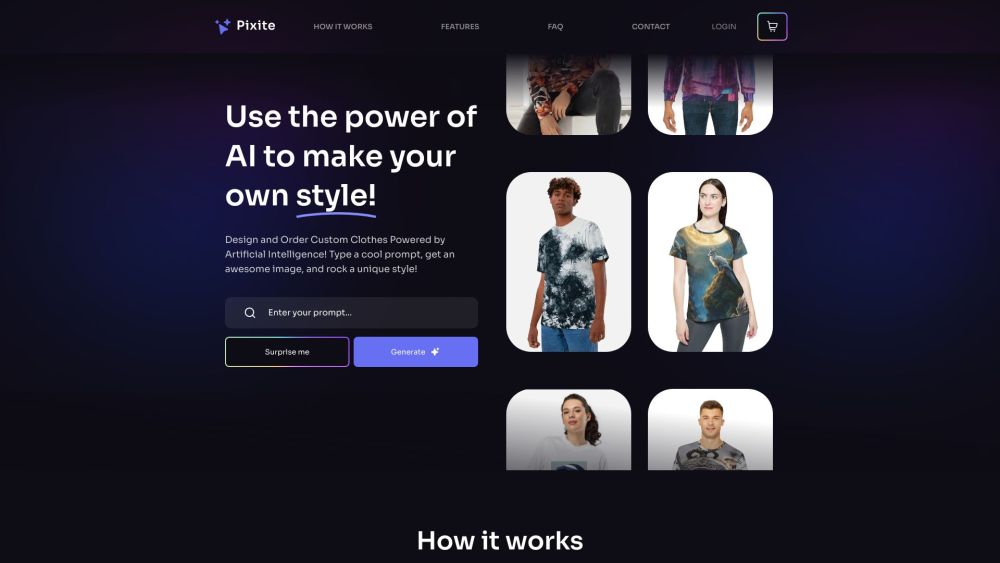
Discover your unique style with Pixite: the AI-powered e-commerce platform that offers personalized fashion tailored just for you.
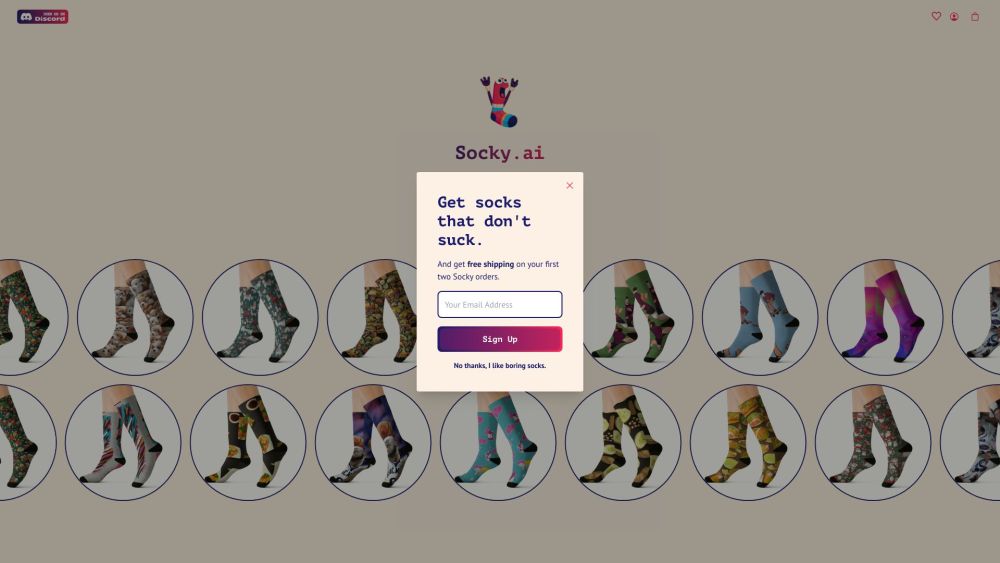
Socky.ai: Get custom-made socks designed by unique AI for a personal touch. Experience the perfect blend of style and technology.
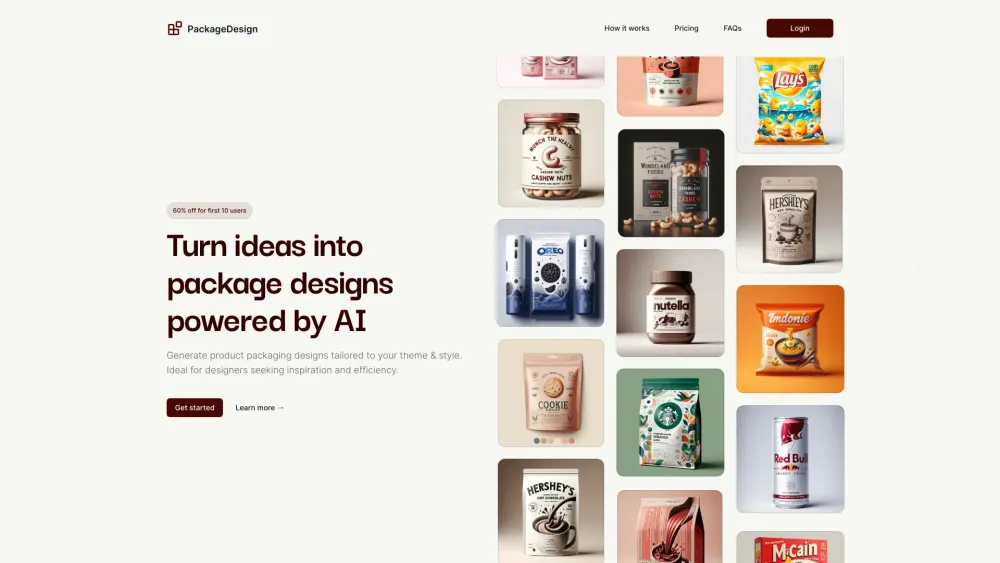
Transform product packaging with PackageDesign! Use AI to create custom designs by inputting details and types. Download in PNG or PDF. Perfect packaging, instantly.
FAQ
Practical answers to help you take the next step.
Visual AI tools cover image generation, photo editing, enhancement and design tasks. Choose between creating a new image and modifying an existing asset before comparing products.
Look for text prompts, image references, masks or sketches as appropriate. Compare composition control, supported upload types and the ability to revise a selected area.
Inspect text, hands, edges, reflections and repeated objects at full size. Check that important product or brand details survive editing.
Prepare a brief with a subject, composition, lighting and required output size. Test a first generation and a targeted revision to see how much control you retain.
Create iconic Brat-style album covers in seconds! Free, fun, and instantly shareable—channel Charli XCX’s bold, neon-drenched aesthetic. No design skills needed.
Read about Brat GeneratorDiscover your unique style with Pixite: the AI-powered e-commerce platform that offers personalized fashion tailored just for you.
Read about PixiteSocky.ai: Get custom-made socks designed by unique AI for a personal touch. Experience the perfect blend of style and technology.
Read about Socky.aiTransform product packaging with PackageDesign! Use AI to create custom designs by inputting details and types. Download in PNG or PDF. Perfect packaging, instantly.
Read about PackageDesignCompare pixel dimensions, transparency, file formats and any enlargement options. Confirm that the downloaded result works in your design or publishing software.
Run the same small task in each shortlisted product. Compare the price per usable result, usage limits, regeneration costs and time spent correcting the output. Confirm current terms with the provider.