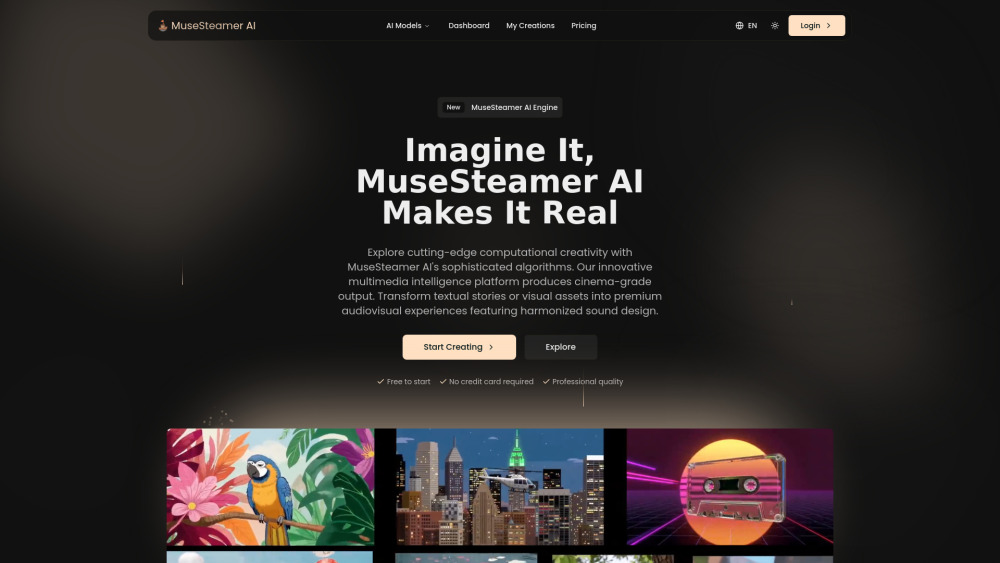
MuseSteamer AI: The AI engine that powers cinema-grade audiovisual production—precision, creativity, and pro results in one platform.
Explore a specific workflow
Explore creative collaboration tools through the product profiles below. The collection groups applications around a shared task. Product scope can overlap, so compare the specific workflow each tool describes rather than the category name alone.
Identify the files, text or account connections your task needs. Confirm that the product accepts those inputs and offers controls for reviewing its work.
Test one representative task and inspect the result for accuracy and completeness. Record where manual corrections or extra tools are needed.
MuseSteamer AI: The AI engine that powers cinema-grade audiovisual production—precision, creativity, and pro results in one platform.
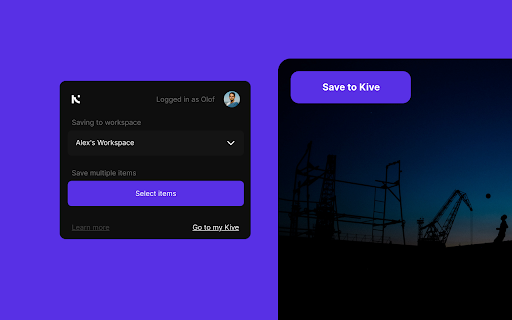
Kive - Chrome Extension: The smart asset platform for creators to streamline workflows, organize, and optimize your creative process with ease.

Creative Collaboration and Video Review Software
Transform your outdoor space with the perfect blend of style and comfort. Enhance your garden's beauty and functionality today.
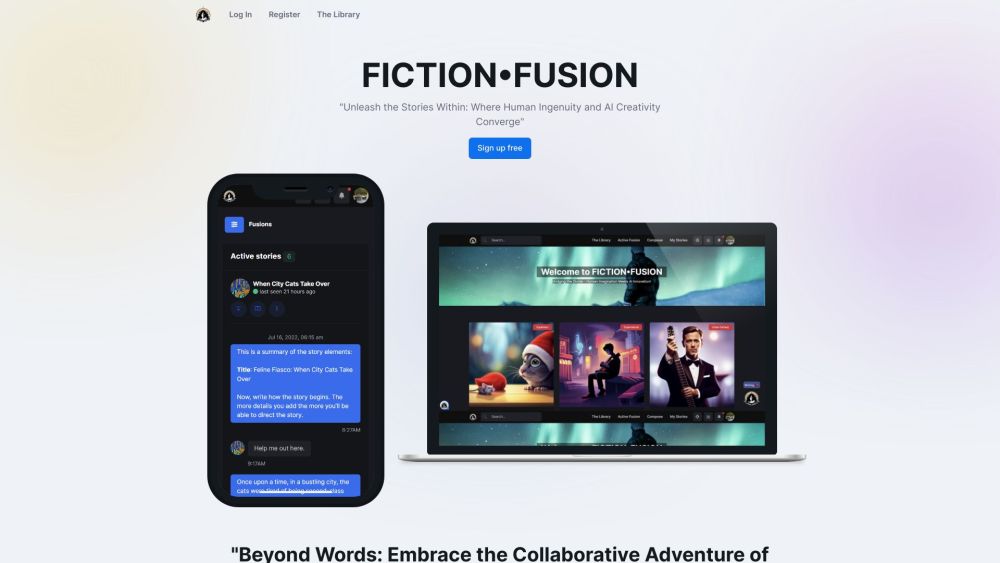
Fiction Fusion: Where human creativity meets AI to craft limitless, innovative stories. Experience the future of collaborative storytelling today!

HUSSLUP: Connect with creative freelancers and entertainment firms on our professional networking platform. Join today to collaborate and thrive!
FAQ
Practical answers to help you take the next step.
The collection groups applications around a shared task. Product scope can overlap, so compare the specific workflow each tool describes rather than the category name alone.
Identify the files, text or account connections your task needs. Confirm that the product accepts those inputs and offers controls for reviewing its work.
Test one representative task and inspect the result for accuracy and completeness. Record where manual corrections or extra tools are needed.
Choose one task with a clear success condition. Keep the input consistent, record the time spent reviewing and compare the complete workflow cost.
MuseSteamer AI: The AI engine that powers cinema-grade audiovisual production—precision, creativity, and pro results in one platform.
Read about MuseSteamer AIKive - Chrome Extension: The smart asset platform for creators to streamline workflows, organize, and optimize your creative process with ease.
Read about Kive - Chrome ExtensionCreative Collaboration and Video Review Software
Read about KROCK.IOTransform your outdoor space with the perfect blend of style and comfort. Enhance your garden's beauty and functionality today.
Read about Product NameFiction Fusion: Where human creativity meets AI to craft limitless, innovative stories. Experience the future of collaborative storytelling today!
Read about Fiction FusionHUSSLUP: Connect with creative freelancers and entertainment firms on our professional networking platform. Join today to collaborate and thrive!
Read about HUSSLUP