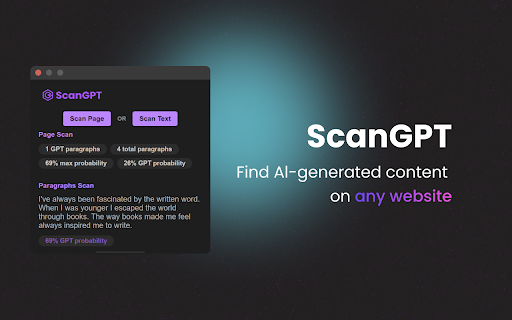
Discover GPT Text Finder: Spot GPT-generated text on any website effortlessly. Unlock the power to identify AI-generated content like never before.
Explore a specific workflow
Explore content verification tools through the product profiles below. Writing and content tools help draft, revise or condense text. Drafting new material, checking language and summarizing a source require different review steps.
Compare support for source documents, style instructions, outlines and length limits. Check whether citations link to real material rather than merely looking like references.
Verify names, dates, quotations and factual claims against the original sources. Edit tone, remove repetition and make sure the text answers the intended reader’s question.
Discover GPT Text Finder: Spot GPT-generated text on any website effortlessly. Unlock the power to identify AI-generated content like never before.
Detect text authenticity.
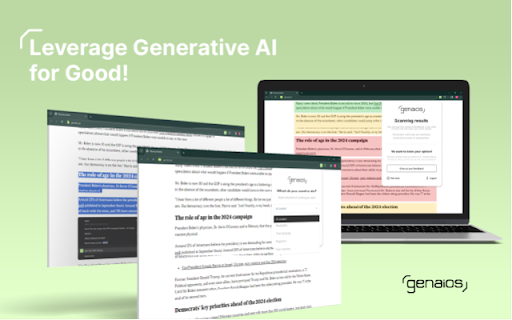
Empower users to verify content's origin and accuracy
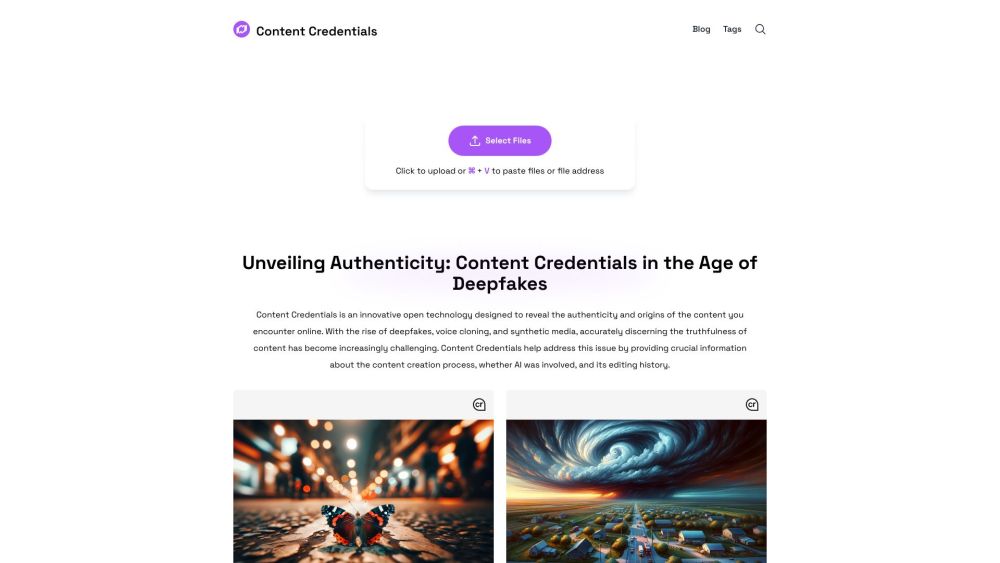
Boost transparency and authenticity with Content Credentials. Ensure your online content is trusted, verified, and credible. Secure your digital reputation today!
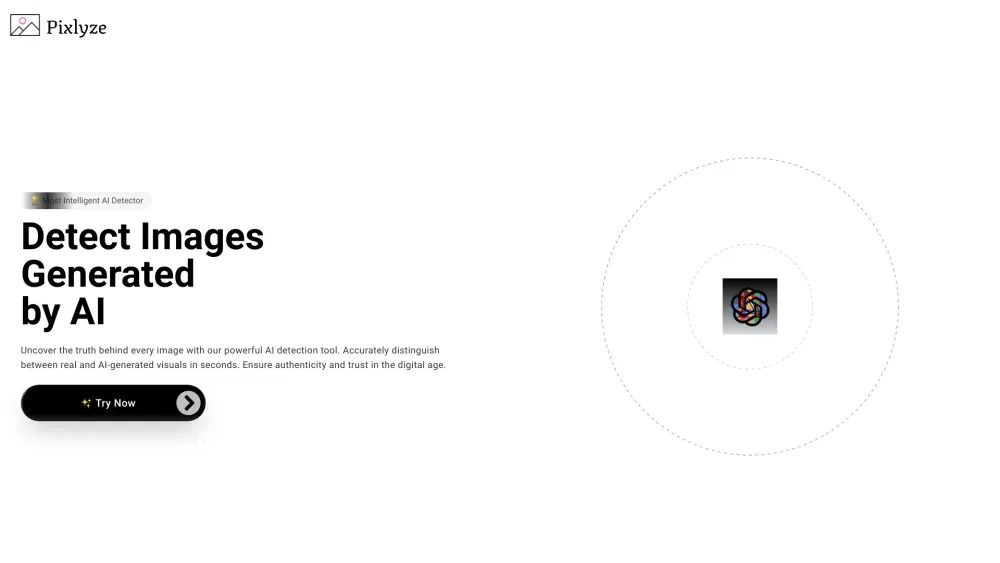
Discover authenticity in seconds with Pixlyze. Our AI-powered tool swiftly distinguishes real from AI-generated visuals, ensuring trust in every image.
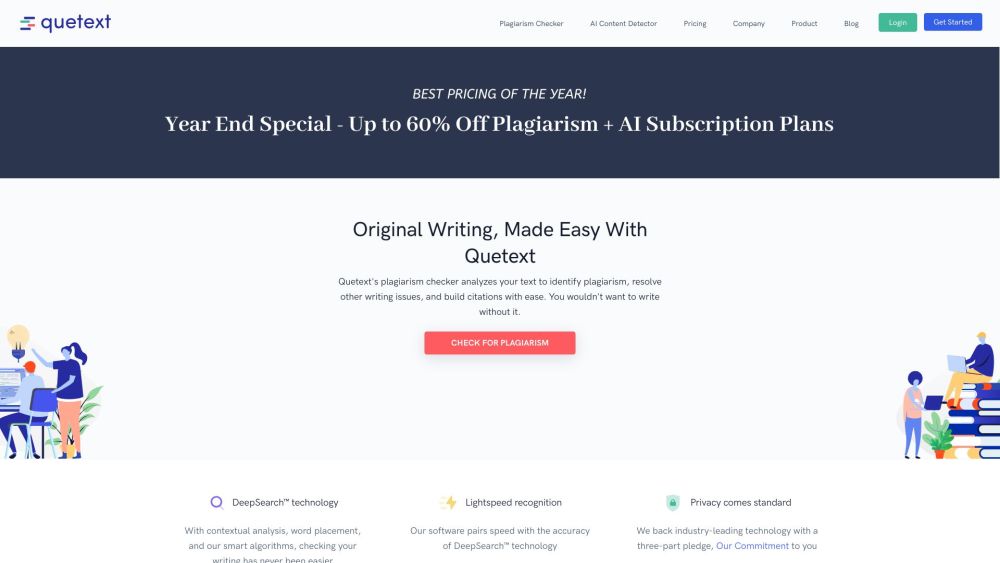
Plagiarism Checker by Quetext. Our proprietary DeepSearch™ plagiarism checker searches for similarities across billions of documents.
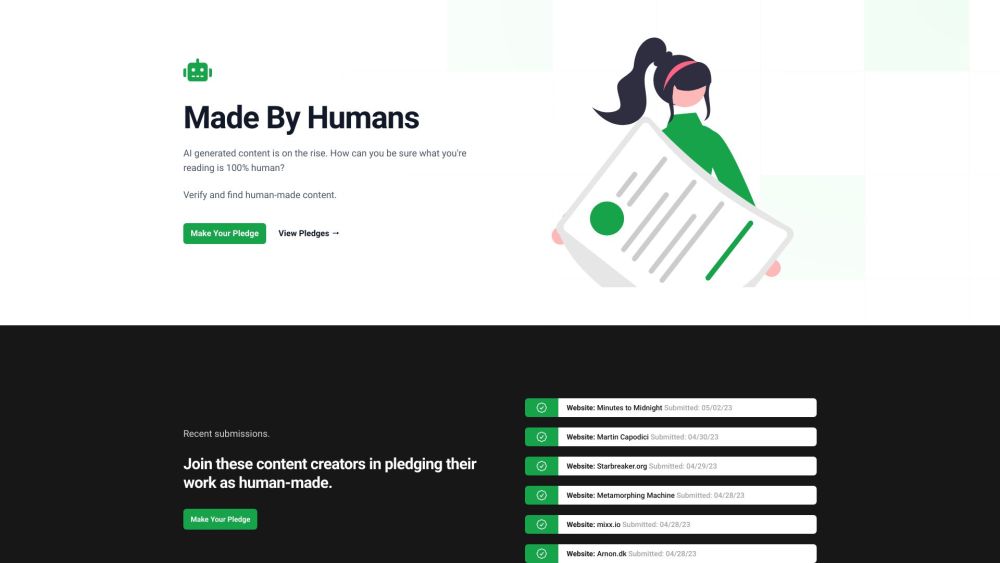
Nonbot.org: Ensure your content is human-made. Verify, pledge, and showcase genuine human creations in an AI-driven world. Stand out with authenticity.
FAQ
Practical answers to help you take the next step.
Writing and content tools help draft, revise or condense text. Drafting new material, checking language and summarizing a source require different review steps.
Compare support for source documents, style instructions, outlines and length limits. Check whether citations link to real material rather than merely looking like references.
Verify names, dates, quotations and factual claims against the original sources. Edit tone, remove repetition and make sure the text answers the intended reader’s question.
Use a real brief and a short source document. Compare factual accuracy, structure and editing time rather than accepting the longest or most confident draft.
Discover GPT Text Finder: Spot GPT-generated text on any website effortlessly. Unlock the power to identify AI-generated content like never before.
Read about GPT Text FinderDetect text authenticity.
Read about TraceGPT AI Detector - Chrome ExtensionEmpower users to verify content's origin and accuracy
Read about GenAIos - Chrome ExtensionBoost transparency and authenticity with Content Credentials. Ensure your online content is trusted, verified, and credible. Secure your digital reputation today!
Read about Content CredentialsDiscover authenticity in seconds with Pixlyze. Our AI-powered tool swiftly distinguishes real from AI-generated visuals, ensuring trust in every image.
Read about PixlyzePlagiarism Checker by Quetext. Our proprietary DeepSearch™ plagiarism checker searches for similarities across billions of documents.
Read about Quetext