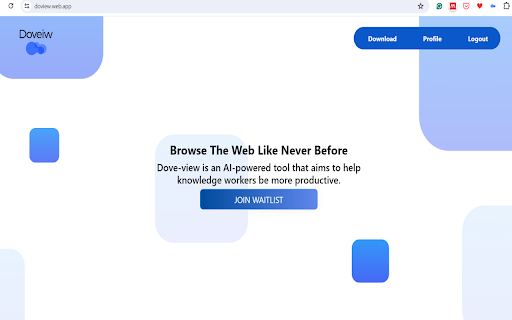
Boost your browsing with Semantify Chrome Extension! Leverage AI to enhance productivity, save time, and get smarter, more efficient online results.
Explore a specific workflow
Explore content highlighting tools through the product profiles below. Writing and content tools help draft, revise or condense text. Drafting new material, checking language and summarizing a source require different review steps.
Compare support for source documents, style instructions, outlines and length limits. Check whether citations link to real material rather than merely looking like references.
Verify names, dates, quotations and factual claims against the original sources. Edit tone, remove repetition and make sure the text answers the intended reader’s question.
Boost your browsing with Semantify Chrome Extension! Leverage AI to enhance productivity, save time, and get smarter, more efficient online results.
FAQ
Practical answers to help you take the next step.
Writing and content tools help draft, revise or condense text. Drafting new material, checking language and summarizing a source require different review steps.
Compare support for source documents, style instructions, outlines and length limits. Check whether citations link to real material rather than merely looking like references.
Verify names, dates, quotations and factual claims against the original sources. Edit tone, remove repetition and make sure the text answers the intended reader’s question.
Use a real brief and a short source document. Compare factual accuracy, structure and editing time rather than accepting the longest or most confident draft.
Boost your browsing with Semantify Chrome Extension! Leverage AI to enhance productivity, save time, and get smarter, more efficient online results.
Read about Semantify - Chrome ExtensionCheck export to plain text, Markdown, documents or your publishing system. Formatting, headings and working links matter when moving a draft into production.
Run the same small task in each shortlisted product. Compare the price per usable result, usage limits, regeneration costs and time spent correcting the output. Confirm current terms with the provider.
Check who can access uploaded material, how long it is retained and how deletion works. Use a non-confidential test file while evaluating a product.
No. The Content highlighting label groups related applications, but each product description defines its actual scope. Compare the input and output for your specific task.
Open the product profile, follow its official website link and review its documentation or plan comparison. Directory descriptions and screenshots may predate product changes.