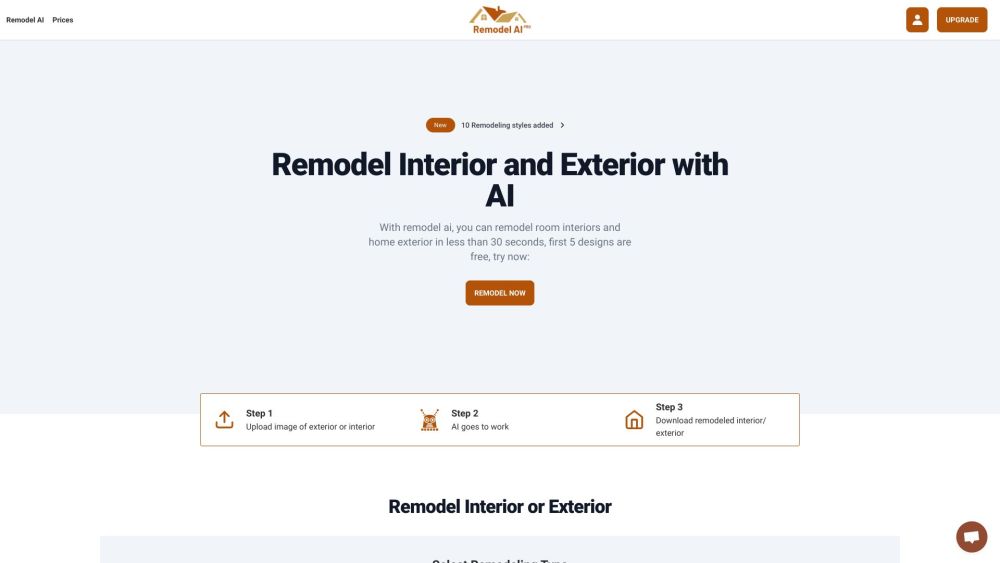
Transform your spaces effortlessly with Remodel AI—Reimagine interiors and exteriors using AI technology for stunning, personalized results.
Explore a specific workflow
Explore colors tools through the product profiles below. The collection groups applications around a shared task. Product scope can overlap, so compare the specific workflow each tool describes rather than the category name alone.
Identify the files, text or account connections your task needs. Confirm that the product accepts those inputs and offers controls for reviewing its work.
Test one representative task and inspect the result for accuracy and completeness. Record where manual corrections or extra tools are needed.
Transform your spaces effortlessly with Remodel AI—Reimagine interiors and exteriors using AI technology for stunning, personalized results.
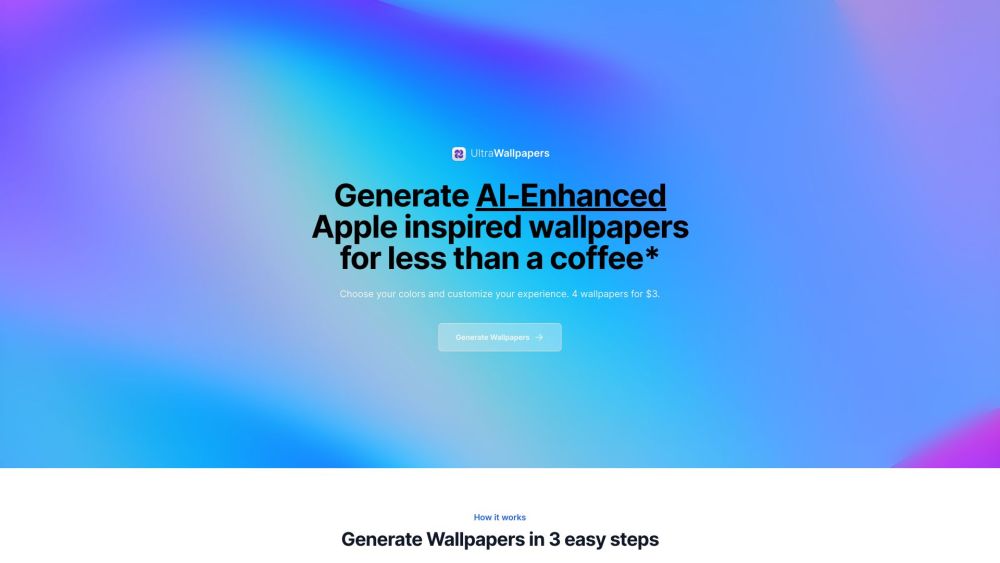
Elevate your screen with UltraWallpapers! Generate stunning, AI-driven Apple-inspired wallpapers in any color, tailored to your style.
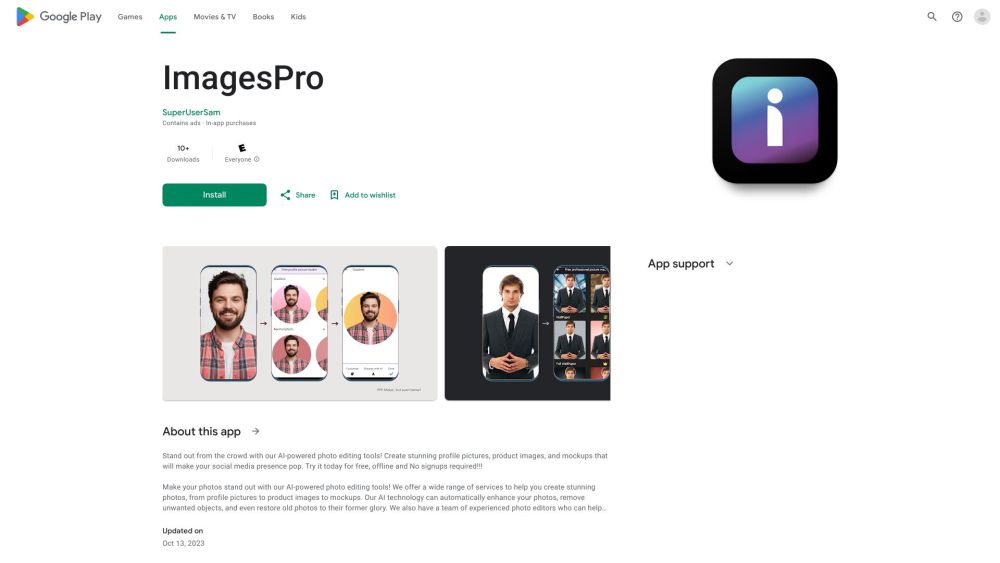
Create the perfect profile picture with PFP Maker! Enjoy endless customization options on our mobile app for a standout social media presence.
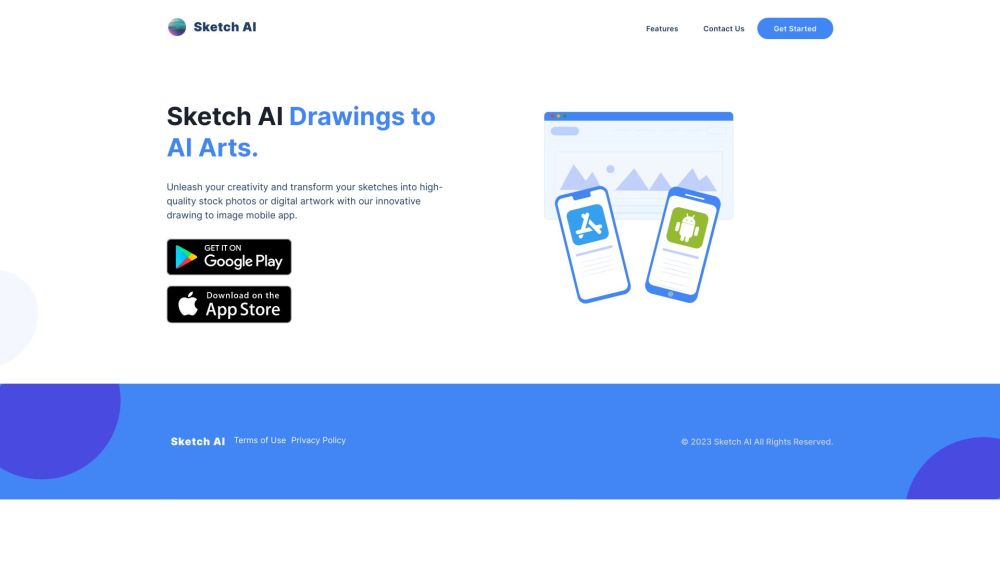
Sketch AI: Transform your sketches into high-quality images with advanced AI technology. Perfect for stock photos and digital artwork.
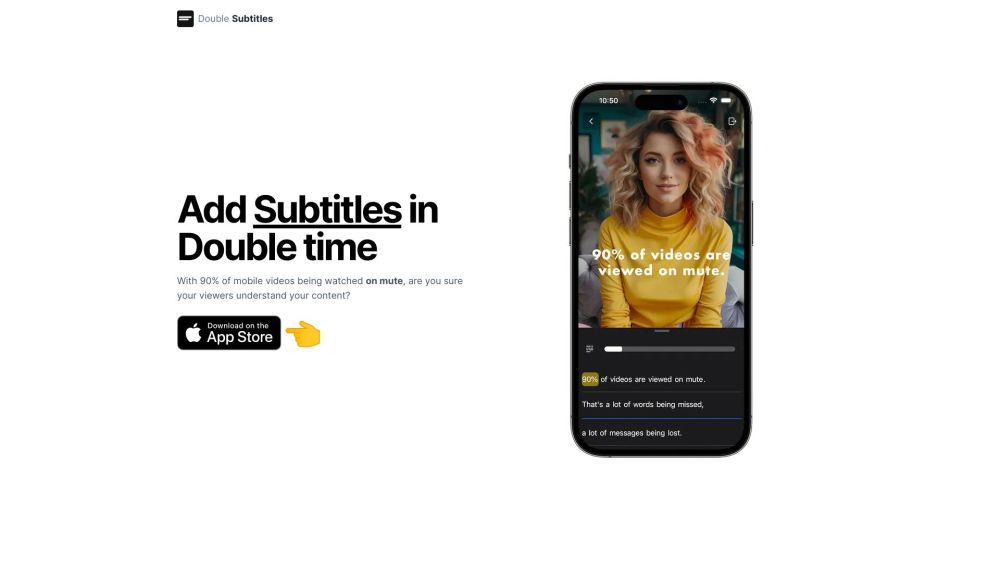
Double Subtitles: AI-powered mobile video editor for seamless, accurate subtitling. Enhance your videos effortlessly with precise subtitles.
FAQ
Practical answers to help you take the next step.
The collection groups applications around a shared task. Product scope can overlap, so compare the specific workflow each tool describes rather than the category name alone.
Identify the files, text or account connections your task needs. Confirm that the product accepts those inputs and offers controls for reviewing its work.
Test one representative task and inspect the result for accuracy and completeness. Record where manual corrections or extra tools are needed.
Choose one task with a clear success condition. Keep the input consistent, record the time spent reviewing and compare the complete workflow cost.
Transform your spaces effortlessly with Remodel AI—Reimagine interiors and exteriors using AI technology for stunning, personalized results.
Read about Remodel AIElevate your screen with UltraWallpapers! Generate stunning, AI-driven Apple-inspired wallpapers in any color, tailored to your style.
Read about UltraWallpapersCreate the perfect profile picture with PFP Maker! Enjoy endless customization options on our mobile app for a standout social media presence.
Read about PFP MakerSketch AI: Transform your sketches into high-quality images with advanced AI technology. Perfect for stock photos and digital artwork.
Read about Sketch AIDouble Subtitles: AI-powered mobile video editor for seamless, accurate subtitling. Enhance your videos effortlessly with precise subtitles.
Read about Double SubtitlesCheck export formats, integrations and whether you can keep using your work outside the service. Test a real export before committing to a longer plan.