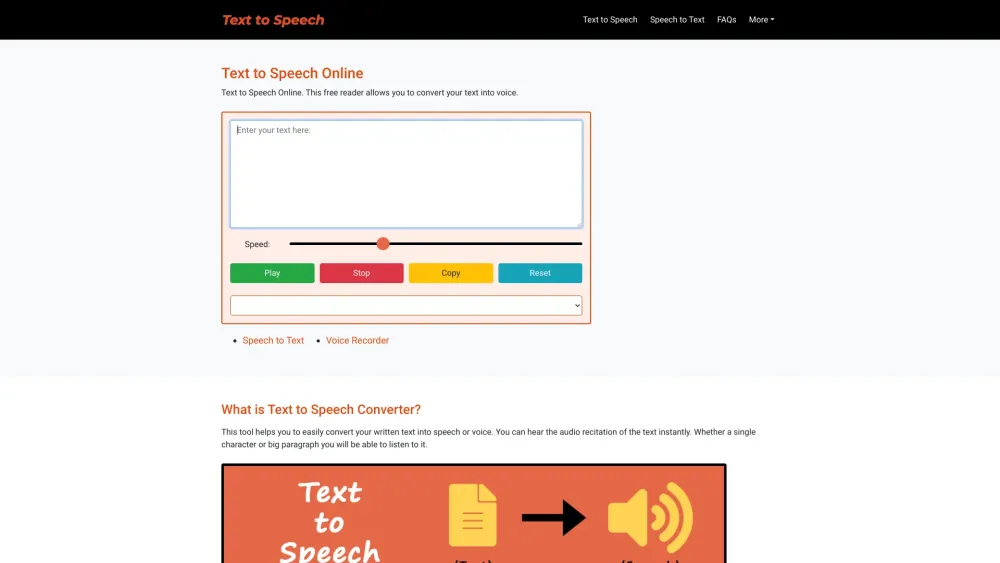
Convert text into voice effortlessly with Text to Speech Online. This free reader brings your words to life with a simple click.
Explore a specific workflow
Explore audio clarity tools through the product profiles below. Audio tools handle tasks such as transcription, speech synthesis, sound generation and editing. Distinguish converting existing audio from creating a new recording.
Compare recording length, file types, language support and speaker handling. For voice generation, check pronunciation controls and permission to use any reference voice.
Listen for mispronounced names, unnatural pauses, clipped words and noise. For transcripts, compare the text with the recording and correct speaker labels.
Convert text into voice effortlessly with Text to Speech Online. This free reader brings your words to life with a simple click.
FAQ
Practical answers to help you take the next step.
Audio tools handle tasks such as transcription, speech synthesis, sound generation and editing. Distinguish converting existing audio from creating a new recording.
Compare recording length, file types, language support and speaker handling. For voice generation, check pronunciation controls and permission to use any reference voice.
Listen for mispronounced names, unnatural pauses, clipped words and noise. For transcripts, compare the text with the recording and correct speaker labels.
Use a short recording with names, numbers and more than one speaker, or a script with difficult pronunciation. Review the exported audio or transcript in full.
Convert text into voice effortlessly with Text to Speech Online. This free reader brings your words to life with a simple click.
Read about Text to Speech OnlineCheck audio format, sample rate, separate tracks, captions and timestamp exports. Confirm that the result works in your editing or accessibility workflow.
Run the same small task in each shortlisted product. Compare the price per usable result, usage limits, regeneration costs and time spent correcting the output. Confirm current terms with the provider.
Check who can access uploaded material, how long it is retained and how deletion works. Use a non-confidential test file while evaluating a product.
No. The audio clarity label groups related applications, but each product description defines its actual scope. Compare the input and output for your specific task.
Open the product profile, follow its official website link and review its documentation or plan comparison. Directory descriptions and screenshots may predate product changes.