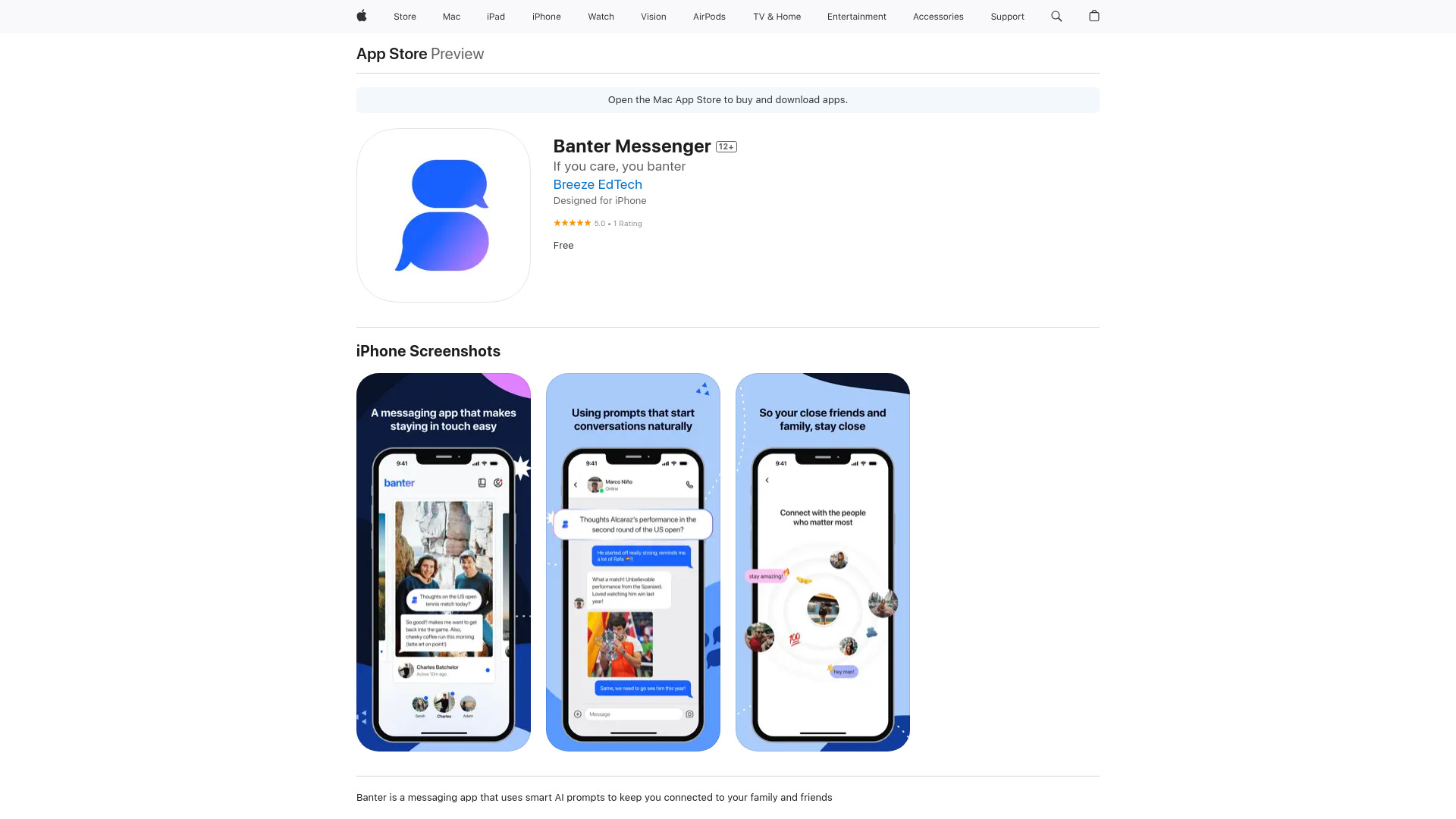
Banter Messenger: AI sparks meaningful family chats! End-to-end encryption, focused inbox, custom banners. Download the free, secure chat tool today!
Explore a specific workflow
Explore ai messaging tools through the product profiles below. The collection groups applications around a shared task. Product scope can overlap, so compare the specific workflow each tool describes rather than the category name alone.
Identify the files, text or account connections your task needs. Confirm that the product accepts those inputs and offers controls for reviewing its work.
Test one representative task and inspect the result for accuracy and completeness. Record where manual corrections or extra tools are needed.
Banter Messenger: AI sparks meaningful family chats! End-to-end encryption, focused inbox, custom banners. Download the free, secure chat tool today!

Syndie.io: AI-powered LinkedIn outreach automation—personalized, scalable, and results-driven. Discover use cases, pricing, reviews, features & top alternatives.

LeadSpot Chrome Extension: AI-powered messaging for personalized outreach. Boost engagement and close deals with smart, tailored communications.

Boost your contacts and LinkedIn engagement effortlessly with ContactBoost, the AI-powered Chrome extension for smarter networking and faster connections.

Platform for optimizing LinkedIn outreach

Chat with ChatGPT in German for free at yourchat.ai. Get answers, advice, and entertainment—no registration needed! Enjoy instant AI messaging today.

FireTexts: Harness advanced AI GPT-4 to craft perfect, personalized text messages for any occasion. Transform your communication with ease!
FAQ
Practical answers to help you take the next step.
The collection groups applications around a shared task. Product scope can overlap, so compare the specific workflow each tool describes rather than the category name alone.
Identify the files, text or account connections your task needs. Confirm that the product accepts those inputs and offers controls for reviewing its work.
Test one representative task and inspect the result for accuracy and completeness. Record where manual corrections or extra tools are needed.
Choose one task with a clear success condition. Keep the input consistent, record the time spent reviewing and compare the complete workflow cost.
Banter Messenger: AI sparks meaningful family chats! End-to-end encryption, focused inbox, custom banners. Download the free, secure chat tool today!
Read about Banter MessengerSyndie.io: AI-powered LinkedIn outreach automation—personalized, scalable, and results-driven. Discover use cases, pricing, reviews, features & top alternatives.
Read about Syndie.ioLeadSpot Chrome Extension: AI-powered messaging for personalized outreach. Boost engagement and close deals with smart, tailored communications.
Read about LeadSpot - Chrome ExtensionBoost your contacts and LinkedIn engagement effortlessly with ContactBoost, the AI-powered Chrome extension for smarter networking and faster connections.
Read about ContactBoost - AI Contact & LinkedIn BoostsChat with ChatGPT in German for free at yourchat.ai. Get answers, advice, and entertainment—no registration needed! Enjoy instant AI messaging today.
Read about yourchat.aiFireTexts: Harness advanced AI GPT-4 to craft perfect, personalized text messages for any occasion. Transform your communication with ease!
Read about FireTexts