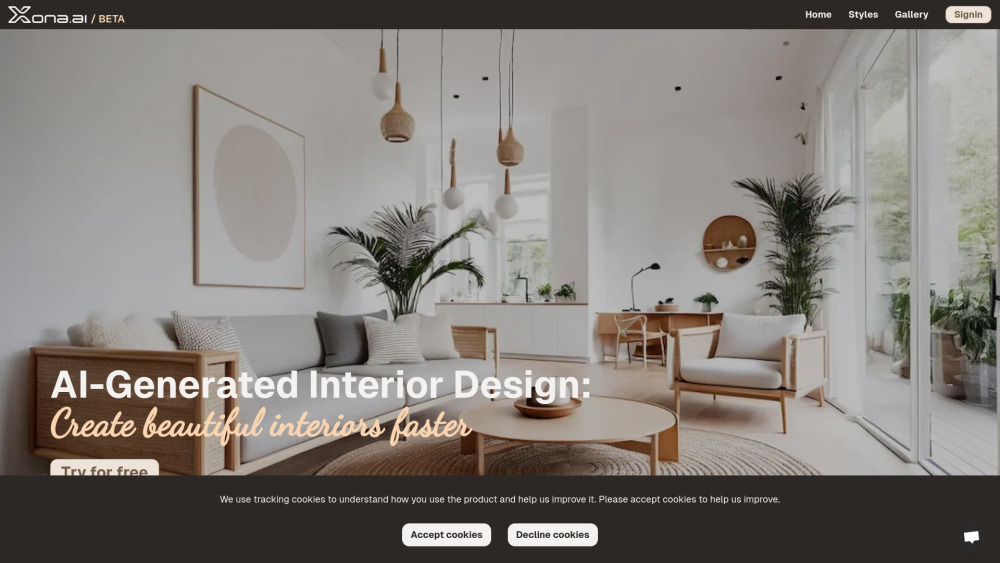
AI tool for generating customized interior designs from images.
Explore a specific workflow
Explore ai interior design tools through the product profiles below. Visual AI tools cover image generation, photo editing, enhancement and design tasks. Choose between creating a new image and modifying an existing asset before comparing products.
Look for text prompts, image references, masks or sketches as appropriate. Compare composition control, supported upload types and the ability to revise a selected area.
Inspect text, hands, edges, reflections and repeated objects at full size. Check that important product or brand details survive editing.
AI tool for generating customized interior designs from images.

Interior design magic with AI
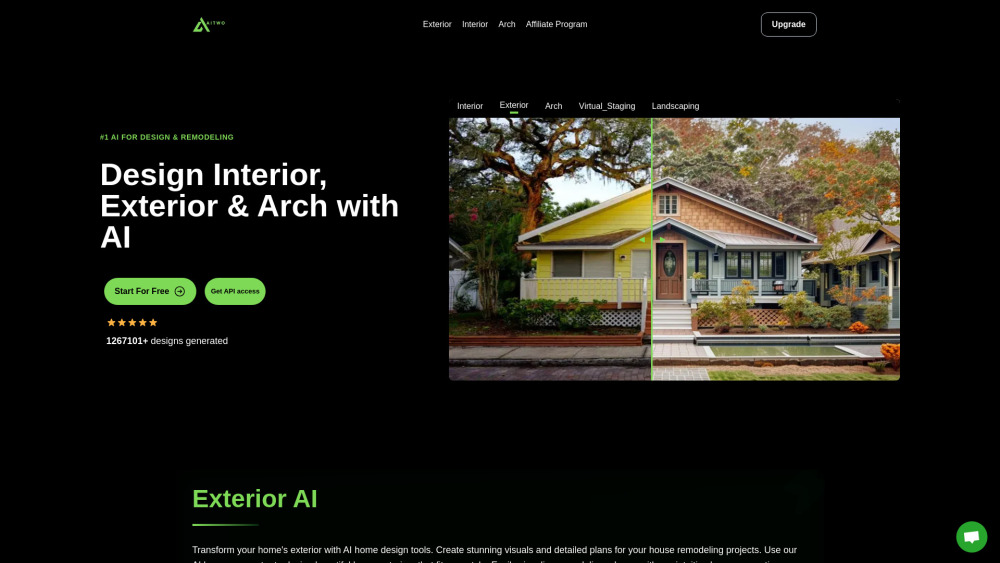
AI-based platform for designing homes

Revamp your interiors effortlessly with AI Interior Design—an AI-powered tool to transform any space into a stylish haven in just minutes.

Transform your living space with SofaBrain, the AI-powered tool for visualizing interior designs effortlessly. Design your dream home today!
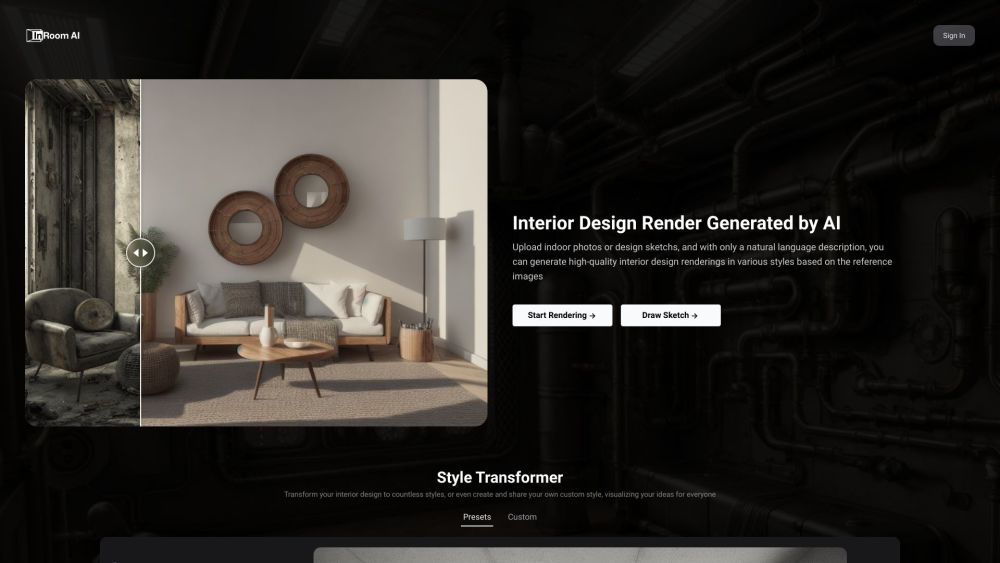
Transform your indoor sketches into high-quality design renderings with Interior Render AI. Upload your sketches and describe your vision to get results in any style.

Transform your space with Decoritt: AI-powered all-in-one online interior design solutions. Effortless design, tailored to your style.
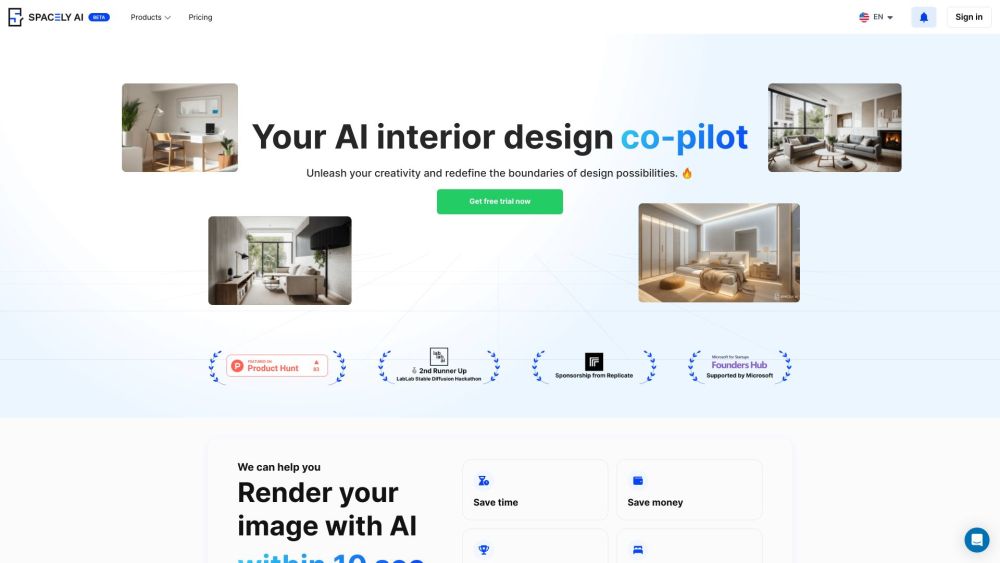
Transform your home effortlessly with Spacely AI's interior design suggestions, tailored for every bedroom, living room, and kitchen.
FAQ
Practical answers to help you take the next step.
Visual AI tools cover image generation, photo editing, enhancement and design tasks. Choose between creating a new image and modifying an existing asset before comparing products.
Look for text prompts, image references, masks or sketches as appropriate. Compare composition control, supported upload types and the ability to revise a selected area.
Inspect text, hands, edges, reflections and repeated objects at full size. Check that important product or brand details survive editing.
Prepare a brief with a subject, composition, lighting and required output size. Test a first generation and a targeted revision to see how much control you retain.
AI tool for generating customized interior designs from images.
Read about Xona.aiInterior design magic with AI
Read about **DecorionAI-based platform for designing homes
Read about AI TwoRevamp your interiors effortlessly with AI Interior Design—an AI-powered tool to transform any space into a stylish haven in just minutes.
Read about AI Interior DesignTransform your living space with SofaBrain, the AI-powered tool for visualizing interior designs effortlessly. Design your dream home today!
Read about SofaBrainTransform your indoor sketches into high-quality design renderings with Interior Render AI. Upload your sketches and describe your vision to get results in any style.
Read about Interior Render AI