
mgamate: Your 1-on-1 Copilot App for Managers | Streamline leadership with personalized insights, communication, and effective team management.
Explore a specific workflow
Explore ai filters tools through the product profiles below. The collection groups applications around a shared task. Product scope can overlap, so compare the specific workflow each tool describes rather than the category name alone.
Identify the files, text or account connections your task needs. Confirm that the product accepts those inputs and offers controls for reviewing its work.
Test one representative task and inspect the result for accuracy and completeness. Record where manual corrections or extra tools are needed.
mgamate: Your 1-on-1 Copilot App for Managers | Streamline leadership with personalized insights, communication, and effective team management.

Enhance your videos with VidMaskPro! Apply AI filters and leverage advanced Stable Diffusion technology for stunning, professional-grade visual content.
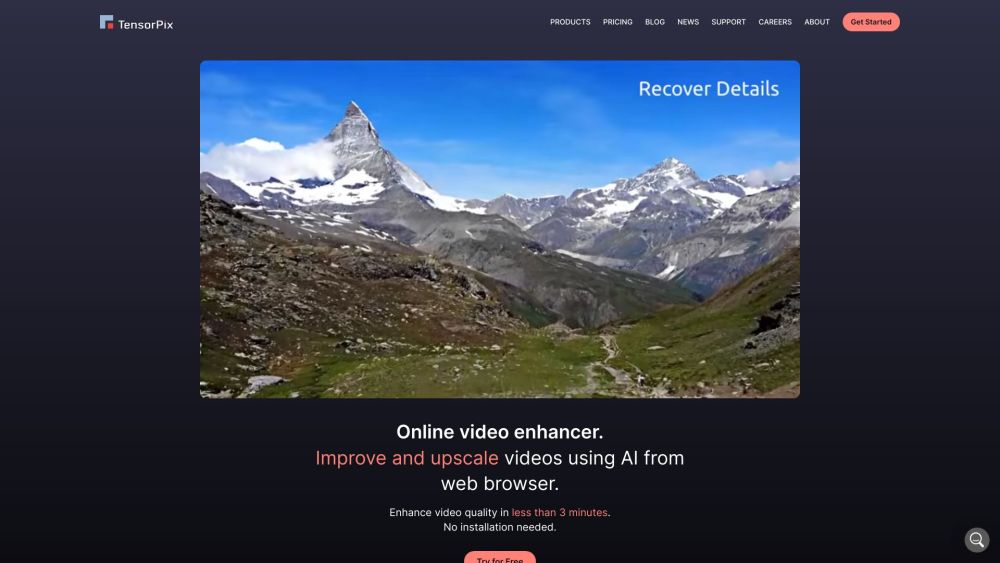
Enhance and upscale videos effortlessly with TensorPix! Our online AI boosts visual quality, making your content stunning. Upgrade your visuals now!

Stableboost: Transform words into art, edit images effortlessly, and explore limitless creativity with AI. Unleash your imagination with Stableboost today!
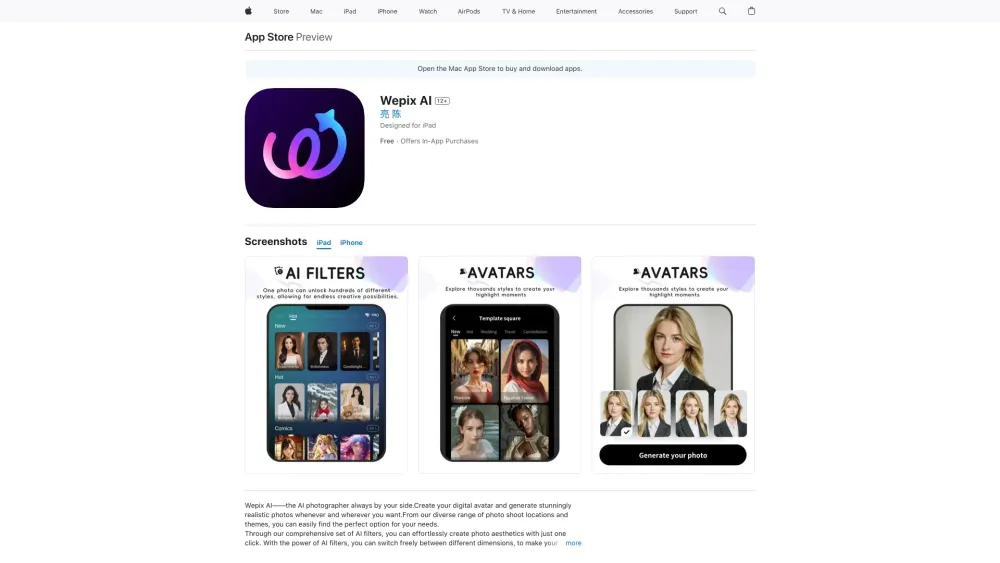
Wepix AI: Your Personal AI Photographer & Digital Avatar Creator. Instantly create stunningly realistic photos and avatars anytime, anywhere with diverse themes.
FAQ
Practical answers to help you take the next step.
The collection groups applications around a shared task. Product scope can overlap, so compare the specific workflow each tool describes rather than the category name alone.
Identify the files, text or account connections your task needs. Confirm that the product accepts those inputs and offers controls for reviewing its work.
Test one representative task and inspect the result for accuracy and completeness. Record where manual corrections or extra tools are needed.
Choose one task with a clear success condition. Keep the input consistent, record the time spent reviewing and compare the complete workflow cost.
mgamate: Your 1-on-1 Copilot App for Managers | Streamline leadership with personalized insights, communication, and effective team management.
Read about mgamateEnhance your videos with VidMaskPro! Apply AI filters and leverage advanced Stable Diffusion technology for stunning, professional-grade visual content.
Read about VidMaskProEnhance and upscale videos effortlessly with TensorPix! Our online AI boosts visual quality, making your content stunning. Upgrade your visuals now!
Read about TensorPixStableboost: Transform words into art, edit images effortlessly, and explore limitless creativity with AI. Unleash your imagination with Stableboost today!
Read about StableboostWepix AI: Your Personal AI Photographer & Digital Avatar Creator. Instantly create stunningly realistic photos and avatars anytime, anywhere with diverse themes.
Read about Wepix AICheck export formats, integrations and whether you can keep using your work outside the service. Test a real export before committing to a longer plan.