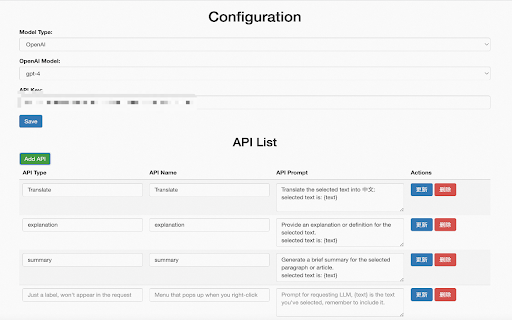
Boost productivity with QuickContext Chrome Extension! Instantly access AI-powered language models from your right-click menu for smarter, faster responses.
Explore a specific workflow
Explore ai-enabled tools through the product profiles below. The collection groups applications around a shared task. Product scope can overlap, so compare the specific workflow each tool describes rather than the category name alone.
Identify the files, text or account connections your task needs. Confirm that the product accepts those inputs and offers controls for reviewing its work.
Test one representative task and inspect the result for accuracy and completeness. Record where manual corrections or extra tools are needed.
Boost productivity with QuickContext Chrome Extension! Instantly access AI-powered language models from your right-click menu for smarter, faster responses.
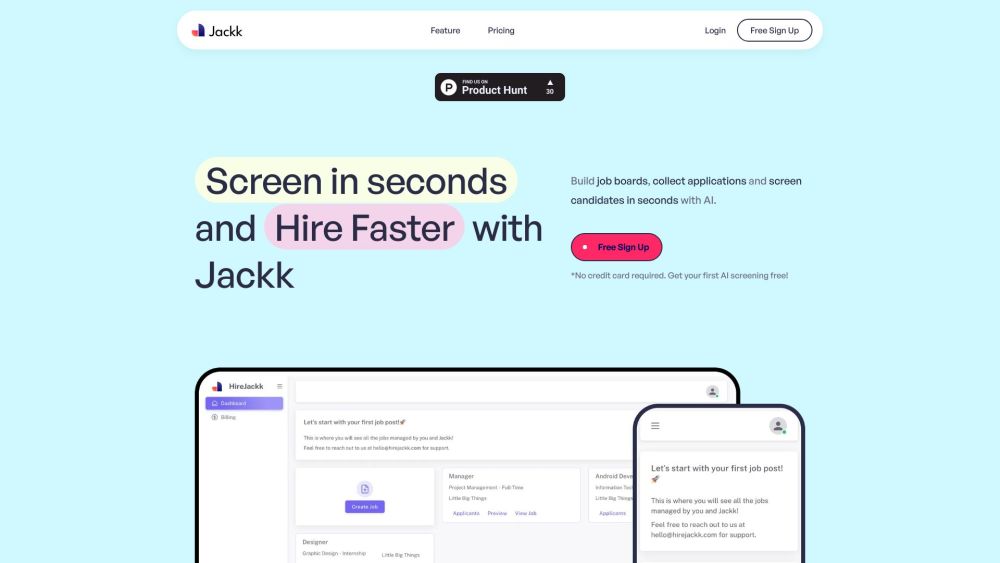
Jackk: AI-Enabled ATS – Streamline hiring for individuals & small teams with AI-powered tools, boosting efficiency and simplifying your recruitment process.

Oatmeal Health uses AI to screen and rescreen vulnerable populations for lung cancer.
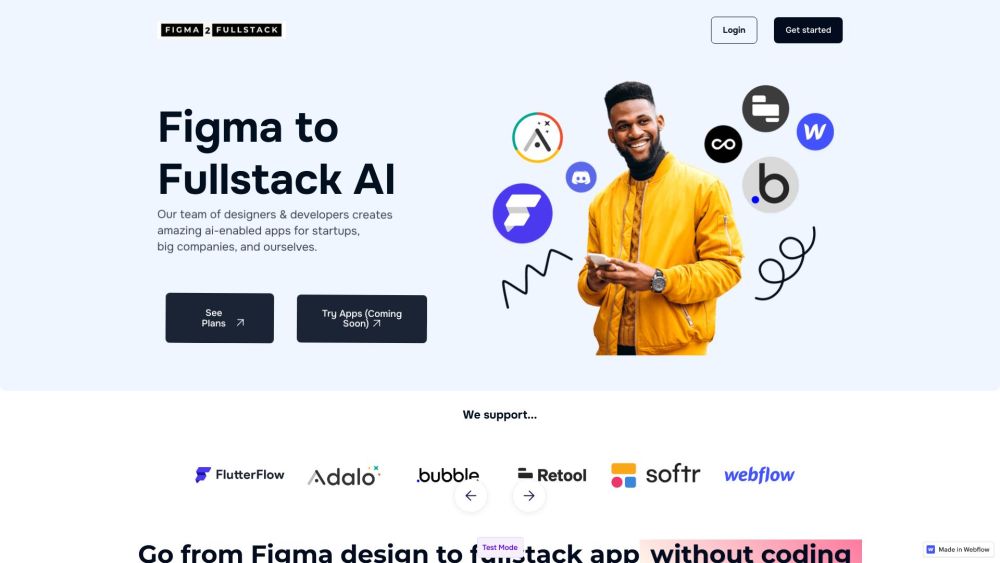
Transform your space with the sleek, modern design of '', offering unparalleled performance and style for any home.
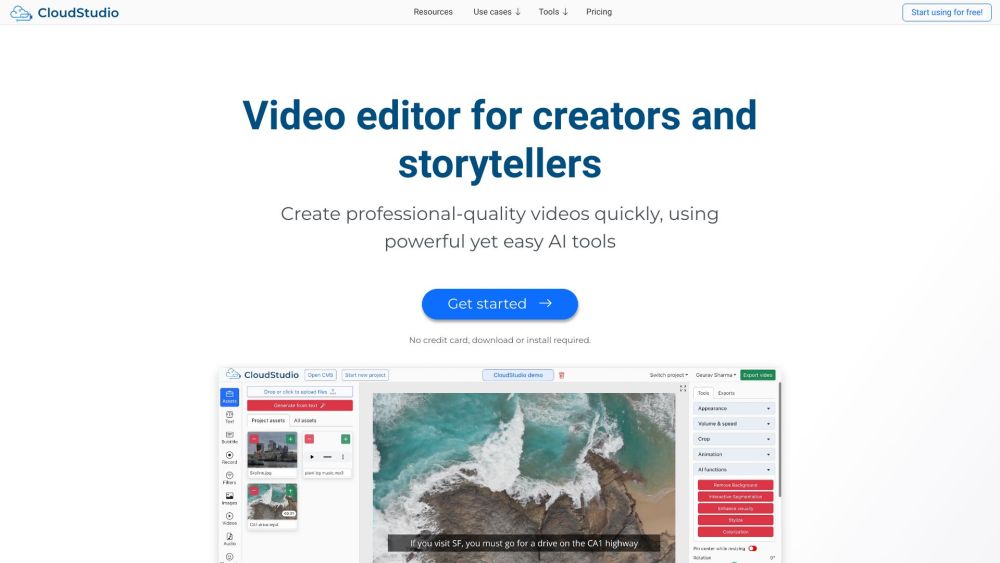
CloudStudio is a web based and AI enabled video editor. It provides powerful tools for quickly making professional videos for education, marketing, sales, training and personal use. It also has a powerful long to short form viral clips generator.
FAQ
Practical answers to help you take the next step.
The collection groups applications around a shared task. Product scope can overlap, so compare the specific workflow each tool describes rather than the category name alone.
Identify the files, text or account connections your task needs. Confirm that the product accepts those inputs and offers controls for reviewing its work.
Test one representative task and inspect the result for accuracy and completeness. Record where manual corrections or extra tools are needed.
Choose one task with a clear success condition. Keep the input consistent, record the time spent reviewing and compare the complete workflow cost.
Boost productivity with QuickContext Chrome Extension! Instantly access AI-powered language models from your right-click menu for smarter, faster responses.
Read about QuickContext - Chrome ExtensionJackk: AI-Enabled ATS – Streamline hiring for individuals & small teams with AI-powered tools, boosting efficiency and simplifying your recruitment process.
Read about JackkOatmeal Health uses AI to screen and rescreen vulnerable populations for lung cancer.
Read about Oatmeal HealthTransform your space with the sleek, modern design of '', offering unparalleled performance and style for any home.
Read about Product NameCloudStudio is a web based and AI enabled video editor. It provides powerful tools for quickly making professional videos for education, marketing, sales, training and personal use. It also has a powerful long to short form viral clips generator.
Read about CloudStudioCheck export formats, integrations and whether you can keep using your work outside the service. Test a real export before committing to a longer plan.