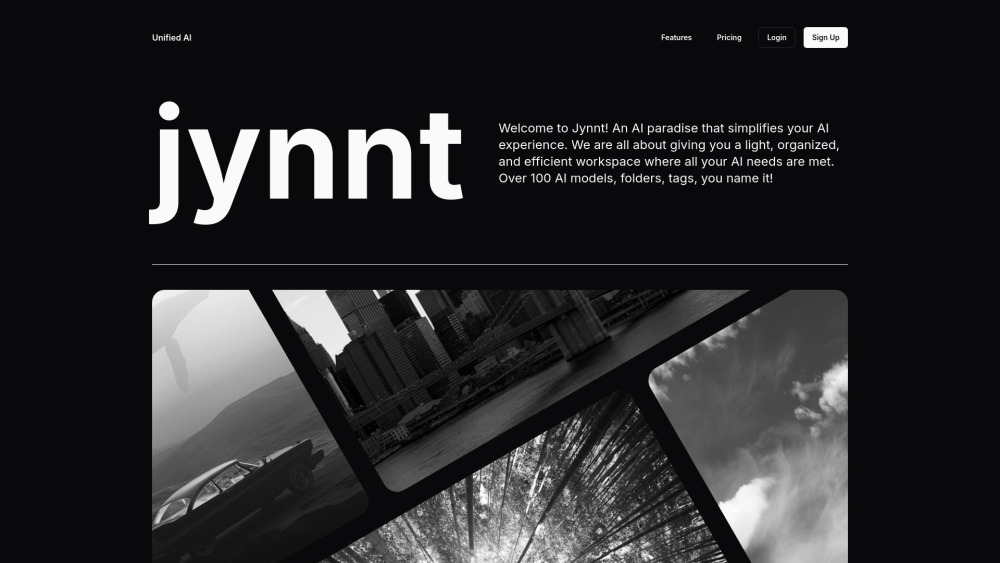
AI aggregator for a streamlined AI workspace with over 100 models.
Explore a specific workflow
Explore ai chat interface tools through the product profiles below. The collection groups applications around a shared task. Product scope can overlap, so compare the specific workflow each tool describes rather than the category name alone.
Identify the files, text or account connections your task needs. Confirm that the product accepts those inputs and offers controls for reviewing its work.
Test one representative task and inspect the result for accuracy and completeness. Record where manual corrections or extra tools are needed.
AI aggregator for a streamlined AI workspace with over 100 models.
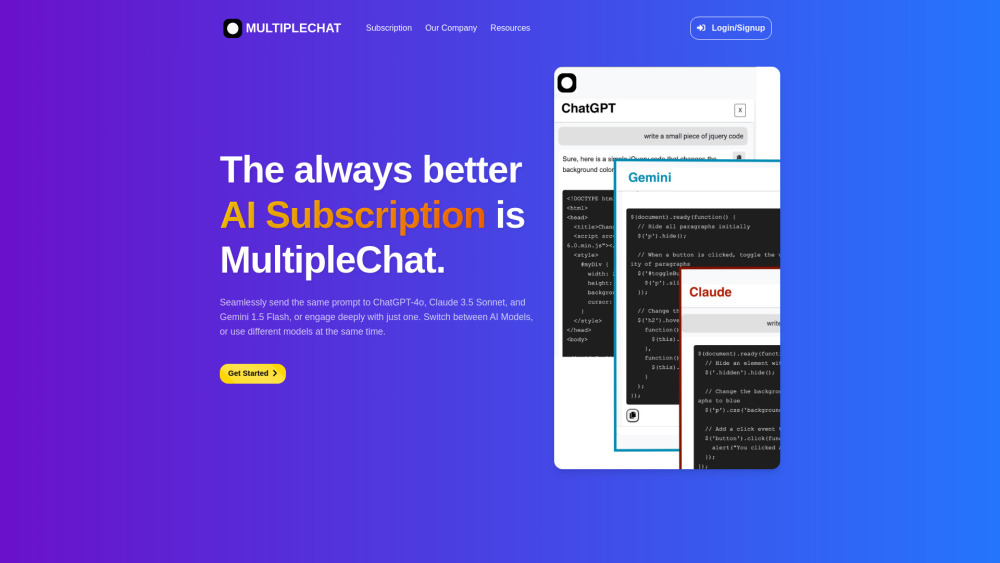
MultipleChat: Engage with multiple AI models simultaneously to gain diverse insights and make better decisions in real-time. Elevate your conversations!
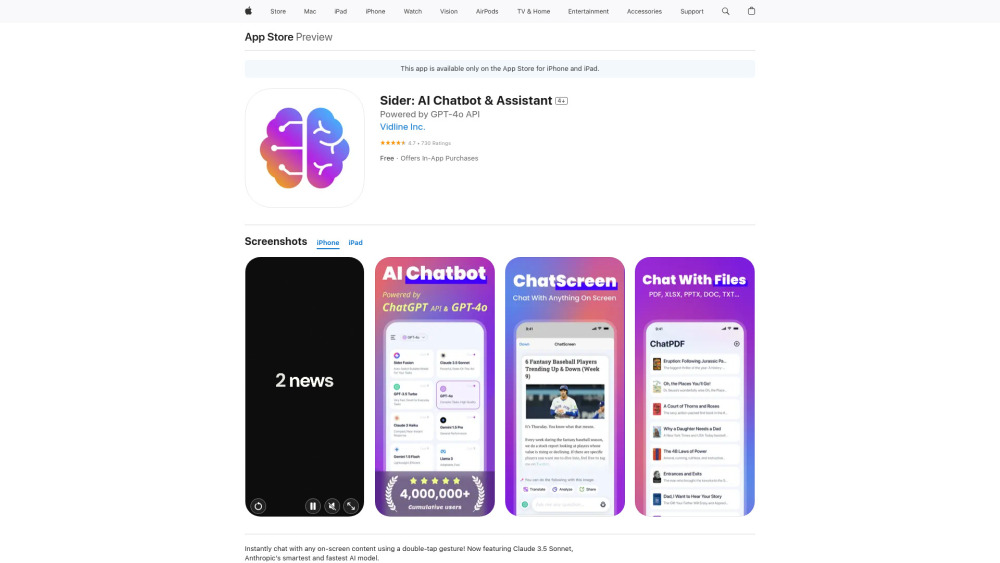
ChatScreen AI Assistant: Instantly access AI-powered insights and responses tailored to your on-screen content on iOS devices. Chat smarter, anywhere.
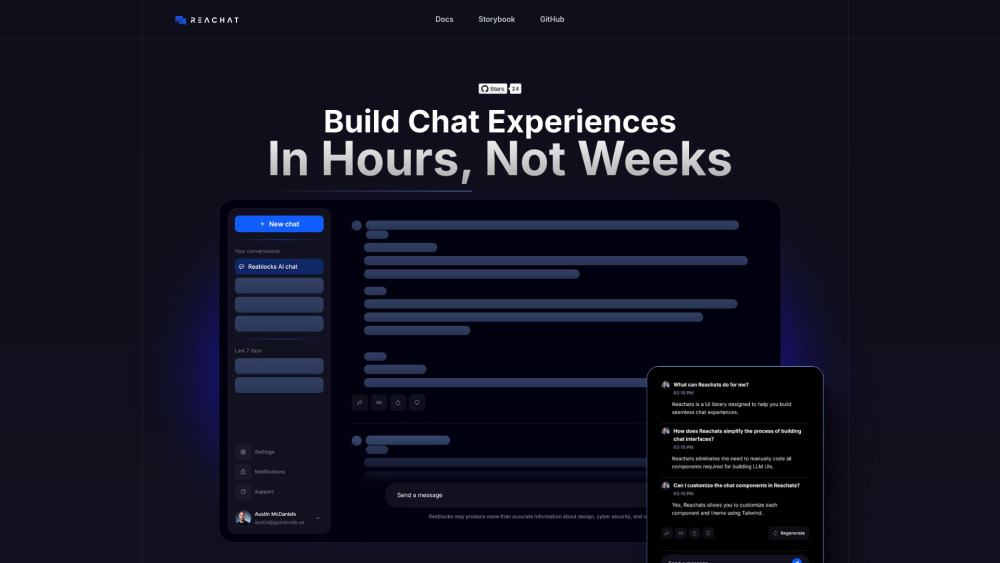
Reachat: An open-source UI library designed to streamline and enhance the creation of dynamic, customizable chat experiences for web and mobile apps.
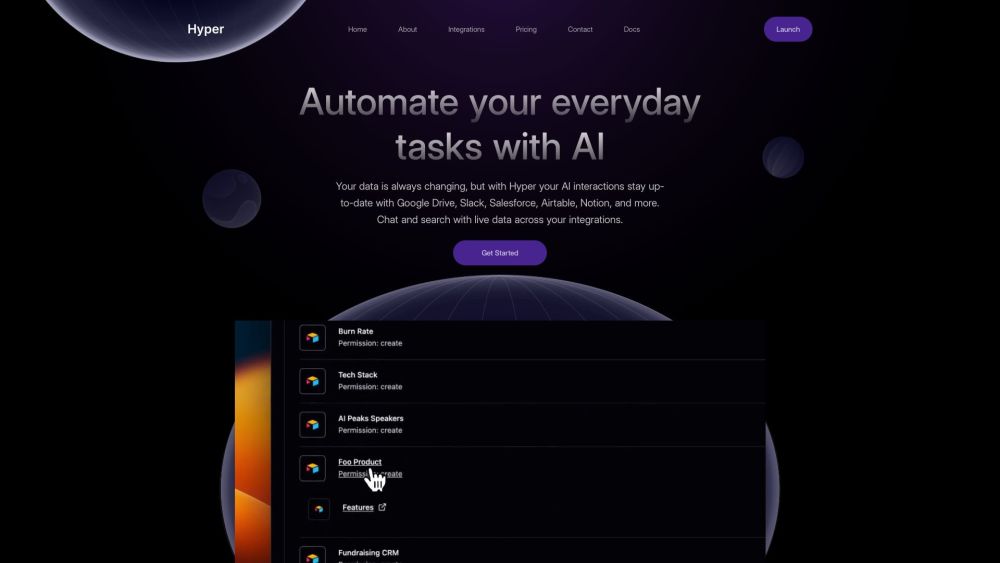
Meet Hyper: the AI-powered chat interface that unifies all your apps, enabling fast data searches and interactions for productivity.
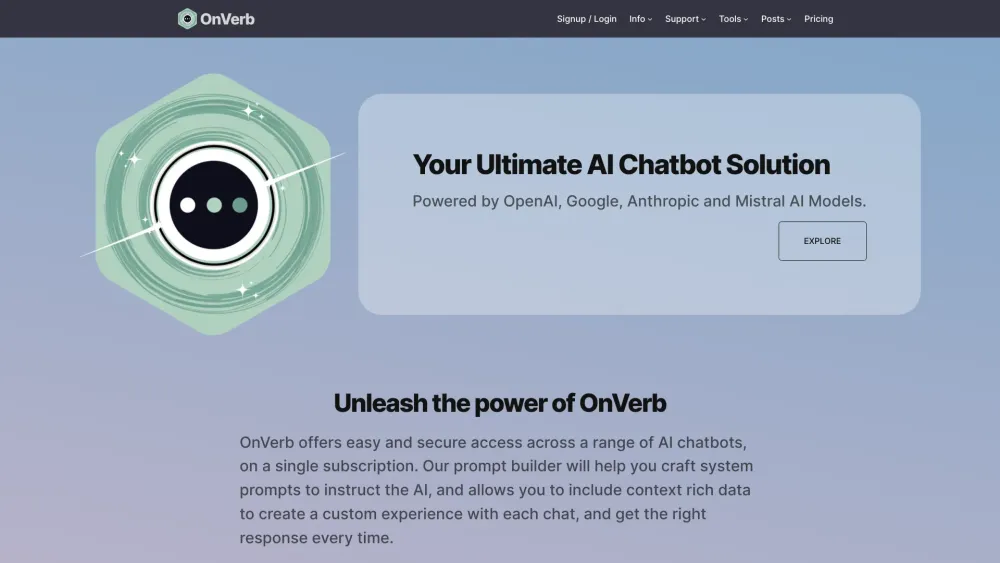
OnVerb: Advanced AI Chat Interface for High-Quality Content. Powered by GPT-3.5, Claude, Mistral, and GPT-4, it’s customizable, efficient, and secure.
FAQ
Practical answers to help you take the next step.
The collection groups applications around a shared task. Product scope can overlap, so compare the specific workflow each tool describes rather than the category name alone.
Identify the files, text or account connections your task needs. Confirm that the product accepts those inputs and offers controls for reviewing its work.
Test one representative task and inspect the result for accuracy and completeness. Record where manual corrections or extra tools are needed.
Choose one task with a clear success condition. Keep the input consistent, record the time spent reviewing and compare the complete workflow cost.
AI aggregator for a streamlined AI workspace with over 100 models.
Read about JynntMultipleChat: Engage with multiple AI models simultaneously to gain diverse insights and make better decisions in real-time. Elevate your conversations!
Read about MultipleChatChatScreen AI Assistant: Instantly access AI-powered insights and responses tailored to your on-screen content on iOS devices. Chat smarter, anywhere.
Read about ChatScreen AI AssistantReachat: An open-source UI library designed to streamline and enhance the creation of dynamic, customizable chat experiences for web and mobile apps.
Read about ReachatMeet Hyper: the AI-powered chat interface that unifies all your apps, enabling fast data searches and interactions for productivity.
Read about HyperOnVerb: Advanced AI Chat Interface for High-Quality Content. Powered by GPT-3.5, Claude, Mistral, and GPT-4, it’s customizable, efficient, and secure.
Read about OnVerb