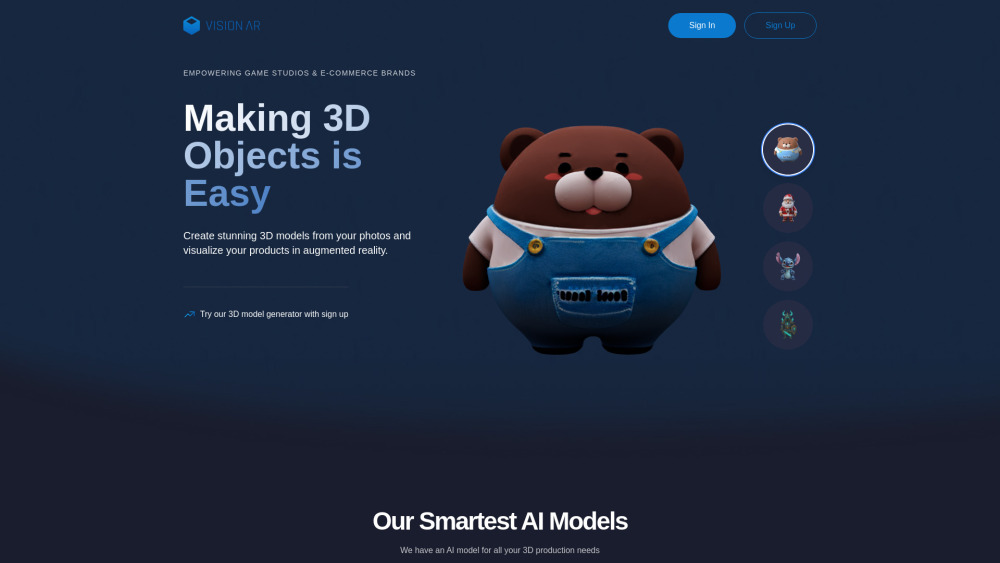
VisionAR: Turn 2D sketches into pro-grade 3D models in seconds—powered by AI. Fast, precise, and for designers & creators.
Explore a specific workflow
Explore 3d design tools through the product profiles below. Visual AI tools cover image generation, photo editing, enhancement and design tasks. Choose between creating a new image and modifying an existing asset before comparing products.
Look for text prompts, image references, masks or sketches as appropriate. Compare composition control, supported upload types and the ability to revise a selected area.
Inspect text, hands, edges, reflections and repeated objects at full size. Check that important product or brand details survive editing.
VisionAR: Turn 2D sketches into pro-grade 3D models in seconds—powered by AI. Fast, precise, and for designers & creators.
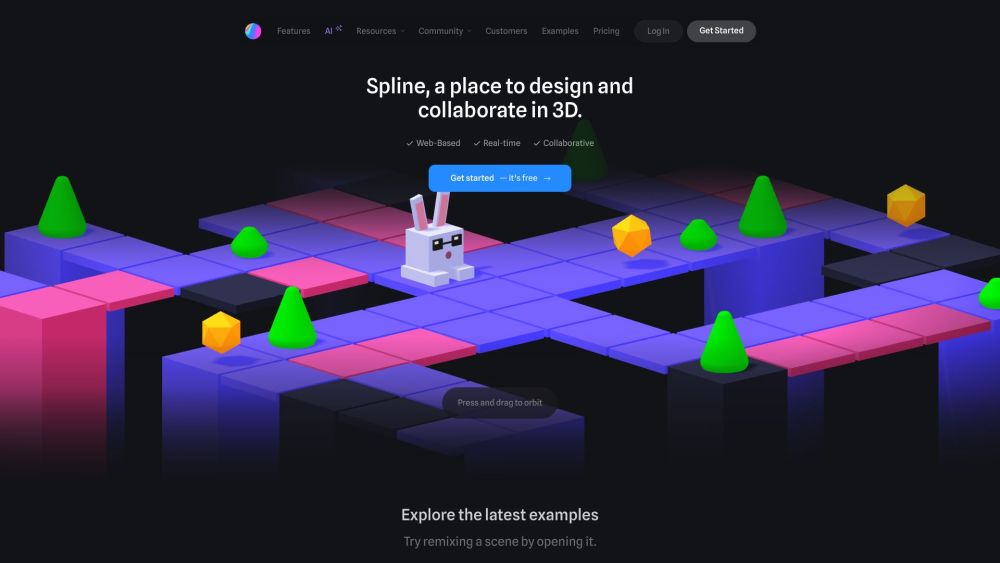
Spline is a free 3D design software with real-time collaboration that allows users to create interactive web experiences directly in the browser. It provides easy 3D modeling, animation, texture editing, and more.
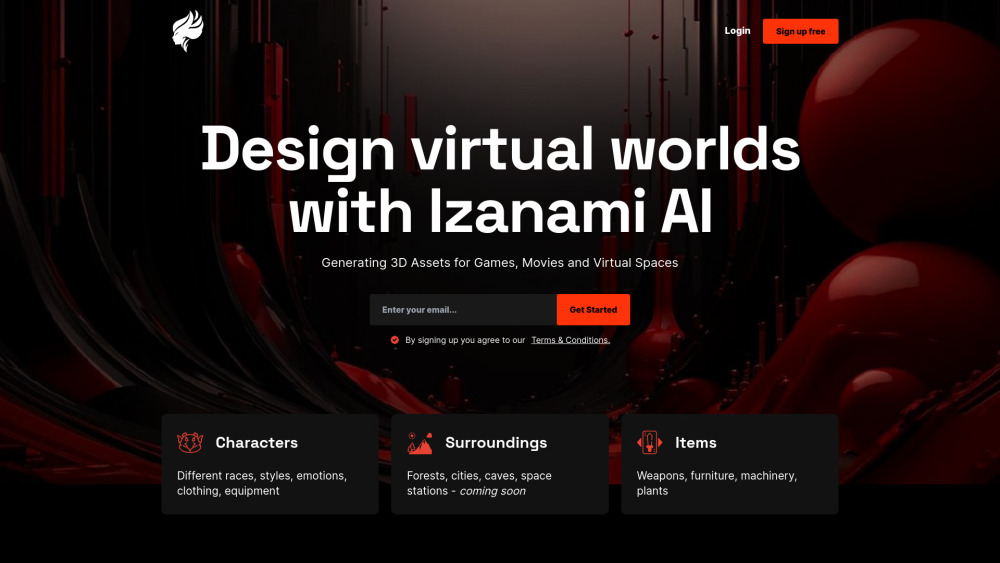
IzanamiAI: Transform ideas into engaging digital content effortlessly with our AI-powered platform. Streamline your content creation in minutes.
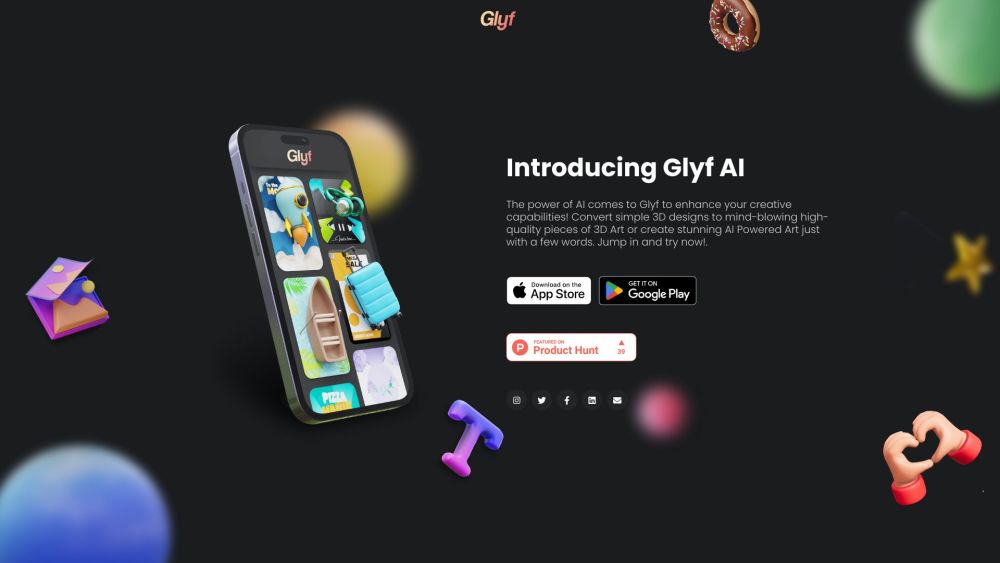
Glyf: 3D Designs with AI-Powered Mobile App - Create breathtaking 3D designs effortlessly on your phone with Glyf's powerful AI-driven app.
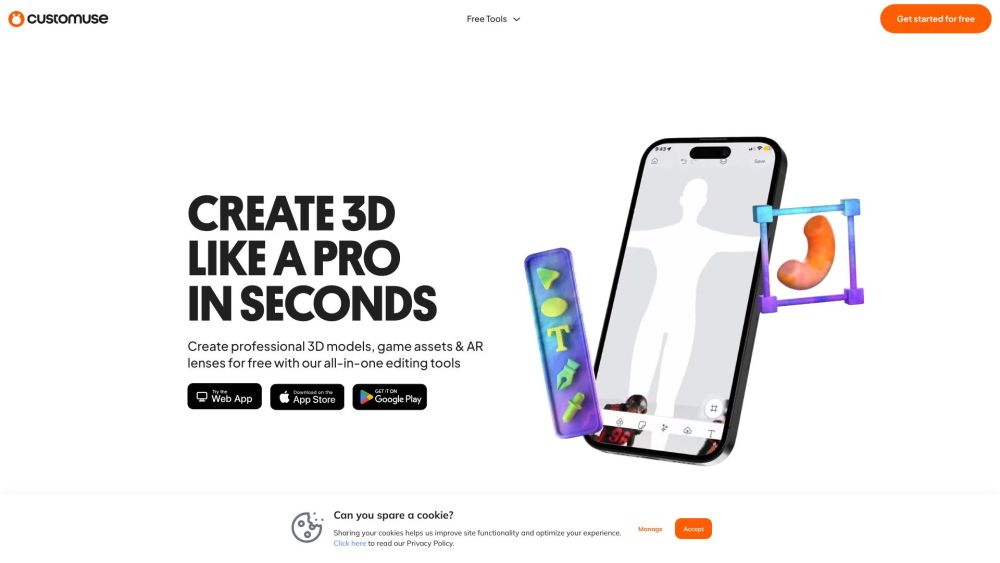
Customuse: Create 3D designs, AR filters, and game skins effortlessly in your browser. Use your phone and AI tools to design clothing mockups for free!
FAQ
Practical answers to help you take the next step.
Visual AI tools cover image generation, photo editing, enhancement and design tasks. Choose between creating a new image and modifying an existing asset before comparing products.
Look for text prompts, image references, masks or sketches as appropriate. Compare composition control, supported upload types and the ability to revise a selected area.
Inspect text, hands, edges, reflections and repeated objects at full size. Check that important product or brand details survive editing.
Prepare a brief with a subject, composition, lighting and required output size. Test a first generation and a targeted revision to see how much control you retain.
VisionAR: Turn 2D sketches into pro-grade 3D models in seconds—powered by AI. Fast, precise, and for designers & creators.
Read about VisionARSpline is a free 3D design software with real-time collaboration that allows users to create interactive web experiences directly in the browser. It provides easy 3D modeling, animation, texture editing, and more.
Read about SplineIzanamiAI: Transform ideas into engaging digital content effortlessly with our AI-powered platform. Streamline your content creation in minutes.
Read about IzanamiAIGlyf: 3D Designs with AI-Powered Mobile App - Create breathtaking 3D designs effortlessly on your phone with Glyf's powerful AI-driven app.
Read about GlyfCustomuse: Create 3D designs, AR filters, and game skins effortlessly in your browser. Use your phone and AI tools to design clothing mockups for free!
Read about CustomuseCompare pixel dimensions, transparency, file formats and any enlargement options. Confirm that the downloaded result works in your design or publishing software.