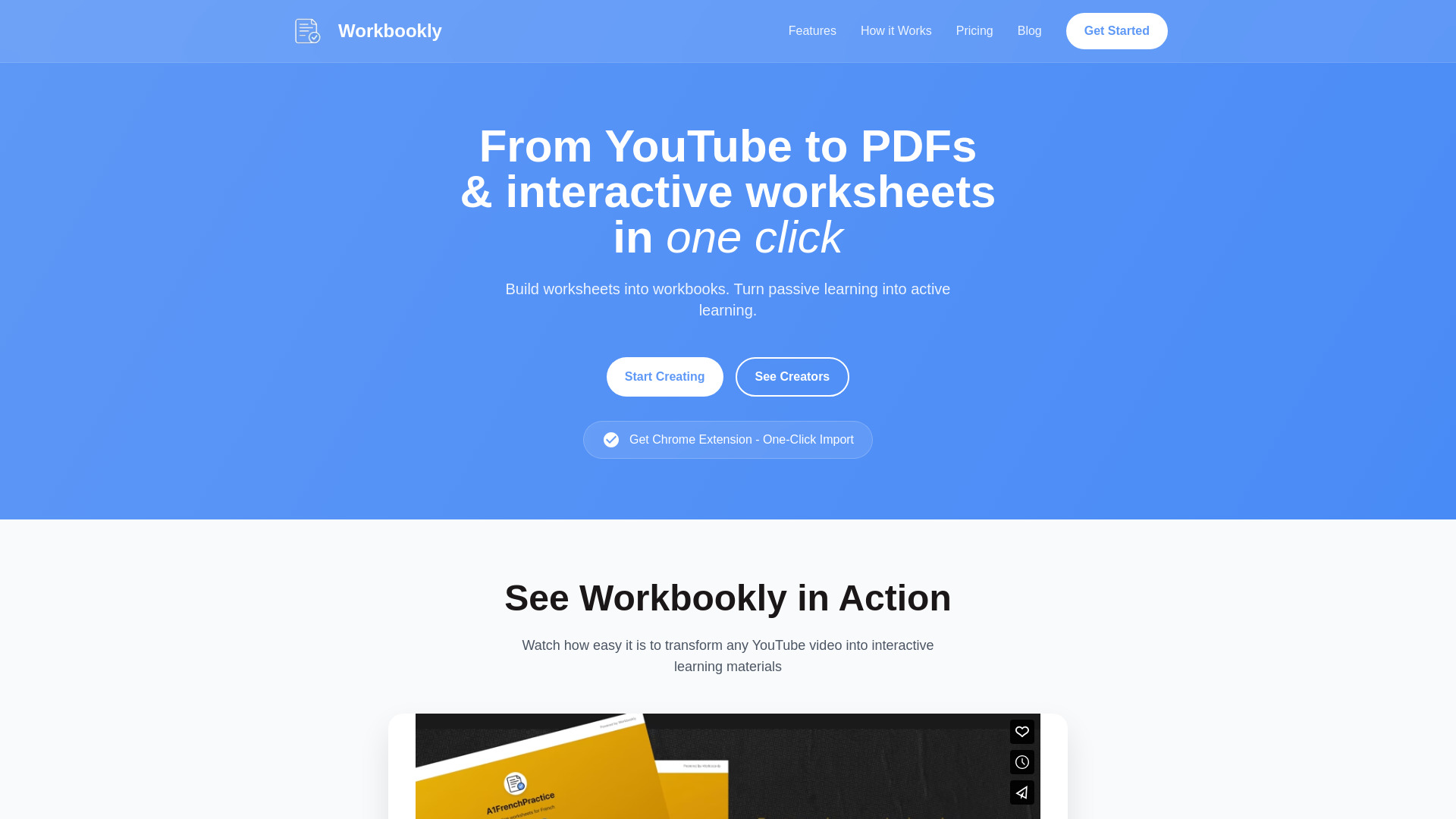
Workbookly Turns YouTube Videos into Interactive PDF Learning Resources
Workbookly is an AI-powered educational platform that helps teachers, tutors, and digital creators transform YouTube content into structured learning experiences. Instead of asking students to watch a video passively, educators can use the platform to produce interactive quizzes, guided activities, review questions, and polished PDF workbooks based on the material. Workbookly examines the supplied video transcript, identifies the most valuable ideas, and organizes them into student-friendly exercises that support comprehension, revision, and practical learning.
How Workbookly Creates Learning Materials
Getting started with Workbookly is designed to be simple for users with any level of technical experience. Add a YouTube link, insert a transcript, or use the Chrome Extension while browsing educational content. The platform processes the available information and prepares a draft workbook featuring questions and activities related to the video. Educators can then review the generated material, make adjustments, and shape the final resource around their students, subject area, and lesson objectives.
Once the content is ready, Workbookly allows you to share it through a personalized learning hub or export it as a professionally arranged PDF. Students can complete selected activities online, use the workbook during a lesson, or download it for independent practice. This flexible approach makes it easier to connect video lessons with classroom instruction, homework, tutoring sessions, and self-directed study.
Workbookly Features for Educators and Creators
- Automatic Quiz Creation: Workbookly uses artificial intelligence to turn video information into useful assessment activities. Generate multiple-choice questions, gap-fill tasks, matching exercises, and other practice formats without writing every item manually.
- YouTube Content Conversion: Import a video through its URL, transcript, or the connected Chrome Extension. The system reviews the source material and helps organize its main themes into a coherent workbook structure.
- Interactive PDF Workbooks: Produce clean, classroom-ready PDF resources that combine explanations, questions, and written activities. Finished workbooks can be printed, shared digitally, or saved for later revision.
- Editable Learning Content: Review and refine the AI-generated material before publishing. Adjust wording, replace questions, add instructions, change the sequence of activities, and adapt the difficulty to suit your learners.
- Branded Learning Space: Publish resources in a custom learning hub that reflects your teaching identity or creator brand. Students can find online practice and downloadable materials in one organized location.
- Support for Multiple Languages: Develop learning resources for different language groups and educational contexts. Multilingual functionality can help teachers create materials for language lessons and internationally focused courses.
These tools help reduce the preparation time involved in turning video content into usable teaching resources while giving educators control over the final learning experience.
Reasons to Use Workbookly for Video-Based Learning
Video is an effective way to introduce explanations, demonstrations, conversations, and real-world examples, yet students often need additional activities to process what they have watched. Workbookly adds that layer of active participation by converting important details from a video into questions and guided practice. Teachers can spend more time supporting learners and less time building every worksheet from the beginning.
The platform also combines digital convenience with familiar printable materials. A workbook can support a live classroom discussion, provide follow-up practice after a remote lesson, or give students a structured way to review a topic independently. Because the generated content remains editable, educators can align each quiz and activity with a particular curriculum, learning level, or assessment goal. Custom branding and publishing options also help content creators offer a more complete experience around their YouTube channels and online courses.
Practical Uses for Workbookly
Language instructors can use Workbookly to build listening comprehension tasks from interviews, news clips, documentaries, and conversations. A teacher might create vocabulary questions, sentence-completion activities, or matching exercises that help students notice new expressions and apply them in context. The same process can support grammar review when the selected video contains examples of a target language structure.
In subjects such as science, history, business, and personal development, educators can turn explanatory videos into review sheets and knowledge checks. Students may answer comprehension questions during a lesson, complete a PDF as homework, or use the activities to prepare for an examination. Tutors can create resources for individual learners, while course creators can publish companion workbooks that add value to a video library. Workbookly is also suitable for flipped classrooms, online programs, workshops, and independent learning plans where students benefit from having clear activities alongside video instruction.