AI Advertising Assistant

Wonder Dynamics

Create live-action CG animations effortlessly with Wonder Dynamics. No motion capture or costly gear needed—just a camera and our AI tool.

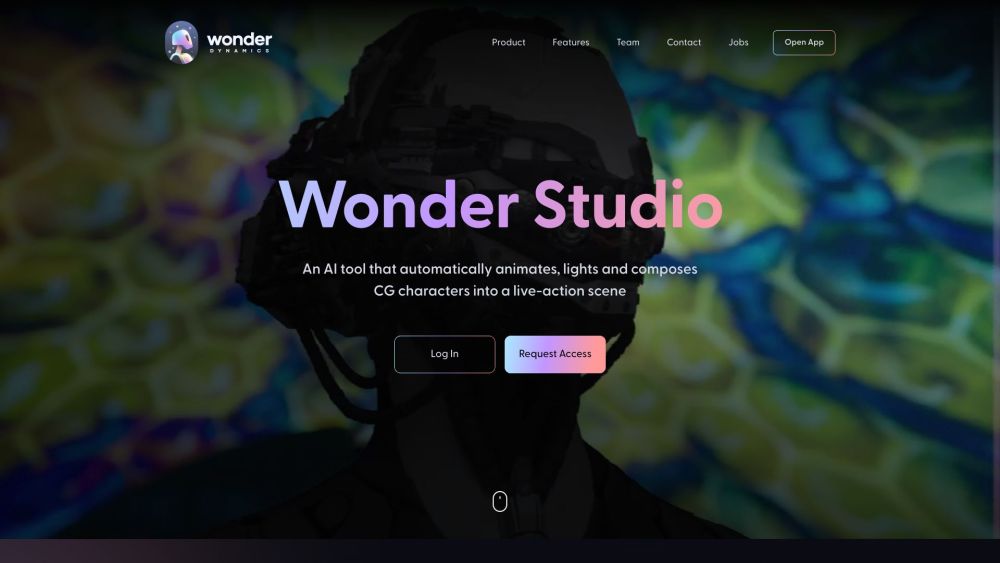
Wonder Dynamics website preview

Wonder Dynamics Website screenshot

What is Wonder Dynamics?

Wonder Dynamics is a revolutionary AI-driven tool designed to seamlessly animate, light, and composite CG characters into live-action scenes. This cutting-edge technology removes the need for traditional motion capture, complex 3D software, and costly production equipment. With just a camera, you can harness the power of Wonder Dynamics.

How to use Wonder Dynamics?

Using Wonder Dynamics is straightforward. Upload your CG character model into a shot or entire scene, and the system will automatically identify cuts and track actor movements throughout the footage. It captures the actor’s performance from single-camera setups and transfers it to the CG character, automating the animation, lighting, and compositing processes seamlessly.

Wonder Dynamics's Core Features

Automatic animation, lighting, and compositing for CG characters in live-action scenes

Eliminates the need for motion capture or complex 3D software

Simple upload and tracking of CG character models

Automated detection of scene cuts and actor movements

Transfers actor performances to CG characters

Integration with existing VFX pipelines

Wonder Dynamics's Use Cases

Create VFX shots effortlessly without sophisticated software or hardware

Integrate CG characters into live-action scenes with ease

Streamline animation, lighting, and compositing workflows

Save time and resources by eliminating the need for motion capture and detailed VFX work

Product source: Wonder Dynamics official website. Check the provider for current plans, limits and availability.

FAQ

Wonder Dynamics questions and answers

Product context and practical checks for evaluating Wonder Dynamics.

What is Wonder Dynamics used for?

Create live-action CG animations effortlessly with Wonder Dynamics. No motion capture or costly gear needed—just a camera and our AI tool.

How do I get started with Wonder Dynamics?

Using Wonder Dynamics is straightforward. Upload your CG character model into a shot or entire scene, and the system will automatically identify cuts and track actor movements throughout the footage. It captures the actor’s performance from single-camera setups and transfers it to the CG character, automating the animation, lighting, and compositing processes seamlessly.

Which capabilities are described for Wonder Dynamics?

Automatic animation, lighting, and compositing for CG characters in live-action scenesEliminates the need for motion capture or complex 3D softwareSimple upload and tracking of CG character modelsAutomated detection of scene cuts and actor movementsTransfers actor performances to CG charactersIntegration with existing VFX pipelines

What projects can I evaluate Wonder Dynamics for?

Create VFX shots effortlessly without sophisticated software or hardwareIntegrate CG characters into live-action scenes with easeStreamline animation, lighting, and compositing workflowsSave time and resources by eliminating the need for motion capture and detailed VFX work Wonder Dynamics Discord Join the Wonder Dynamics community on Discord: https://discord.com/invite/ncx6YC5Eus. For more information, click here(/discord/ncx6yc5eus). Wonder Dynamics Support Email & Customer Service Contact Wonder Dynamics support at: [email protected]. For additional contact information, visit the contact us page(https://wonderdynamics.com/#contact). Wonder Dynamics Company Information Company name: Wonder Dynamics. Address: 9200 Sunset Blvd. #600, Los Angeles, CA 90069, United States; Zeleznicka 7, Novi Sad, Serbia. Wonder Dynamics Login Login here: https://app.wonderdynamics.com/ Wonder Dynamics Sign up Sign up here: https://app.wonderdynamics.com/ Wonder Dynamics Pricing Check pricing details: https://wonderdynamics.com/pricing/ Wonder Dynamics LinkedIn Connect on LinkedIn: https://www.linkedin.com/company/wonder-dynamics/ Wonder Dynamics Twitter Follow on Twitter: https://twitter.com/wonderdynamics?lang=en Wonder Dynamics Instagram Follow on Instagram: https://www.instagram.com/wonderdynamics/?hl=en

What should I compare before choosing a Wonder Dynamics plan?

Check pricing details: https://wonderdynamics.com/pricing/ Confirm current prices and allowances on the provider’s website before purchasing.

What inputs should I prepare for a Wonder Dynamics trial?

Compare text prompts, reference frames, source footage and audio support. Check duration, aspect ratio and whether the tool lets you keep a subject consistent between shots.

How can I check the quality of a Wonder Dynamics result?

Watch the entire clip for motion errors, distorted objects, changing identities, lip-sync problems and abrupt transitions. Inspect the downloaded file as well as the preview.

Which export options should I check in Wonder Dynamics?

Check export resolution, frame rate, aspect ratio, audio tracks and watermark rules. A good preview is not a substitute for an export that fits your publishing channel.

What is a practical way to test Wonder Dynamics against alternatives?

Use a short shot with one subject and one camera movement. Keep the prompt and duration constant, then compare usable seconds and the number of regenerations.

Where is the official Wonder Dynamics website?

The website linked from this profile is https://wonderdynamics.com. Use the provider’s own documentation, account area and support channels to confirm current product details.

Visit Wonder Dynamics