Table of contents
Widya Wicara - Chrome Extension : Transcription in Google Meet
Transform your Google Meet experience with Widya Wicara! Enjoy seamless, accurate transcriptions in real-time, enhancing collaboration and clarity.
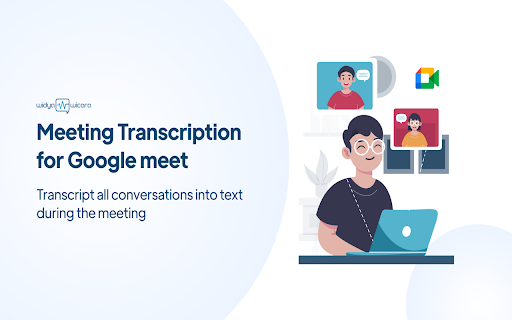
What is the Widya Wicara Chrome Extension?
A Seamless Speech-to-Text Solution for Google Meet
How to Get Started with the Widya Wicara Chrome Extension
Key Features of the Widya Wicara Chrome Extension
Instant Speech-to-Text Transcription
Seamless API Key Integration
User-friendly Chrome Extension
Practical Applications of the Widya Wicara Chrome Extension
Frequently Asked Questions About the Widya Wicara Chrome Extension
What is Widya Wicara?
A seamless integration for Speech-to-Text in Google Meet.
How do I use Widya Wicara?
Using Widya Wicara is easy: 1. Open Google Chrome and search for the Speech-to-Text extension. 2. Look for 'Widya Notulensi' in the search bar. 3. Add the Widya extension to your Chrome setup. 4. Pin the Widya Notulensi extension for quick access. 5. Click on the extension and enter your API key. 6. Start a Google Meeting to begin. 7. Use the Widya Notulensi Extension to jot down notes in real-time. 8. Enter your username to initiate recording. 9. At the end of the meeting, a recording bar will appear. 10. Mute your microphone and stop recording by clicking the button. 11. Save your transcription using the 'download' feature.
How can I use Speech-to-Text with Widya Wicara?
You can access Speech-to-Text capabilities through the Widya Notulensi Chrome extension.