Resume Builder

VMock Dashboard

VMock Dashboard: Boost your job applications effortlessly with our AI-driven platform. Tailor resumes and cover letters for maximum impact and success.

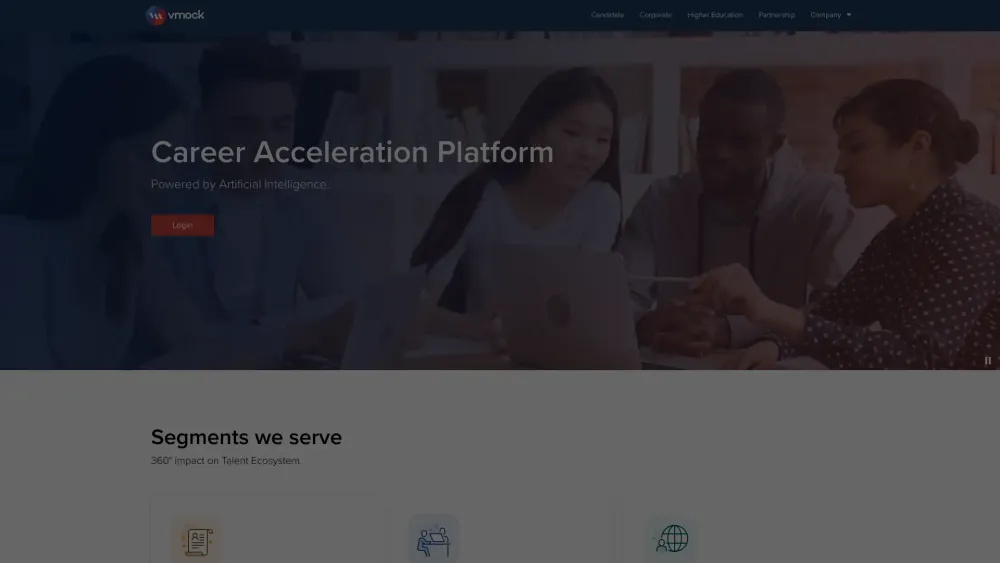
VMock Dashboard website preview

VMock Dashboard Website screenshot

Overview of VMock Dashboard

VMock Dashboard is an innovative platform designed to empower both students and professionals in refining their job application documents with ease and efficiency.

How to Get Started with VMock Dashboard?

1. Create a VMock account. 2. Upload your resume or CV to the platform. 3. Receive real-time feedback and scores. 4. Utilize the personalized advice and evaluations to enhance your application materials.

Key Features of the VMock Dashboard

Resume Scoring

Detailed Feedback

Application Rating

Tailored Advice

Comprehensive Assessments

In-depth Evaluation

Guidance for CV Improvement

Professional Review Services

Practical Applications of VMock Dashboard

A student preparing their resume for internship applications.

A professional polishing their CV to secure a promotion.

Product source: VMock Dashboard official website. Check the provider for current plans, limits and availability.

FAQ

VMock Dashboard questions and answers

Product context and practical checks for evaluating VMock Dashboard.

What is VMock Dashboard used for?

VMock Dashboard: Boost your job applications effortlessly with our AI-driven platform. Tailor resumes and cover letters for maximum impact and success.

How do I get started with VMock Dashboard?

1. Create a VMock account. 2. Upload your resume or CV to the platform. 3. Receive real-time feedback and scores. 4. Utilize the personalized advice and evaluations to enhance your application materials.

Which capabilities are described for VMock Dashboard?

Resume ScoringDetailed FeedbackApplication RatingTailored AdviceComprehensive AssessmentsIn-depth EvaluationGuidance for CV ImprovementProfessional Review Services

What projects can I evaluate VMock Dashboard for?

A student preparing their resume for internship applications.A professional polishing their CV to secure a promotion. Contacting VMock Dashboard Support For support and inquiries, visit the contact page. About VMock Dashboard VMock Dashboard is operated by VMock Inc. For more details, visit the about us page. VMock Dashboard Login Access your VMock Dashboard account via the login link: https://www.vmock.com/login. Connect with VMock Dashboard on Social Media Follow VMock Dashboard on Facebook: https://www.facebook.com/VMock.Inc VMock Dashboard on LinkedIn Connect with VMock Dashboard on LinkedIn: https://www.linkedin.com/company/vmock-inc- VMock Dashboard on Twitter Follow VMock Dashboard on Twitter: https://www.twitter.com/VMock_Inc

What should I compare before choosing a VMock Dashboard plan?

Check VMock Dashboard’s current pricing page for included usage, renewal terms and any credit charges. Compare the cost of a usable result, including retries, rather than assuming that account registration includes free usage.

What inputs should I prepare for a VMock Dashboard trial?

Identify the files, text or account connections your task needs. Confirm that the product accepts those inputs and offers controls for reviewing its work.

How can I check the quality of a VMock Dashboard result?

Test one representative task and inspect the result for accuracy and completeness. Record where manual corrections or extra tools are needed.

Which export options should I check in VMock Dashboard?

Check export formats, integrations and whether you can keep using your work outside the service. Test a real export before committing to a longer plan.

What is a practical way to test VMock Dashboard against alternatives?

Choose one task with a clear success condition. Keep the input consistent, record the time spent reviewing and compare the complete workflow cost.

Where is the official VMock Dashboard website?

The website linked from this profile is https://vmock.com. Use the provider’s own documentation, account area and support channels to confirm current product details.

Visit VMock Dashboard