AI Music Generator

Virtuozy Pro

Virtuozy Pro: AI Music Assistant for Professional-Quality Creation. Elevate your music with advanced AI tools for unparalleled professional sound.

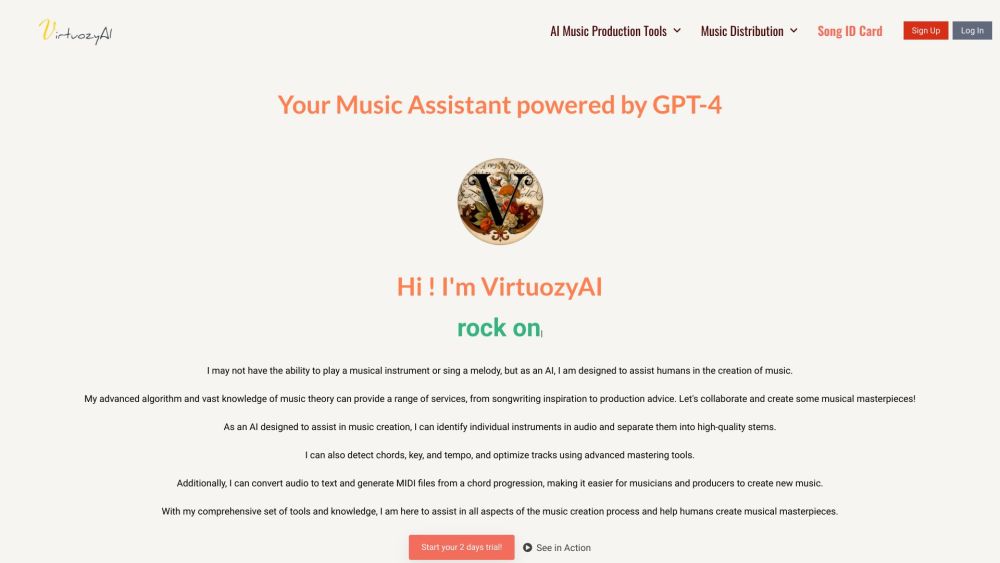
Virtuozy Pro website preview

Virtuozy Pro Website screenshot

What is Virtuozy Pro?

Virtuozy Pro is an AI-powered music assistant designed to elevate your music creation process to a professional level. It provides a comprehensive suite of tools and services to help musicians and producers create high-quality music efficiently.

How to Use Virtuozy Pro?

Using Virtuozy Pro is straightforward. Start by subscribing to the service to unlock all the advanced tools available. Utilize the chord progressions generator for crafting harmonic progressions, the lyrics generator for writing lyrics, and the song cloner to replicate existing songs. Additionally, the track splitting and stems maker allows you to isolate individual tracks, while the BPM key and chords detector identifies the key and chords of your songs. Enhance your audio with instant mastering, transcribe music effortlessly with audio transcription, and distribute your music across various platforms seamlessly.

Virtuozy Pro's Core Features

Key features of Virtuozy Pro include: - Chord Progressions Generator - Lyrics Generator - Song Cloner - Track Splitting and Stems Maker - BPM Key and Chords Detector - Instant Mastering - Audio Transcription - Music Distribution

Virtuozy Pro's Use Cases

Virtuozy Pro is ideal for musicians and producers looking to speed up their creative workflow. It can generate chord progressions and lyrics, clone songs, split tracks and create stems, detect song keys and chords, enhance audio quality, transcribe music, and distribute tracks to various music platforms.

Product source: Virtuozy Pro official website. Check the provider for current plans, limits and availability.

FAQ

Virtuozy Pro questions and answers

Product context and practical checks for evaluating Virtuozy Pro.

What is Virtuozy Pro used for?

Virtuozy Pro: AI Music Assistant for Professional-Quality Creation. Elevate your music with advanced AI tools for unparalleled professional sound.

How do I get started with Virtuozy Pro?

Using Virtuozy Pro is straightforward. Start by subscribing to the service to unlock all the advanced tools available. Utilize the chord progressions generator for crafting harmonic progressions, the lyrics generator for writing lyrics, and the song cloner to replicate existing songs. Additionally, the track splitting and stems maker allows you to isolate individual tracks, while the BPM key and chords detector identifies the key and chords of your songs. Enhance your audio with instant mastering, transcribe music effortlessly with audio transcription, and distribute your music across various platforms seamlessly.

Which capabilities are described for Virtuozy Pro?

Key features of Virtuozy Pro include: - Chord Progressions Generator - Lyrics Generator - Song Cloner - Track Splitting and Stems Maker - BPM Key and Chords Detector - Instant Mastering - Audio Transcription - Music Distribution

What projects can I evaluate Virtuozy Pro for?

Virtuozy Pro is ideal for musicians and producers looking to speed up their creative workflow. It can generate chord progressions and lyrics, clone songs, split tracks and create stems, detect song keys and chords, enhance audio quality, transcribe music, and distribute tracks to various music platforms. Virtuozy Pro Support Email & Customer Service Contact For more contact details, visit the contact us page Virtuozy Pro Company Company Name: VIRTUOZYAI Virtuozy Pro Login Login here: https://www.virtuozy.pro/login Virtuozy Pro Sign Up Sign up here: https://www.virtuozy.pro/sign-up Virtuozy Pro Twitter Follow us on Twitter: https://twitter.com/virtuozyAI Virtuozy Pro Instagram Follow us on Instagram: https://www.instagram.com/virtuozy_pro

What should I compare before choosing a Virtuozy Pro plan?

Check Virtuozy Pro’s current pricing page for included usage, renewal terms and any credit charges. Compare the cost of a usable result, including retries, rather than assuming that account registration includes free usage.

What inputs should I prepare for a Virtuozy Pro trial?

Compare recording length, file types, language support and speaker handling. For voice generation, check pronunciation controls and permission to use any reference voice.

How can I check the quality of a Virtuozy Pro result?

Listen for mispronounced names, unnatural pauses, clipped words and noise. For transcripts, compare the text with the recording and correct speaker labels.

Which export options should I check in Virtuozy Pro?

Check audio format, sample rate, separate tracks, captions and timestamp exports. Confirm that the result works in your editing or accessibility workflow.

What is a practical way to test Virtuozy Pro against alternatives?

Use a short recording with names, numbers and more than one speaker, or a script with difficult pronunciation. Review the exported audio or transcript in full.

Where is the official Virtuozy Pro website?

The website linked from this profile is https://www.promptdodo.com. Use the provider’s own documentation, account area and support channels to confirm current product details.

Visit Virtuozy Pro