What is Vidfly?
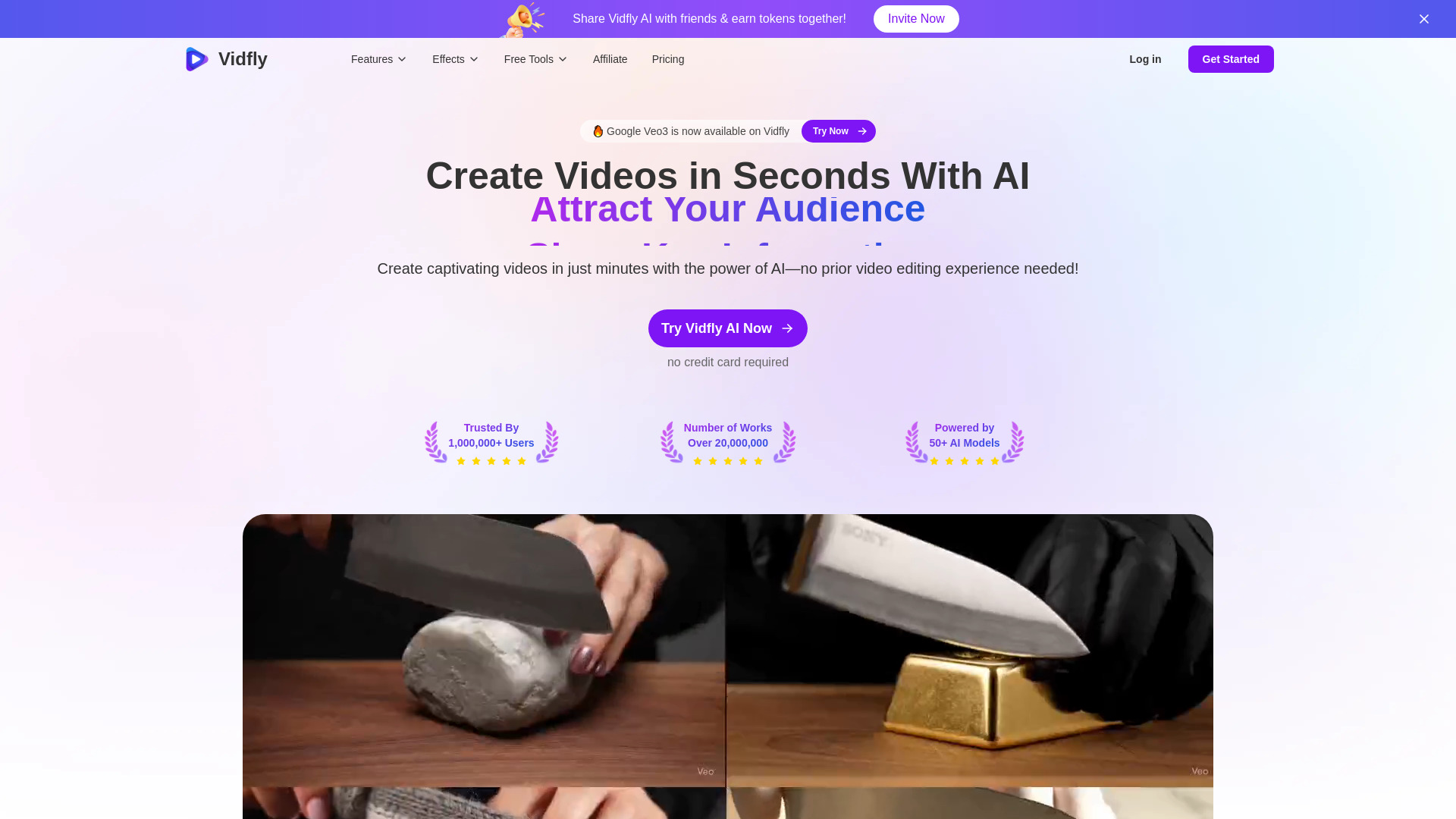
Vidfly is an AI video creation platform that helps creators and businesses turn written ideas, still images, and scripts into visual content. With tools for AI text-to-video generation, digital avatars, and image animation, it brings several production tasks into a single workspace. Users can develop promotional clips, presenter-led explanations, product showcases, and social media videos without building every scene manually. By combining multiple AI models with editing and enhancement features, Vidfly offers a practical starting point for people who want to produce video content with less reliance on filming equipment or complex editing workflows.
How to Use Vidfly
Start by choosing the material you want to work with. You can describe a scene using a text prompt, upload a picture to animate, or provide a script for a more structured video. Next, select an available AI model and adjust the settings offered for that workflow, such as visual style, clip length, or aspect ratio. Generate your video, review the result, and refine the input or settings where needed. Clear descriptions of the subject, movement, lighting, and intended mood can help guide the output toward your creative goals.
For projects with several elements, combine tools across the production process. An AI avatar can introduce a topic, animated images can illustrate key points, and captions can make the message easier to follow. Enhancement and lip-sync features can support further refinement where available. When preparing content for different channels, plan the video format and script length around each destination. A short vertical product teaser, for example, will usually need a different composition and pacing from a longer training presentation.
Key Features of Vidfly
- AI Text-to-Video Generation: Develop video scenes from written descriptions or scripts. This gives users a way to explore concepts, visualize stories, and create supporting footage from text, with different AI models offering options for varied visual styles and project requirements.
- Image Animation and Image-to-Video: Turn static pictures into moving visuals for product presentations, creative storytelling, and social posts. Starting from an existing image provides a visual foundation while AI introduces motion, helping users extend the value of photographs, illustrations, and other artwork.
- AI Avatars and Presenter Videos: Use digital presenters to communicate scripted information in formats such as tutorials, business updates, and product explainers. Avatar tools offer an alternative production approach for teams that regularly need spoken presentations without arranging a recording session for every video.
- Video Enhancement and Editing Tools: Refine generated or uploaded content with capabilities such as upscaling, visual effects, automated captions, and lip synchronization. These features can help users prepare clearer, more polished videos, although the final result depends on the source material and selected workflow.
- Tools for Broader Content Workflows: Extend projects with AI image generation, video clipping, script-to-video tools, and short-form content options. Access to several related functions can simplify the process of developing assets and adapting them for social media, educational resources, and marketing campaigns.
Why Choose Vidfly?
Vidfly brings together several capabilities that commonly sit at different stages of video production. A creator can begin with a written concept, generate visual material, introduce an avatar, and refine the presentation within a connected workflow. This can reduce the effort involved in moving assets between separate applications. Access to multiple AI models also gives users room to experiment with different interpretations of a prompt and choose an approach that suits the content, audience, and intended channel.
The browser-based platform can be useful for independent creators as well as teams producing recurring content. It offers a way to test ideas before investing in a larger production, refresh existing visual assets, and develop variations for different campaigns. The value of any workflow will depend on the features and generation allowances included in the selected plan. Reviewing the available models, export settings, and pricing before starting a substantial project helps users match the platform to their production needs and budget.
Use Cases and Applications
Social media creators can use Vidfly to develop short videos from prompts, animate illustrations, or turn longer ideas into concise visual stories. Marketing teams can explore campaign concepts and create variations for different audiences. For e-commerce projects, image-to-video tools offer a way to add movement to product photography, while avatar-led presentations can explain features or introduce a collection. Captions can support viewers who watch with the sound off and make spoken information easier to follow.
Educators and training teams can use scripts and digital presenters to build instructional videos, onboarding materials, and topic introductions. Animated visuals can help illustrate concepts that are difficult to communicate through text alone. Creative teams may also use AI-generated clips to explore a scene's atmosphere, test a visual direction, or share an early concept with collaborators. These applications make Vidfly useful throughout the development process, from initial experimentation to preparing content for publication.