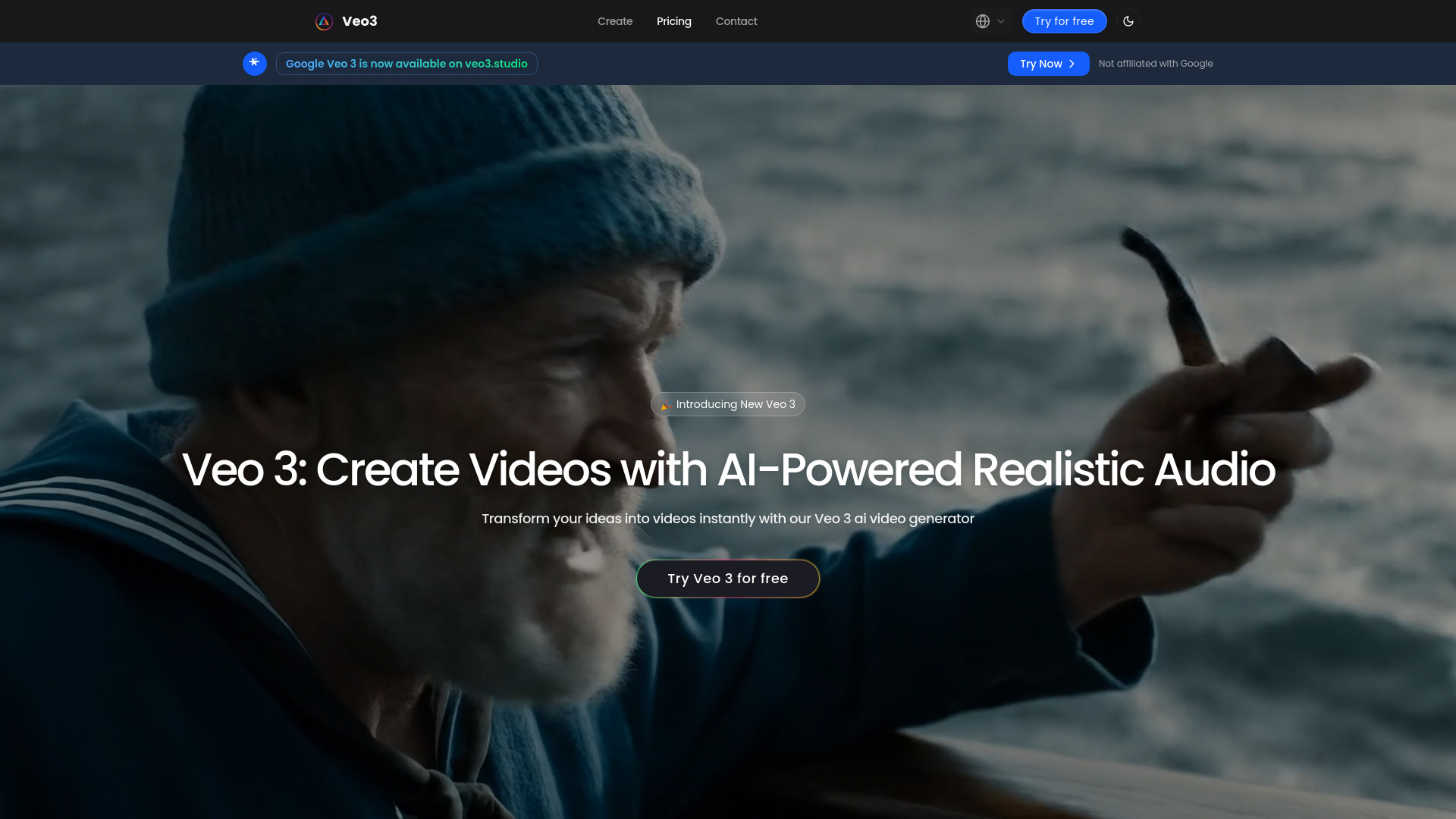
What is Veo 3?
Veo 3 redefines what’s possible in AI-powered video creation—delivering cinematic-grade output with native audio synthesis, granular motion orchestration, and intelligent reference-based fidelity. Built for creators who refuse to compromise on quality or control, Veo 3 bridges the gap between imaginative intent and polished execution. Whether you're a solo filmmaker sketching storyboards, a marketing team scaling brand-aligned campaigns, or an artist pushing boundaries in motion-based expression, Veo 3 transforms descriptive prompts and visual references into rich, synchronized, production-ready videos—in minutes, not weeks.
How to Use Veo 3
Getting started with Veo 3 is as intuitive as it is powerful. Begin by describing your vision in natural language—or enhance precision by uploading reference images (e.g., character sketches, mood boards, or logo assets) to anchor style, lighting, and composition. With one click, Veo 3 interprets your input using multimodal understanding and renders a fully formed video: visuals, motion, and audio—all cohesively generated in parallel. Preview, refine with iterative prompts, download in 4K resolution, or publish directly to platforms like Instagram, TikTok, or YouTube.
Go deeper with Veo 3’s creative toolkit: lock character identity across scenes using image references, isolate and animate specific objects with frame-accurate control, and script camera paths—from subtle dolly moves to sweeping aerial arcs. Its refined prompt comprehension respects nuance—whether you specify “slow-motion rain falling on a neon-lit alley at dusk” or “a vintage typewriter typing in real time with mechanical sound synced to keystrokes.” Every detail serves your narrative.
Key Features of Veo 3
- Native Audio Synthesis: No more juggling separate audio tools—Veo 3 generates spatially aware, contextually appropriate audio in real time: ambient textures, diegetic sounds, tonal scoring, and even voice-like phoneme synchronization, all perfectly aligned to motion and timing.
- Reference-Based Consistency: Upload key visual anchors—faces, products, interiors, or illustration styles—and Veo 3 preserves their essence across frames and sequences, enabling multi-scene storytelling with unwavering brand or artistic continuity.
- Object-Level Motion Control: Move beyond global scene prompts. Select, scale, rotate, or animate individual elements—like a floating lantern drifting left-to-right, or a character’s hand gesturing precisely—giving you directorial authority over micro-dynamics.
- Precision Motion Engineering: Define velocity curves, easing functions, and spatial trajectories for both subjects and virtual cameras. Achieve Hollywood-caliber movement logic: parallax depth, rack focus simulations, and kinetic transitions that feel intentional—not algorithmic.
- Intent-Aware Prompt Interpretation: Veo 3 understands layered instructions—temporal sequencing (“first the door opens, then she turns”), stylistic constraints (“in the tone of 1970s documentary film grain”), and physical realism (“cloth physics reacting to wind”). Your words shape reality—faithfully.
Together, these capabilities form a unified creative pipeline—replacing fragmented workflows with a single, intelligent interface that elevates speed *and* sophistication, without demanding technical training or studio infrastructure.
Why Choose Veo 3?
Veo 3 isn’t just another AI video tool—it’s a paradigm shift in creative autonomy. Trusted by award-winning directors, Fortune 500 content studios, and indie creators alike, it delivers the rare combination of enterprise-grade reliability and expressive flexibility. Unlike generative tools that prioritize speed over fidelity, Veo 3 embeds professional cinematographic principles—lighting consistency, motion intentionality, acoustic authenticity—directly into its architecture.
Recognized by aitop-tools.com as a benchmark for next-generation video AI, Veo 3 integrates effortlessly into Adobe Premiere, Figma, Notion, and CMS ecosystems via API and plugin support. Its scalable licensing model supports everything from individual creator subscriptions to white-label enterprise deployments—ensuring your workflow grows *with* your ambition, not against it.
Use Cases and Applications
Filmmaking and Previsualization: Pre-light scenes, test blocking, and iterate on shot composition before stepping onto set. Veo 3’s motion control and reference locking let directors validate visual continuity, pacing, and emotional resonance—cutting pre-production time by up to 70% while preserving creative ownership.
Brand-Centric Marketing & Social Content: Launch campaign assets in hours—not months. Generate hero videos, UGC-style testimonials, and dynamic product demos—all aligned to exact brand guidelines. Reference uploads ensure mascot consistency, color grading integrity, and tone-perfect audio branding across every platform.
Digital Art & Generative Storytelling: Artists use Veo 3 as a living canvas—animating illustrations, generating looping installations for galleries, or crafting nonlinear narratives where motion, sound, and visual motif evolve in tandem. The result? A new medium where authorship meets algorithmic fluency.