AI Image Enhancer

Vance AI Background Remover

VanceAI is the world's No.1 AI photo enhancement and editing tools provider. They offer a range of one-click AI solutions, including enhancing, upscaling, sharpening, denoising, background removal, and more.

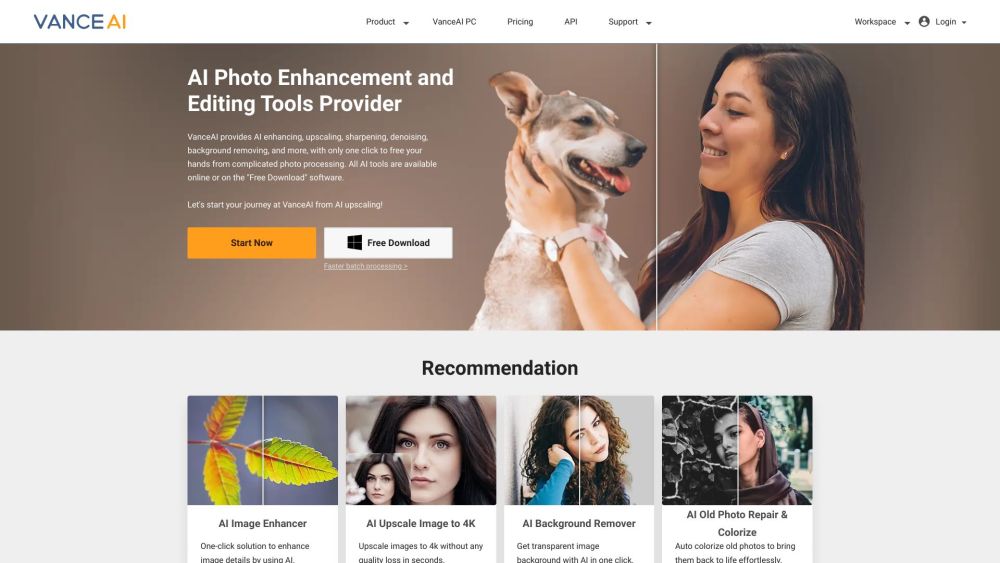
Vance AI Background Remover website preview

Vance AI Background Remover Website screenshot

What is Vance AI Background Remover?

VanceAI is a leading provider of AI-driven photo enhancement and editing solutions. Their advanced tools offer a variety of one-click services, such as image enhancement, upscaling, sharpening, noise reduction, background removal, and more.

How to Use Vance AI Background Remover?

Using VanceAI is straightforward. Start by uploading your image, then choose the specific AI tool you wish to apply, whether it's an image enhancer, upscaler, denoiser, or background remover. Simply click the 'Start Now' button, and VanceAI's sophisticated algorithms will handle the rest, delivering an enhanced and edited photo ready for download. You can also continue editing using other AI tools as needed.

Key Features of Vance AI Background Remover

AI Enhancement

AI Upscaling

AI Sharpening

AI Noise Reduction

Background Removal

Old Photo Restoration

Photo Colorization

Portrait Retouching

Image Compression

Batch Processing

Real-Time Preview

Applications of Vance AI Background Remover

E-commerce Product Photography

Improve product images by removing backgrounds, enhancing quality, and optimizing them for higher sales conversions.

Graphic Design

Create high-quality images for various design projects, including websites, banners, and blogs.

Professional Photography

Enhance image clarity, reduce noise, and refine details for professional-grade photography.

Printing

Optimize images for printing by enhancing detail and removing unwanted artifacts.

Product source: Vance AI Background Remover official website. Check the provider for current plans, limits and availability.

FAQ

Vance AI Background Remover questions and answers

Product context and practical checks for evaluating Vance AI Background Remover.

What is Vance AI Background Remover used for?

VanceAI is the world's No.1 AI photo enhancement and editing tools provider. They offer a range of one-click AI solutions, including enhancing, upscaling, sharpening, denoising, background removal, and more.

How do I get started with Vance AI Background Remover?

Using VanceAI is straightforward. Start by uploading your image, then choose the specific AI tool you wish to apply, whether it's an image enhancer, upscaler, denoiser, or background remover. Simply click the 'Start Now' button, and VanceAI's sophisticated algorithms will handle the rest, delivering an enhanced and edited photo ready for download. You can also continue editing using other AI tools as needed.

Which capabilities are described for Vance AI Background Remover?

AI EnhancementAI UpscalingAI SharpeningAI Noise ReductionBackground RemovalOld Photo RestorationPhoto ColorizationPortrait RetouchingImage CompressionBatch ProcessingReal-Time Preview

What projects can I evaluate Vance AI Background Remover for?

E-commerce Product PhotographyImprove product images by removing backgrounds, enhancing quality, and optimizing them for higher sales conversions.Graphic DesignCreate high-quality images for various design projects, including websites, banners, and blogs.Professional PhotographyEnhance image clarity, reduce noise, and refine details for professional-grade photography.PrintingOptimize images for printing by enhancing detail and removing unwanted artifacts. Vance AI Background Remover Support and Contact Information For further assistance, visit the Contact Us page. Vance AI Background Remover Company Company Name: VanceAI Technology. For more details, please visit the About Us page. Vance AI Background Remover Login Login Link: https://vanceai.com/login/ Vance AI Background Remover Pricing Pricing Information: https://vanceai.com/pricing/?source=footer-nav Vance AI Background Remover on Social Media Facebook: https://www.facebook.com/vanceai YouTube: https://www.youtube.com/channel/UC3kxZENL-GK8wRGXFCs4nBQ LinkedIn: https://www.linkedin.com/company/vanceai/

What should I compare before choosing a Vance AI Background Remover plan?

Pricing Information: https://vanceai.com/pricing/?source=footer-nav Confirm current prices and allowances on the provider’s website before purchasing.

What inputs should I prepare for a Vance AI Background Remover trial?

Look for text prompts, image references, masks or sketches as appropriate. Compare composition control, supported upload types and the ability to revise a selected area.

How can I check the quality of a Vance AI Background Remover result?

Inspect text, hands, edges, reflections and repeated objects at full size. Check that important product or brand details survive editing.

Which export options should I check in Vance AI Background Remover?

Compare pixel dimensions, transparency, file formats and any enlargement options. Confirm that the downloaded result works in your design or publishing software.

What is a practical way to test Vance AI Background Remover against alternatives?

Prepare a brief with a subject, composition, lighting and required output size. Test a first generation and a targeted revision to see how much control you retain.

Where is the official Vance AI Background Remover website?

The website linked from this profile is https://vanceai.com. Use the provider’s own documentation, account area and support channels to confirm current product details.

Visit Vance AI Background Remover