AI Audio Enhancer

Utell AI

Utell AI transforms accents in real time—boosting clarity, confidence, and connection across global teams. Smarter communication, powered by AI.

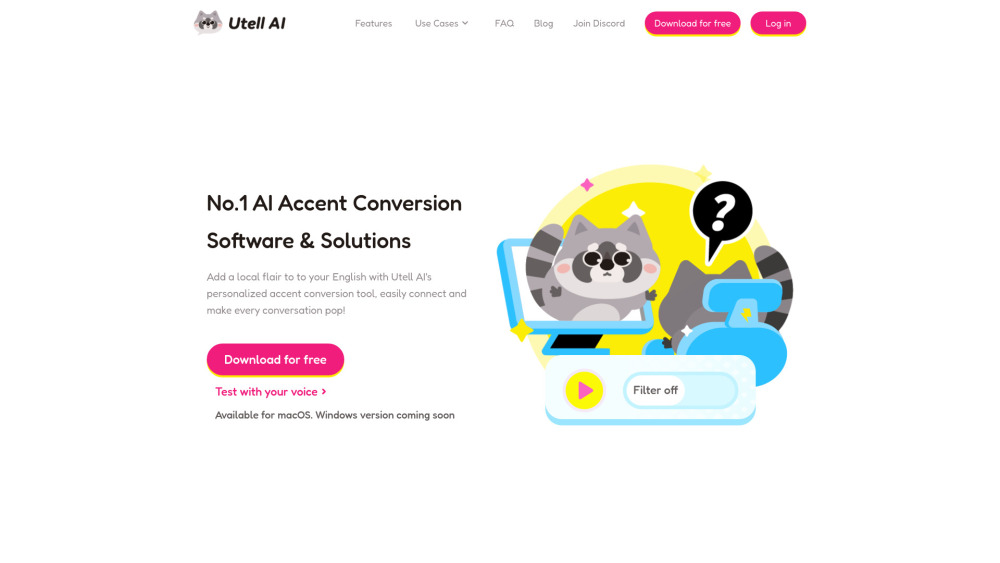
Utell AI website preview

Utell AI Website screenshot

Utell AI: Real-Time Accent Conversion for Global Clarity & Confidence

Utell AI redefines inclusive global communication—not by erasing identity, but by enhancing intelligibility. Built on adaptive neural voice modeling, it delivers real-time accent conversion that adapts dynamically to speech patterns, preserving the speaker’s authenticity while optimizing clarity across international contexts. Whether softening regional intonations, smoothing phonetic transitions, or gently aligning rhythm and stress for broader comprehension, Utell AI empowers users to be understood—not assimilated. It enhances vocal presence with intelligent noise suppression, voice enrichment, and prosodic fidelity—ensuring your voice stays *yours*, just clearer, more confident, and universally resonant.

How Utell AI Works—Effortlessly

Utell AI is now open for early access. Simply click ‘Request Demo’ to secure your priority trial. Once onboarded, integration takes seconds: install the lightweight desktop app, select your preferred platform (Zoom, Google Meet, Microsoft Teams), and choose your target clarity profile—whether “Global English,” “Professional Neutral,” or regionally tuned variants like “Indian-to-International” or “East Asian English.” The system processes audio in under 90ms—so conversations flow naturally, without lag or interruption. No retraining, no scripts—just speak as you normally do, and let Utell AI elevate how you’re heard.

Why Utell AI Stands Apart

Ultra-Low-Latency Accent Adaptation (<90ms end-to-end)

Intelligent Ambient Noise Cancellation (AI-discriminative, not just spectral)

Voice-Enhancing Audio Processing (clarity-optimized EQ + dynamic range control)

Prosody-Aware Modulation (preserves emotional tone, emphasis, and natural speech cadence)

Where Utell AI Transforms Communication

Education & Remote Learning: Student presentations, faculty lectures, cross-border academic collaboration

Global Business: Multinational team syncs, investor pitches, client negotiations across time zones

Customer Experience: Call centers, live chat support, bilingual service agents expanding reach

Sales & Outreach: Confident demos, persuasive storytelling, and trust-building across cultural boundaries

Gaming & Social Streaming: Real-time voice personalization for international communities

Creator Economy: Voice branding for podcasts, TikTok narration, YouTube tutorials—tailored to global audiences

Language Confidence Building: A supportive, non-judgmental tool for ongoing pronunciation growth

Product source: Utell AI official website. Check the provider for current plans, limits and availability.

FAQ

Utell AI questions and answers

Product context and practical checks for evaluating Utell AI.

What is Utell AI used for?

Utell AI transforms accents in real time—boosting clarity, confidence, and connection across global teams. Smarter communication, powered by AI.

How do I get started with Utell AI?

Utell AI is now open for early access. Simply click ‘Request Demo’ to secure your priority trial. Once onboarded, integration takes seconds: install the lightweight desktop app, select your preferred platform (Zoom, Google Meet, Microsoft Teams), and choose your target clarity profile—whether “Global English,” “Professional Neutral,” or regionally tuned variants like “Indian-to-International” or “East Asian English.” The system processes audio in under 90ms—so conversations flow naturally, without lag or interruption. No retraining, no scripts—just speak as you normally do, and let Utell AI elevate how you’re heard.

What should I compare before choosing a Utell AI plan?

Check Utell AI’s current pricing page for included usage, renewal terms and any credit charges. Compare the cost of a usable result, including retries, rather than assuming that account registration includes free usage.

What inputs should I prepare for a Utell AI trial?

Look for text prompts, image references, masks or sketches as appropriate. Compare composition control, supported upload types and the ability to revise a selected area.

How can I check the quality of a Utell AI result?

Inspect text, hands, edges, reflections and repeated objects at full size. Check that important product or brand details survive editing.

Which export options should I check in Utell AI?

Compare pixel dimensions, transparency, file formats and any enlargement options. Confirm that the downloaded result works in your design or publishing software.

What is a practical way to test Utell AI against alternatives?

Prepare a brief with a subject, composition, lighting and required output size. Test a first generation and a targeted revision to see how much control you retain.

What should I review before uploading material to Utell AI?

Read the provider’s rules on access, retention, deletion and use of uploaded material. Start with a non-confidential sample that you have permission to use.

How can I check whether Utell AI fits my existing workflow?

List the steps before and after using Utell AI, including preparation, review and export. Test that complete sequence and check whether handoffs require manual conversion or another paid service.

Where is the official Utell AI website?

The website linked from this profile is https://utell.ai. Use the provider’s own documentation, account area and support channels to confirm current product details.

Visit Utell AI