What is Yoink AI?
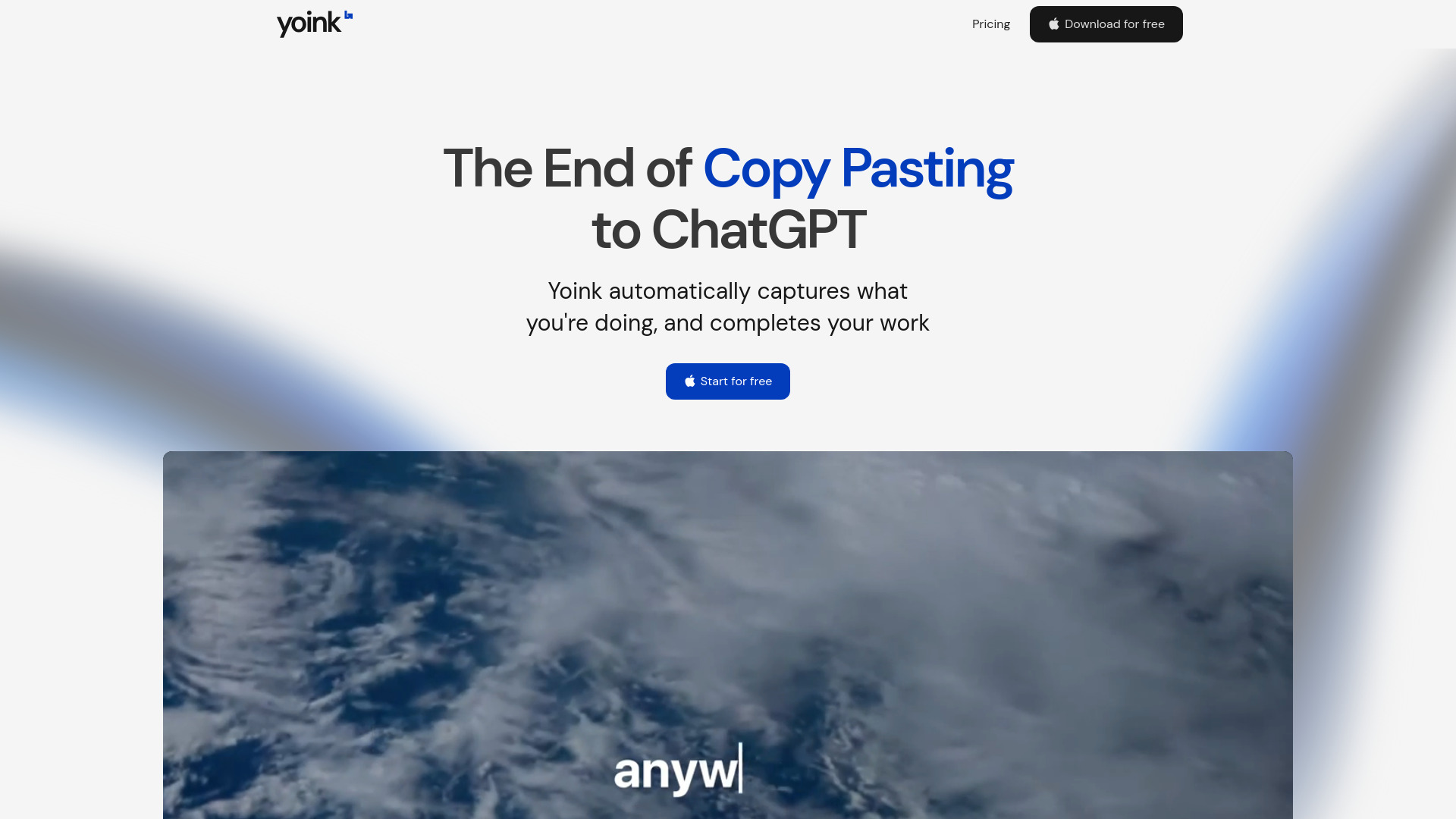
Yoink AI is a purpose-built AI writing assistant engineered from the ground up for macOS—designed not as a standalone app, but as an invisible, intelligent layer over your entire writing experience. It lives *inline*, activated instantly with ⌘⇧Y, and adapts to your voice, context, and intent in real time. No switching windows. No pasting prompts into chat boxes. Just your cursor, your current document, and AI that understands what you’re trying to say—before you finish typing it. Whether you're polishing a client proposal in Pages, drafting a nuanced Slack message, or documenting Python functions in VS Code, Yoink AI generates, refines, or expands text *exactly where you are*, preserving tone, structure, and stylistic nuance without ever pulling you out of flow.
How to Use Yoink AI
Getting started takes seconds: download the native Mac app, grant minimal accessibility permissions (required for universal text field access), and begin using it immediately. Press ⌘⇧Y anywhere text can be entered—Gmail, Obsidian, Figma comments, Terminal input, even password fields (where supported)—and a clean, unobtrusive prompt bar appears inline. Type a request like “Rewrite this more concisely,” “Expand into three bullet points,” or “Make this sound warmer and more confident,” and Yoink AI delivers polished output directly into your cursor position.
Go further by defining custom Voice Profiles: upload samples of your best writing, add style notes (“use contractions sparingly,” “prioritize active voice,” “match the tone of our brand guidelines”), and save them with names like “Support Rep,” “CTO Memo,” or “TikTok Script.” Then toggle between voices mid-session using ⌘⇧+—no retraining, no lag, just instant stylistic precision across emails, docs, code comments, and beyond.
Key Features of Yoink AI
- True Inline Intelligence: Output renders directly into your cursor location—not in a floating window or separate tab—so editing feels natural, iterative, and frictionless. Delete, tweak, or accept with one keystroke.
- Global Hotkey Activation (⌘⇧Y): A single, consistent shortcut works system-wide, across every macOS-native and Electron-based app. No per-app setup. No browser extensions. Just press and write.
- Context-Aware Generation Engine: Leverages on-device heuristics and optional secure cloud inference to analyze surrounding text, document type, and even visible UI elements (e.g., “reply box” vs. “subject line”)—ensuring outputs are structurally appropriate and tonally aligned.
- Custom Voice Studio: Build reusable, shareable voice profiles that encode your syntax preferences, jargon tolerance, formality level, and rhetorical habits—turning AI from a generic tool into a personalized co-writer who “knows how you sound.”
- Zero-Config Cross-App Compatibility: Works natively in over 10,000 macOS applications—from Apple Mail and Notes to Notion, Linear, Cursor, TweetDeck, and even terminal-based editors like Vim (via iTerm2 integration). No API keys. No logins. No exceptions.
Users report cutting draft-to-final time by 65–75%, while maintaining higher stylistic fidelity and reducing cognitive load during high-stakes communication—because Yoink AI doesn’t replace your voice; it amplifies it.
Why Choose Yoink AI?
In a landscape crowded with browser-based chatbots and fragmented plugin ecosystems, Yoink AI stands apart by embracing macOS as its native habitat. It doesn’t ask you to adapt to AI—it adapts AI to *you*. Its inline architecture eliminates the mental tax of context-switching, while its voice-first design ensures consistency across teams, channels, and years of output. For Mac-centric professionals—writers, engineers, product managers, educators, and founders—Yoink AI isn’t just another productivity tool. It’s the quiet, intelligent collaborator who knows when to speak up… and when to stay out of the way.
Recognized by MacStories and Product Hunt as a “breakthrough in ambient AI,” Yoink AI delivers enterprise-grade language intelligence without enterprise complexity. There’s no dashboard to learn, no templates to configure, and no learning curve—just ⌘⇧Y, your words, and smarter writing—every time.
Use Cases and Applications
From startup founders crafting investor updates to DevOps engineers auto-generating incident reports, Yoink AI thrives where clarity, speed, and authenticity intersect. Marketing teams use custom voices to scale campaign copy while preserving brand voice across LinkedIn carousels and email sequences. Customer success reps resolve tickets faster with empathetic, on-brand replies generated inline in Zendesk. Students outline essays in Bear, refine arguments in Ulysses, and cite sources in Papers—with consistent academic tone. Even developers use it to draft commit messages, comment complex logic, or translate error logs into plain-English summaries—all without leaving their IDE. It’s not a writing tool for *some* tasks. It’s the writing layer for *all* of them.