AI tool profile

UnoPim

Open-source PIM system for managing product information.

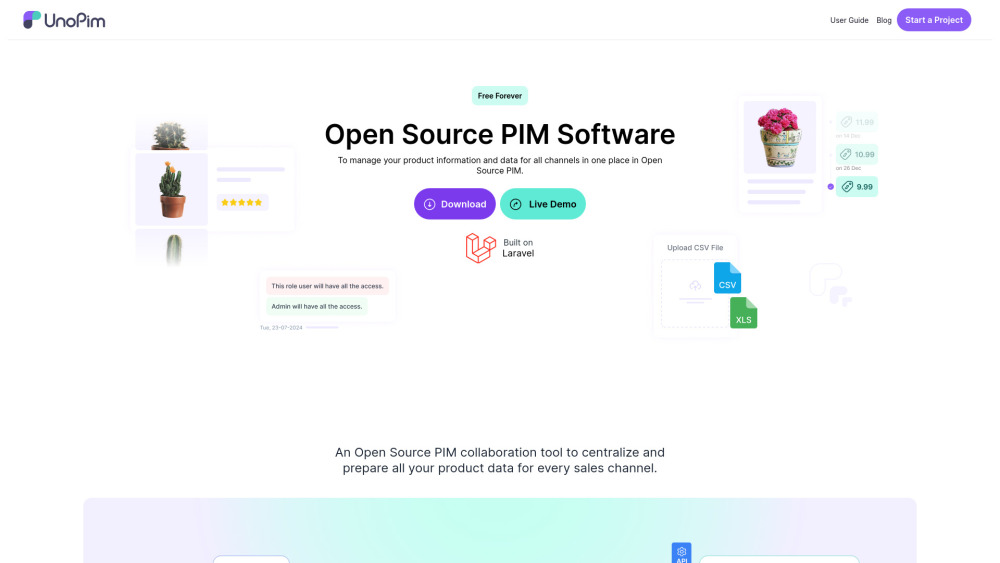
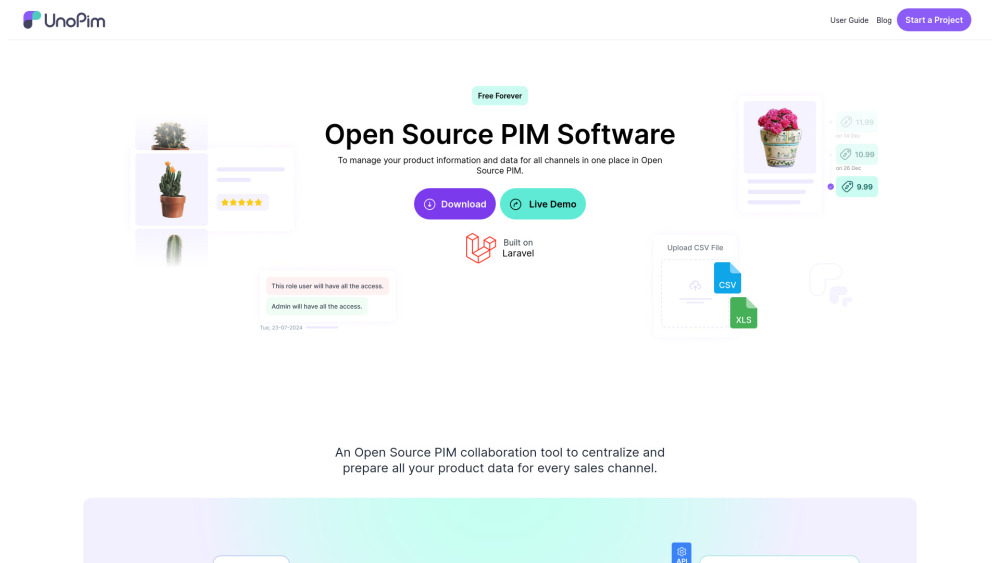
UnoPim website preview

UnoPim Website screenshot

What is UnoPim?

UnoPim is an open-source Product Information Management (PIM) system built on Laravel, designed to organize and manage product information centrally.

How to use UnoPim?

To use UnoPim, download it from GitHub and follow installation instructions to set up your PIM system.

UnoPim's Core Features

Centralized product information management

Data enrichment capabilities

Multi-channel data management

Image generation for product visuals

UnoPim's Use Cases

Manage product data for eCommerce platforms

Automate updates across sales channels

Product source: UnoPim official website. Check the provider for current plans, limits and availability.

FAQ

UnoPim questions and answers

Product context and practical checks for evaluating UnoPim.

What is UnoPim used for?

Open-source PIM system for managing product information.

How do I get started with UnoPim?

To use UnoPim, download it from GitHub and follow installation instructions to set up your PIM system.

Which capabilities are described for UnoPim?

Centralized product information managementData enrichment capabilitiesMulti-channel data managementImage generation for product visuals

What projects can I evaluate UnoPim for?

Manage product data for eCommerce platformsAutomate updates across sales channels UnoPim Support Email & Customer service contact & Refund contact etc. More Contact, visit the contact us page(https://unopim.com/?utm_source=toolify#contact) UnoPim Company UnoPim Company name: Webkul Software . UnoPim Facebook UnoPim Facebook Link: https://www.facebook.com/webkulUnoPim Youtube UnoPim Youtube Link: https://www.youtube.com/@UnoPIMUnoPim Twitter UnoPim Twitter Link: https://twitter.com/intent/follow?screen_name=webkulUnoPim Github UnoPim Github Link: https://github.com/unopim/unopim/

What should I compare before choosing a UnoPim plan?

Check UnoPim’s current pricing page for included usage, renewal terms and any credit charges. Compare the cost of a usable result, including retries, rather than assuming that account registration includes free usage.

What inputs should I prepare for a UnoPim trial?

Identify the files, text or account connections your task needs. Confirm that the product accepts those inputs and offers controls for reviewing its work.

How can I check the quality of a UnoPim result?

Test one representative task and inspect the result for accuracy and completeness. Record where manual corrections or extra tools are needed.

Which export options should I check in UnoPim?

Check export formats, integrations and whether you can keep using your work outside the service. Test a real export before committing to a longer plan.

What is a practical way to test UnoPim against alternatives?

Choose one task with a clear success condition. Keep the input consistent, record the time spent reviewing and compare the complete workflow cost.

Where is the official UnoPim website?

The website linked from this profile is https://unopim.com. Use the provider’s own documentation, account area and support channels to confirm current product details.

Visit UnoPim