What is Uluch?
Uluch is a free AI image editing platform designed to make two common tasks quick and accessible: improving blurry photos and removing unwanted backgrounds. Its intelligent processing technology can enhance soft or unclear images, helping restore detail in portraits, products, pets, and everyday snapshots. It also turns ordinary images into transparent PNG files by separating the main subject from its background automatically. Whether you need to recover an old photograph, prepare a product image for an online shop, or create a clean graphic for a design project, Uluch provides practical results without requiring advanced editing skills. Users can access the service without creating an account, and the platform offers 5-10 free processing opportunities every 24 hours without adding watermarks or unexpected charges.
How to Use Uluch
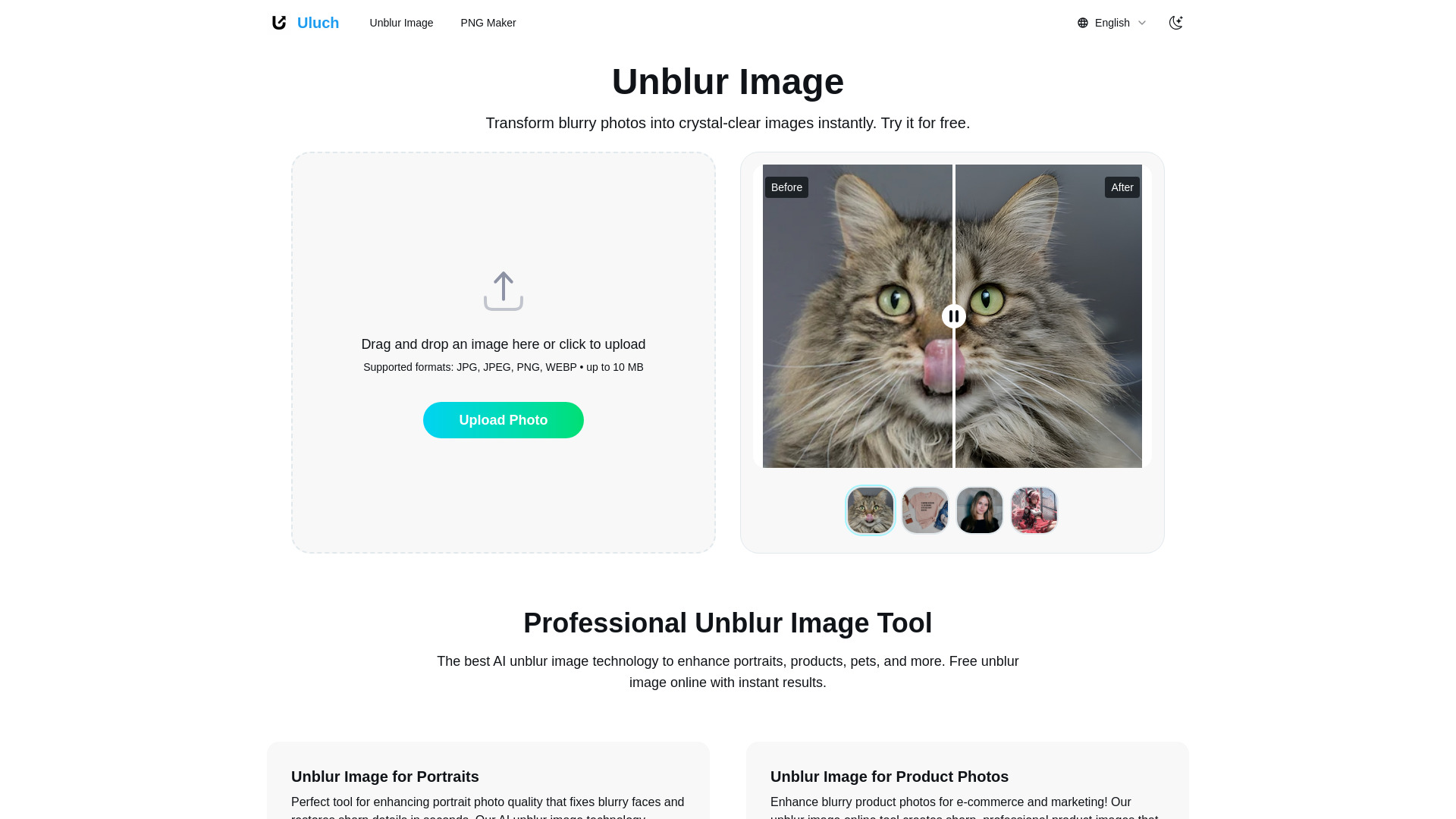
Using Uluch requires only a few simple steps. To improve a blurry image, open the Unblur Image tool and upload your photo. The AI examines the image, identifies areas that lack definition, and applies restoration and sharpening techniques to improve overall clarity. After the process is finished, you can preview the result and download the enhanced version for personal, commercial, or creative use.
The PNG Maker works in a similar way. Upload an image of up to 10 MB, and Uluch automatically identifies the primary subject before removing the surrounding background. The finished file is exported as a transparent PNG, making it suitable for websites, online stores, presentations, social media posts, and other visual projects. Since the platform processes one image at a time, you can work through several files during the available daily allowance and review each result individually.
For the strongest results, use images with reasonable resolution and a subject that is easy to distinguish from its surroundings. Uluch can work with portraits, merchandise, animals, group photos, event pictures, and many other image categories. Its automated workflow makes it useful for quick edits when you do not want to install complex desktop software or spend time making manual selections.
Key Features of Uluch
- Smart Photo Sharpening: The Unblur Image tool uses AI-based restoration to improve definition in portraits, product shots, pet photography, family pictures, and other images affected by softness or motion blur.
- Automatic Subject Isolation: PNG Maker detects the main object in an uploaded image and removes the background, producing a transparent file that can be placed naturally into new designs.
- Free Browser-Based Editing: Users can access the tools online without registration, paid software, or a complicated installation process. Daily free usage makes the service suitable for occasional and recurring projects.
- Watermark-Free Downloads: Completed images are available without distracting branding, so they can be used in personal projects, online listings, marketing materials, and creative layouts.
- Support for Common Image Projects: Uluch is useful for cleaning up e-commerce photos, refreshing social media images, preparing profile graphics, and improving older or less focused photographs.
These features help reduce the time and effort involved in routine image preparation. Instead of manually tracing subjects or adjusting multiple sharpening controls, users can upload a file and let the AI handle the initial editing work. The result is a convenient way to produce cleaner, more usable visual assets without paying for a professional editing subscription.
Why Choose Uluch?
Uluch brings together image enhancement and background removal in one straightforward online workspace. Many people need both functions but do not require a full suite of complicated editing tools. By focusing on these practical tasks, the platform gives users a faster path from an unfinished image to a file that is ready to share, publish, or add to a design.
The service is especially convenient for users who want immediate access. There is no account setup, no software download, and no need to learn advanced selection or retouching techniques before getting started. The combination of free daily processing, watermark-free output, and a generous 10 MB upload limit makes Uluch a useful option for students, creators, small businesses, photographers, online sellers, and casual users.
Because the tools operate in a web browser, Uluch can fit into many workflows. You can improve a picture from a laptop, prepare a product image from a desktop computer, or remove a background from a photo while working from another compatible device. Its simple interface keeps the focus on the image and the result, making basic AI editing available to a broad audience.
Use Cases and Applications
Online retailers can use Uluch to create product images with transparent backgrounds, allowing merchandise to appear consistently across store pages, promotional banners, catalogs, and advertisements. The Unblur Image tool can also improve product photos that appear soft or lack visual detail, helping shoppers see the item more clearly.
Content creators and social media users can sharpen portraits, selfies, and event photos before sharing them. PNG Maker is useful for creating profile graphics, stickers, thumbnails, custom avatars, and layered social media designs. Designers can remove backgrounds from people, objects, or pets and place those subjects into posters, presentations, collages, or marketing compositions.
Families and individuals may use the unblurring feature to improve older photographs, recover details from casual snapshots, or make slightly unclear memories more suitable for printing. Marketing teams can reuse existing visual assets by cleaning up older materials, isolating important subjects, and adapting images for new campaigns. These applications make Uluch a practical resource for both quick personal edits and everyday professional content production.