Table of contents
Tilda: No-Code Website Builder : Drag, Drop, Publish Fast
Tilda: Build stunning sites, stores & blogs—no coding needed. Drag, drop, publish. Fast, beautiful, powerful.
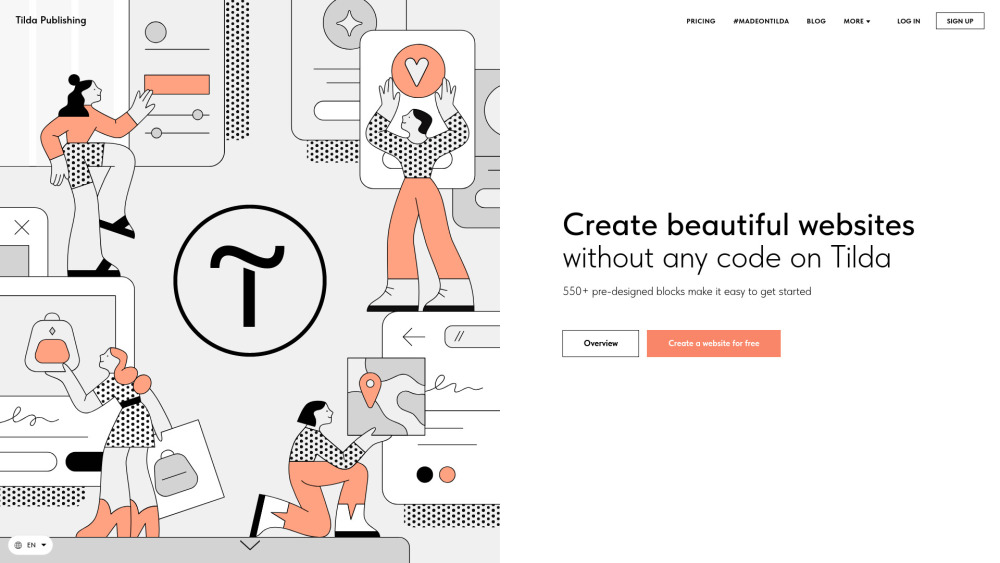
What Is Tilda?
Tilda is a powerful no-code website builder engineered for speed, elegance, and zero technical barriers. Whether you're launching a one-page campaign, a full portfolio, an e-commerce boutique, or a knowledge-rich blog—Tilda lets you build it in minutes, not weeks. With over 550 modular, responsive blocks and 300+ designer-crafted templates, you skip the coding—and never compromise on polish. Built-in AI tools generate compelling copy and visuals on demand, while native SEO controls, CRM automation, email marketing, and secure payment integrations turn your site into a growth engine—all from a single, intuitive canvas.
How Does Tilda Work? (Drag • Drop • Publish • Fast)
Start with a template—or start blank. Drag blocks onto your canvas, rearrange them with precision, customize fonts, colors, spacing, and animations in real time. Add text, images, forms, videos, or product grids—no copy-paste, no plugins, no dev handoffs. Hit “Publish” and go live instantly. For lightning-fast launches, describe your business in plain English using Tilda’s AI Website Creator: it crafts a complete, conversion-optimized page—including headlines, body copy, and royalty-free imagery—in under 60 seconds. Designers love Zero Block for pixel-perfect, code-free custom layouts—no frameworks, no compromises.
Tilda’s Core Features
True no-code editing—no HTML, CSS, or JavaScript required
550+ production-ready, mobile-first blocks (headers, galleries, testimonials, pricing tables, etc.)
AI Website Creator—describe your idea, get a live page in seconds
Fully responsive design—flawless on desktop, tablet, and smartphone
Built-in online store—with Stripe, PayPal, and regional gateways
High-converting landing pages—A/B test-ready, analytics-integrated
Native CRM—capture, tag, and nurture leads without third-party tools
Email Campaign Builder—design, segment, and send newsletters from your dashboard
On-page SEO toolkit—meta tags, Open Graph, sitemaps, and structured data
Custom domain support—connect tld.com in under 2 minutes
Source code export (Business Plan)—download clean, static HTML/CSS/JS for self-hosting
Online Course Builder—modules, lessons, progress tracking, and certificates
Members Area—password-protected content, gated access, subscription logic
Interactive Quiz Forms—boost engagement, collect insights, qualify leads
Blog & News Feed system—SEO-friendly posts, categories, RSS, and newsletter sync
Who Uses Tilda?
Freelancers & agencies building client sites—fast, scalable, branded
Startups validating ideas with high-fidelity landing pages—before writing a line of code
Creative professionals showcasing portfolios—minimal setup, maximum impact
E-commerce brands launching micro-stores or seasonal collections
Educators and coaches selling courses, workshops, and digital products
Nonprofits and NGOs sharing mission-driven stories with donation integrations
Marketing teams running targeted campaigns—landing pages, lead magnets, event hubs
Internal teams documenting processes, policies, or training materials
Solopreneurs growing personal brands—blogs, newsletters, services, and sales—all in one place
Frequently Asked Questions
-
What’s the difference between Personal and Business Plans?
-
Can I use my own domain name with Tilda?
-
What does “Source Code Export” actually include?
-
What happens if my subscription expires?
-
Website vs. Page: What’s the distinction?
-
Are Tilda websites optimized for Google and other search engines?
-
What is Platform Label (white-label) removal?
-
I need an online store—what plan do I choose?
-
I’m building an online course—do I need Business Plan?
-
How do I pay for Tilda?
-
Tilda Support & Contact
Reach Tilda’s customer success team at: [email protected]
-
Company Behind Tilda
Official company name: Tilda Publishing
-
Tilda Login
Sign in here: https://tilda.cc/login/
-
Tilda Sign Up
Get started free: https://tilda.cc/registration/
-
Tilda on Facebook
Follow updates: https://www.facebook.com/tildapublishing
-
Tilda on YouTube
Watch tutorials: https://www.youtube.com/channel/UCbuvN3YQrc2dISGcestWLgw
-
Tilda on Twitter (X)
Join the conversation: https://twitter.com/TildaPublishing
-
Tilda on Instagram
See design inspiration: https://www.instagram.com/tilda.cc/
FAQ from Tilda
What is Tilda?
Tilda is a no-code website platform built for designers, marketers, and founders who value speed without sacrificing sophistication. It replaces complex development workflows with drag-and-drop precision, AI acceleration, and enterprise-grade features—all accessible through a clean, visual interface.
How to use Tilda?
Select a template or start from scratch. Drag blocks onto your page, adjust settings in real time, preview responsiveness, and publish with one click. Use AI to generate entire sections—or even full pages—from simple prompts. For total creative control, Zero Block gives you absolute freedom to design pixel-perfect layouts—no code needed.
What’s the difference between a Personal and Business Plan?
The Business Plan includes everything in Personal, plus source code export, unlimited websites per account, white-label branding, priority support, and advanced e-commerce capabilities. Personal is ideal for individuals and single-project creators.
Can I connect my own domain to a website built on Tilda?
Yes—custom domains are supported on all paid plans. Connect your domain (e.g., yourbrand.com) in under two minutes via DNS settings or direct CNAME configuration.
What does the "Source code export" mean in the Business Plan?
You receive a complete, self-contained ZIP archive containing all HTML files, CSS, JavaScript, and assets—ready to deploy on any standard web server. No dependencies, no lock-in.
What happens if I don't renew my subscription?
Your published site will go offline after expiration. Your project remains safely stored for six months—renew anytime to restore, edit, and republish. After six months, data is automatically and permanently deleted.
What’s the difference between a website and a page?
A “website” is your top-level project container—it holds global settings (fonts, colors, domain, SEO defaults). A “page” lives inside that website. One website can contain dozens of pages (e.g., /home, /about, /blog), or just one (e.g., a standalone landing page). Multiple independent domains or distinct brand identities require separate websites.
Will a website built on Tilda be well-indexed by search engines?
Absolutely. Tilda generates semantic, lightweight HTML with proper heading hierarchy, alt attributes, canonical tags, and fast load times—key ranking factors. Built-in SEO controls let you fine-tune titles, descriptions, Open Graph, and structured data for every page.
What is the Platform Label (white label)?
Annual subscribers can remove the default “Made on Tilda” footer badge—presenting your site as a fully branded, professional asset with no platform attribution.
I want to create an online store; which plan is suitable for me?
Both Personal and Business Plans support online stores—but Business unlocks multi-store management, advanced inventory options, and dedicated checkout customization. For serious e-commerce, Business is recommended.
I'm planning to create an online course on Tilda; which plan should I choose?
Personal works perfectly for a single-course launch. Choose Business if you plan to scale across multiple courses, cohorts, or membership tiers—or need members-only areas with login gates and progress tracking.
How can I pay for a Tilda subscription?
All plans accept major credit/debit cards (Visa, Mastercard, American Express) and regional payment methods including Apple Pay and Google Pay. Annual billing offers up to 20% savings.
`/`` hierarchy, `` for FAQ, proper ``/`
- ` for FAQ, proper `
- `/`