General Writing

Talers

Talers is an elegant, modern, and collaborative writing application that provides a pleasant writing environment for authors to write books, novels, scripts, and articles. It offers a range of features to empower creativity and organization in all writing projects.

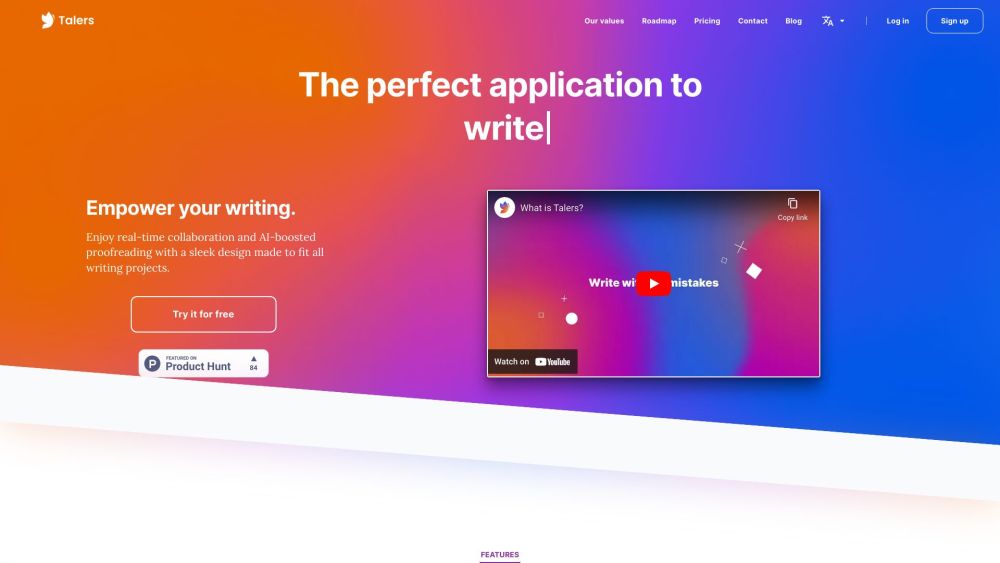
Talers website preview

Talers Website screenshot

Discover Talers

Talers is a sophisticated, contemporary writing platform designed for authors of books, novels, scripts, and articles. It delivers a serene writing environment, packed with features that foster creativity and organization across all your writing projects.

Getting Started with Talers

Begin using Talers by downloading the app or accessing it through your web browser. Create and manage projects with ease using customizable folders. Start writing by generating text files within your projects. Talers offers spelling and grammar correction along with style suggestions to refine your writing. Sync your work across multiple devices to stay connected. Invite others to collaborate by allowing them to read or write on your texts. You can also publish your work by exporting it in your preferred file format.

Key Features of Talers

Stylish and up-to-date writing environment

Unlimited project creation and organization

Grammar and style enhancement suggestions

Built-in thesaurus for creative inspiration

Cross-device text synchronization

Collaborative writing capabilities

Offline mode for uninterrupted writing

Flexible text export options

Applications of Talers

Book writing

Novel writing

Script writing

Article writing

Collaborative writing projects

Product source: Talers official website. Check the provider for current plans, limits and availability.

FAQ

Talers questions and answers

Product context and practical checks for evaluating Talers.

What is Talers used for?

Talers is an elegant, modern, and collaborative writing application that provides a pleasant writing environment for authors to write books, novels, scripts, and articles. It offers a range of features to empower creativity and organization in all writing projects.

How do I get started with Talers?

Begin using Talers by downloading the app or accessing it through your web browser. Create and manage projects with ease using customizable folders. Start writing by generating text files within your projects. Talers offers spelling and grammar correction along with style suggestions to refine your writing. Sync your work across multiple devices to stay connected. Invite others to collaborate by allowing them to read or write on your texts. You can also publish your work by exporting it in your preferred file format.

Which capabilities are described for Talers?

Stylish and up-to-date writing environmentUnlimited project creation and organizationGrammar and style enhancement suggestionsBuilt-in thesaurus for creative inspirationCross-device text synchronizationCollaborative writing capabilitiesOffline mode for uninterrupted writingFlexible text export options

What projects can I evaluate Talers for?

Book writingNovel writingScript writingArticle writingCollaborative writing projects Talers Support Email & Customer Service Contact & Refund Information For more contact information, visit the contact us page (https://talers.io/contact) About Talers Learn more about Talers on the about us page (https://talers.io/about). Talers Login Log in to Talers: https://talers.io/login Talers Sign Up Sign up for Talers: https://talers.io/signup Talers Pricing Explore Talers pricing: https://talers.io/pricing Talers TikTok Follow us on TikTok: https://www.tiktok.com/@talers.ioTalers LinkedIn Connect with us on LinkedIn: https://www.linkedin.com/company/talersTalers Instagram Follow us on Instagram: https://www.instagram.com/talers.io

What should I compare before choosing a Talers plan?

Explore Talers pricing: https://talers.io/pricing Confirm current prices and allowances on the provider’s website before purchasing.

What inputs should I prepare for a Talers trial?

Look for text prompts, image references, masks or sketches as appropriate. Compare composition control, supported upload types and the ability to revise a selected area.

How can I check the quality of a Talers result?

Inspect text, hands, edges, reflections and repeated objects at full size. Check that important product or brand details survive editing.

Which export options should I check in Talers?

Compare pixel dimensions, transparency, file formats and any enlargement options. Confirm that the downloaded result works in your design or publishing software.

What is a practical way to test Talers against alternatives?

Prepare a brief with a subject, composition, lighting and required output size. Test a first generation and a targeted revision to see how much control you retain.

Where is the official Talers website?

The website linked from this profile is https://talers.io. Use the provider’s own documentation, account area and support channels to confirm current product details.

Visit Talers