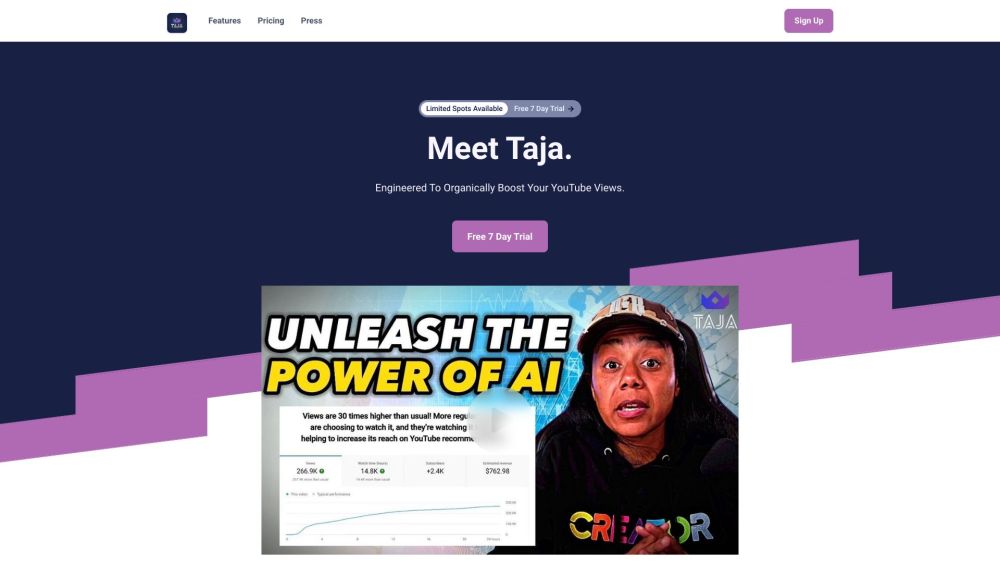
Discover Taja AI
Taja AI is a cutting-edge AI-driven metadata specialist designed for YouTube content creators. It meticulously examines your channel and audience preferences to generate optimized metadata, including titles, descriptions, hashtags, and thumbnail ideas. These enhancements are aimed at boosting organic engagement and expanding your audience reach.
How to Utilize Taja AI?
Getting started with Taja AI is simple. Choose a subscription plan that fits your needs and sign up. After accessing the dashboard, link your YouTube channel and begin optimizing your content. Taja AI will offer recommendations for titles, descriptions, hashtags, thumbnail concepts, and even video chapters. You can use the Live Preview feature to see how your titles will appear on YouTube. By following Taja AI's tailored metadata suggestions, you can significantly enhance your video's discoverability and organic viewership.
Key Features of Taja AI
Engaging YouTube Titles: Taja AI crafts compelling titles that are fine-tuned to align with YouTube's algorithm for maximum visibility.
Optimized Descriptions & Chapters: Receive on-brand, SEO-friendly descriptions and automatic chapter generation to enhance your videos.
Targeted YouTube Tags: Taja AI creates precise, long-tail keyword tags to improve your content's alignment with YouTube's search algorithm.
Attractive Thumbnails & Captions: Access creative thumbnail ideas and captivating captions tailored to engage your audience.
Audience Insights: Taja AI analyzes your channel to understand your audience's preferences, allowing for more personalized metadata suggestions.
Who Can Benefit from Taja AI?
YouTube content creators aiming to boost organic engagement and viewership
Creators seeking to save time on SEO research and enhance video metadata
Podcast hosts and creators looking for improved visibility on YouTube
Taja AI Support Email & Customer Service Contact
For customer service, contact Taja AI via email at: [email protected].
Taja AI Company Information
Company name: Taja AI
Taja AI Login
Login link: https://app.taja.ai/signin
Taja AI Sign Up
Sign up link: https://app.taja.ai/signup
Taja AI Pricing
Pricing details: https://www.taja.ai/#pricing
Taja AI on Facebook
Facebook link: https://www.facebook.com/profile.php?id=100093255416382
Taja AI on YouTube
YouTube link: https://www.youtube.com/@growwithtaja/about
Taja AI on TikTok
TikTok link: https://www.tiktok.com/@growwithtaja
Taja AI on LinkedIn
LinkedIn link: https://www.linkedin.com/company/taja-ai
Taja AI on Twitter
Twitter link: https://twitter.com/growwithtaja
Taja AI on Instagram
Instagram link: https://www.instagram.com/growwithtaja/?igshid=OGQ5ZDc2ODk2ZA%3D%3D