AI Chatbot

Supportbot Pro

Supportbot Pro is an AI-based website support bot that can be installed by placing HTML in the head of a website's HTML code. It answers customer questions by training on the company's data, such as their website and PDF documents. It integrates with your website, using your data to answer questions and generate leads. Supportbot pro is easy to install, customizable, and secure.

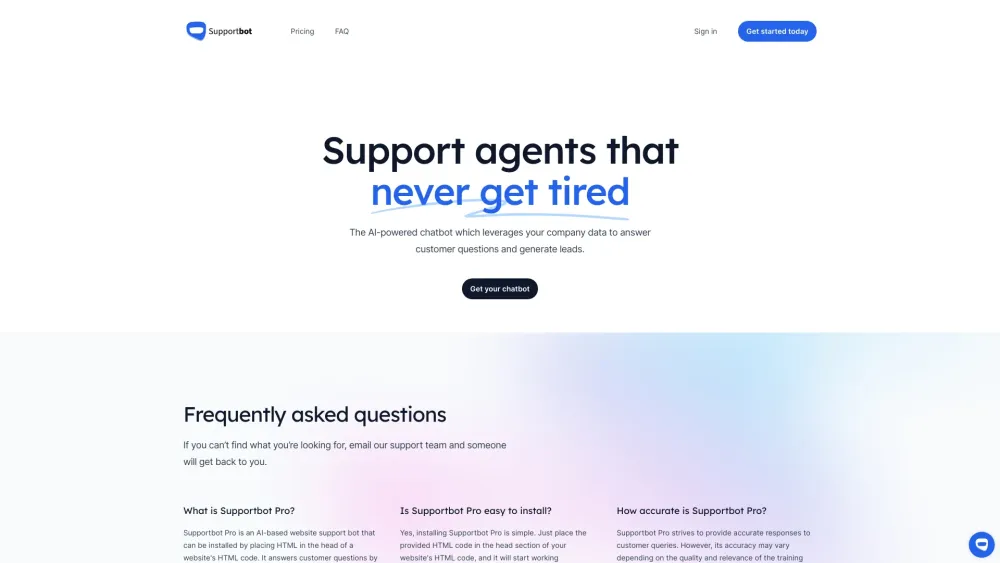
Supportbot Pro website preview

Supportbot Pro Website screenshot

What is Supportbot Pro?

Supportbot Pro is an AI-driven chatbot designed for website support, easily integrated by adding a snippet of HTML to your site's head section. It leverages your company's existing data, including website content and PDF documents, to answer customer queries and capture leads. Supportbot Pro is known for its ease of installation, customization options, and robust security measures.

How to use Supportbot Pro?

Using Supportbot Pro is straightforward: insert the provided HTML code into your website's head section, and it will begin functioning right away. It uses your company's data to respond to customer questions and can be tailored to fit the look and feel of your brand.

Supportbot Pro's Core Features

AI-powered customer support

Training on company data

Customizable installation

Secure data handling

Supportbot Pro's Use Cases

Answer customer inquiries

Generate leads

Automate customer support

Product source: Supportbot Pro official website. Check the provider for current plans, limits and availability.

FAQ

Supportbot Pro questions and answers

Product context and practical checks for evaluating Supportbot Pro.

What is Supportbot Pro used for?

Supportbot Pro is an AI-based website support bot that can be installed by placing HTML in the head of a website's HTML code. It answers customer questions by training on the company's data, such as their website and PDF documents. It integrates with your website, using your data to answer questions and generate leads. Supportbot pro is easy to install, customizable, and secure.

How do I get started with Supportbot Pro?

Using Supportbot Pro is straightforward: insert the provided HTML code into your website's head section, and it will begin functioning right away. It uses your company's data to respond to customer questions and can be tailored to fit the look and feel of your brand.

Which capabilities are described for Supportbot Pro?

AI-powered customer supportTraining on company dataCustomizable installationSecure data handling

What projects can I evaluate Supportbot Pro for?

Answer customer inquiriesGenerate leadsAutomate customer support Supportbot Pro Company Supportbot Pro Company name: Supportbot Pro. Supportbot Pro Login Supportbot Pro Login Link: https://app.supportbot.pro Supportbot Pro Sign up Supportbot Pro Sign up Link: https://app.supportbot.pro Supportbot Pro Pricing Supportbot Pro Pricing Link: https://supportbot.pro/#pricing

What should I compare before choosing a Supportbot Pro plan?

Supportbot Pro Pricing Link: https://supportbot.pro/#pricing Confirm current prices and allowances on the provider’s website before purchasing.

What inputs should I prepare for a Supportbot Pro trial?

Compare repository access, context limits, supported languages and tool permissions. Check whether the assistant can read relevant files and run your existing checks.

How can I check the quality of a Supportbot Pro result?

Review the diff, run tests and inspect error handling and dependency changes. Generated code should meet the same review standard as a human contribution.

Which export options should I check in Supportbot Pro?

Prefer changes you can inspect and keep in version control. Check whether code, tests and configuration can be exported without depending on a hosted preview.

What is a practical way to test Supportbot Pro against alternatives?

Choose a small reproducible bug with an existing failing check. Measure whether the tool fixes the cause, preserves behavior and produces a reviewable change.

Where is the official Supportbot Pro website?

The website linked from this profile is https://www.promptdodo.com. Use the provider’s own documentation, account area and support channels to confirm current product details.

Visit Supportbot Pro