Summarizer

SumyAI

SumyAI: Instantly extract key points from lengthy YouTube videos without watching them. Save time and get the highlights effortlessly!

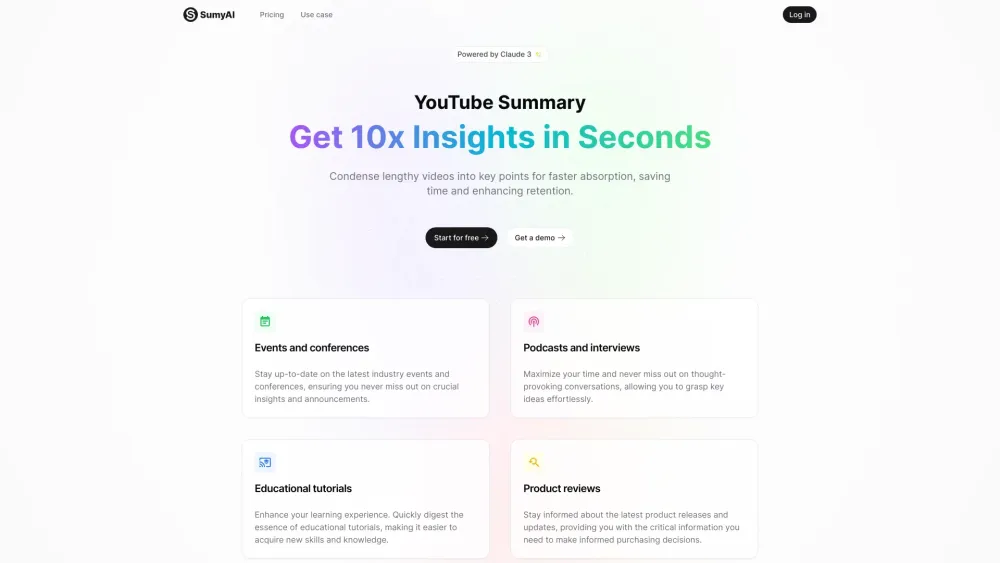
SumyAI website preview

SumyAI Website screenshot

Discover SumyAI

SumyAI is an innovative tool designed to help users effortlessly extract key points from long YouTube videos without the need to watch them fully.

How to Utilize SumyAI?

1. Paste the YouTube video URL you wish to summarize. 2. SumyAI will process the video and identify the main points. 3. Check the summary to gain insights quickly, bypassing the need to view the entire video.

Key Features of SumyAI

Summarize extensive YouTube videos into essential points

Save time and improve information retention

Quickly understand crucial information from online courses

Simplify video analysis and gather insights effortlessly

Increase productivity by summarizing interviews, meetings, and trainings

Effortlessly transform videos for advertisements or news

Save hours and rapidly extract facts for research papers and articles

Easily navigate YouTube and quickly access relevant points

Applications of SumyAI

Enhance learning and simplify lectures for educators and students

Boost content creation by analyzing competitor videos for content creators

Optimize decision-making and training for businesses

Craft news and elevate entertainment for media professionals

Accelerate research and simplify analysis for academics

Find relevant content and save time for individual users

Product source: SumyAI official website. Check the provider for current plans, limits and availability.

FAQ

SumyAI questions and answers

Product context and practical checks for evaluating SumyAI.

What is SumyAI used for?

SumyAI: Instantly extract key points from lengthy YouTube videos without watching them. Save time and get the highlights effortlessly!

How do I get started with SumyAI?

1. Paste the YouTube video URL you wish to summarize. 2. SumyAI will process the video and identify the main points. 3. Check the summary to gain insights quickly, bypassing the need to view the entire video.

Which capabilities are described for SumyAI?

Summarize extensive YouTube videos into essential pointsSave time and improve information retentionQuickly understand crucial information from online coursesSimplify video analysis and gather insights effortlesslyIncrease productivity by summarizing interviews, meetings, and trainingsEffortlessly transform videos for advertisements or newsSave hours and rapidly extract facts for research papers and articlesEasily navigate YouTube and quickly access relevant points

What projects can I evaluate SumyAI for?

Enhance learning and simplify lectures for educators and studentsBoost content creation by analyzing competitor videos for content creatorsOptimize decision-making and training for businessesCraft news and elevate entertainment for media professionalsAccelerate research and simplify analysis for academicsFind relevant content and save time for individual users SumyAI CompanyCompany name: SumyAI. SumyAI LoginLogin Link: https://www.sumyai.com/login SumyAI PricingPricing Link: https://www.sumyai.com/pricing SumyAI FacebookFacebook Link: https://www.sumyai.com/ SumyAI TwitterTwitter Link: https://www.sumyai.com/ SumyAI InstagramInstagram Link: https://www.sumyai.com/

What should I compare before choosing a SumyAI plan?

Pricing Link: https://www.sumyai.com/pricing Confirm current prices and allowances on the provider’s website before purchasing.

What inputs should I prepare for a SumyAI trial?

Compare text prompts, reference frames, source footage and audio support. Check duration, aspect ratio and whether the tool lets you keep a subject consistent between shots.

How can I check the quality of a SumyAI result?

Watch the entire clip for motion errors, distorted objects, changing identities, lip-sync problems and abrupt transitions. Inspect the downloaded file as well as the preview.

Which export options should I check in SumyAI?

Check export resolution, frame rate, aspect ratio, audio tracks and watermark rules. A good preview is not a substitute for an export that fits your publishing channel.

What is a practical way to test SumyAI against alternatives?

Use a short shot with one subject and one camera movement. Keep the prompt and duration constant, then compare usable seconds and the number of regenerations.

Where is the official SumyAI website?

The website linked from this profile is https://sumyai.com. Use the provider’s own documentation, account area and support channels to confirm current product details.

Visit SumyAI