AI Art Generator

Stylar AI

Stylar AI: Effortless image creation with predefined styles, layering, and sketching tools. Perfect for pros and beginners to customize with ease.

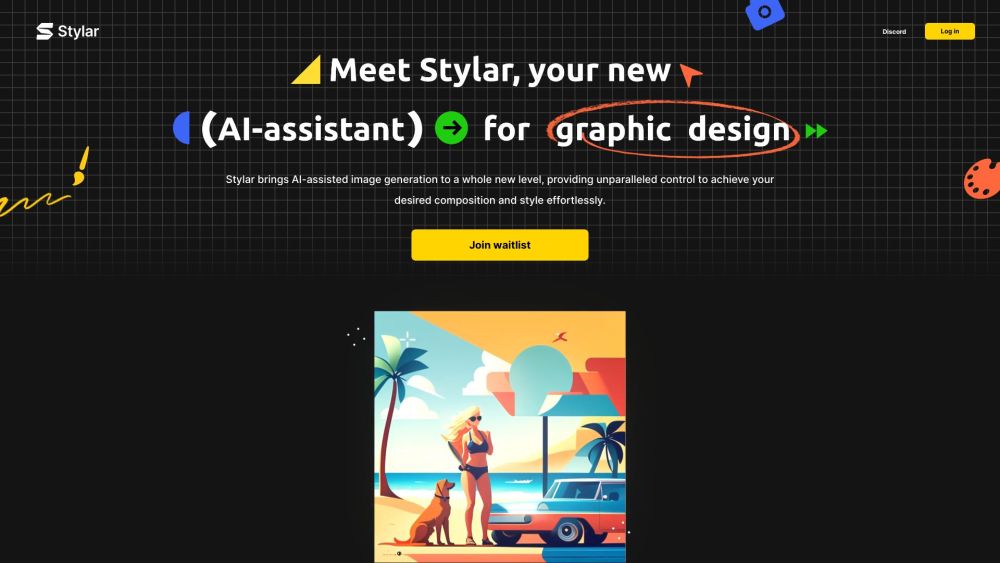
Stylar AI website preview

Stylar AI Website screenshot

What is Stylar AI?

Stylar AI is a powerful image generation tool designed for ease of use, offering a range of predefined styles that can be customized. With advanced layering, positioning, and sketching tools, users can exercise detailed control over their creations. Whether you're a seasoned professional or a beginner, Stylar AI makes AI-assisted image creation accessible and straightforward.

How to use Stylar AI?

Using Stylar AI is simple: log in with your Discord account and complete the registration form. After registering, you'll have access to the full suite of AI-assisted image generation tools, enabling you to create intricate and customized images effortlessly. For additional guidance and tips, join the Stylar AI Discord channel.

Stylar AI's Core Features

Key features of Stylar AI include predefined styles for easy customization, advanced layering and positioning tools, and sketching tools for adding personal touches to your images.

Stylar AI's Use Cases

Professionals and beginners alike use Stylar AI for a variety of purposes, such as graphic design, digital art, social media content creation, and website banners. The tool's versatility opens up numerous creative possibilities.

Product source: Stylar AI official website. Check the provider for current plans, limits and availability.

FAQ

Stylar AI questions and answers

Product context and practical checks for evaluating Stylar AI.

What is Stylar AI used for?

Stylar AI: Effortless image creation with predefined styles, layering, and sketching tools. Perfect for pros and beginners to customize with ease.

How do I get started with Stylar AI?

Using Stylar AI is simple: log in with your Discord account and complete the registration form. After registering, you'll have access to the full suite of AI-assisted image generation tools, enabling you to create intricate and customized images effortlessly. For additional guidance and tips, join the Stylar AI Discord channel.

Which capabilities are described for Stylar AI?

Key features of Stylar AI include predefined styles for easy customization, advanced layering and positioning tools, and sketching tools for adding personal touches to your images.

What projects can I evaluate Stylar AI for?

Professionals and beginners alike use Stylar AI for a variety of purposes, such as graphic design, digital art, social media content creation, and website banners. The tool's versatility opens up numerous creative possibilities. Stylar AI Reddit Visit the Stylar AI Reddit: https://www.reddit.com/r/stylar_ai/ Stylar AI Discord Join the Stylar AI Discord: https://discord.gg/AMEqUCZvhn. For more information, click here. Stylar AI Support Email & Customer Service Contact Contact Stylar AI support via email: [email protected]. For more details, visit the contact us page(mailto:[email protected]). Stylar AI Company Company name: Stylar. Stylar AI Pricing For pricing information, visit: https://www.stylar.ai/pricing Stylar AI YouTube Watch Stylar AI videos on YouTube: https://youtube.com/@Stylar-ai?si=O-TIUWVl9dkaY0xk Stylar AI LinkedIn Connect with Stylar AI on LinkedIn: https://www.linkedin.com/company/stylarai/ Stylar AI Twitter Follow Stylar AI on Twitter: https://twitter.com/stylar_ai Stylar AI Instagram Follow Stylar AI on Instagram: https://www.instagram.com/stylar.ai_official/ Stylar AI Reddit Visit Stylar AI on Reddit: https://www.reddit.com/r/stylar_ai/

What should I compare before choosing a Stylar AI plan?

For pricing information, visit: https://www.stylar.ai/pricing Confirm current prices and allowances on the provider’s website before purchasing.

What inputs should I prepare for a Stylar AI trial?

Look for text prompts, image references, masks or sketches as appropriate. Compare composition control, supported upload types and the ability to revise a selected area.

How can I check the quality of a Stylar AI result?

Inspect text, hands, edges, reflections and repeated objects at full size. Check that important product or brand details survive editing.

Which export options should I check in Stylar AI?

Compare pixel dimensions, transparency, file formats and any enlargement options. Confirm that the downloaded result works in your design or publishing software.

What is a practical way to test Stylar AI against alternatives?

Prepare a brief with a subject, composition, lighting and required output size. Test a first generation and a targeted revision to see how much control you retain.

Where is the official Stylar AI website?

The website linked from this profile is . Use the provider’s own documentation, account area and support channels to confirm current product details.