AI Content Generator

Stable Audio

Create unique music and sound effects effortlessly with Stable Audio, the generative AI tool from Stability AI. Unleash your creativity today!

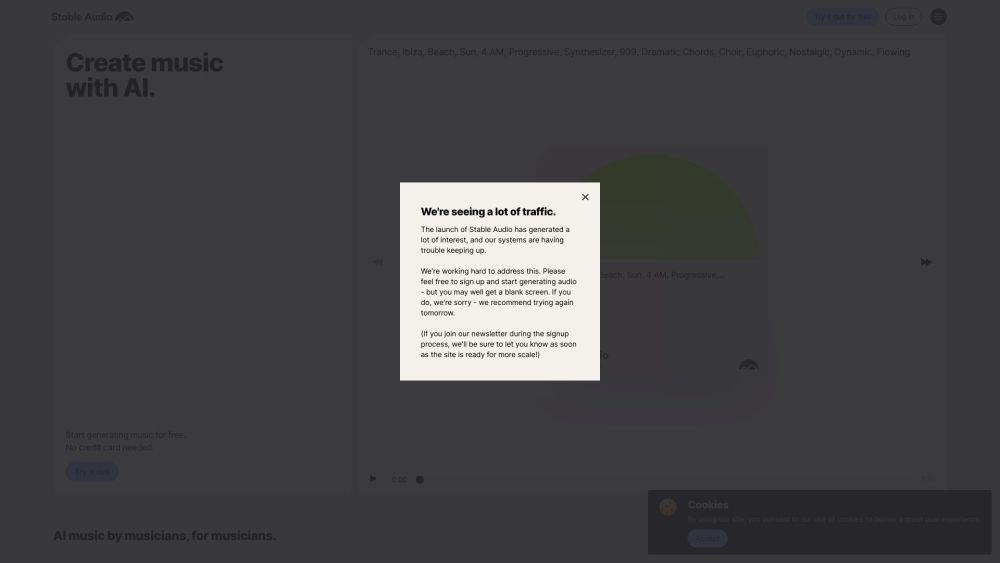
Stable Audio website preview

Stable Audio Website screenshot

What is Stable Audio?

Stable Audio, developed by Stability AI, is an advanced AI tool designed to generate music and sound effects.

How to Use Stable Audio?

Create top-quality audio in 44.1 kHz stereo by inputting a text prompt and specifying the desired duration.

Stable Audio's Core Features

Generative AI for Music & Sound Effects

AI-Driven Original Music and Sound Creation

Ideal for Both Beginners and Professionals

Custom-Length Music Generation

Powered by Cutting-Edge Audio Diffusion Models

Produces High-Quality Audio in 44.1 kHz Stereo

Product source: Stable Audio official website. Check the provider for current plans, limits and availability.

FAQ

Stable Audio questions and answers

Product context and practical checks for evaluating Stable Audio.

What is Stable Audio used for?

Create unique music and sound effects effortlessly with Stable Audio, the generative AI tool from Stability AI. Unleash your creativity today!

How do I get started with Stable Audio?

Create top-quality audio in 44.1 kHz stereo by inputting a text prompt and specifying the desired duration.

Which capabilities are described for Stable Audio?

Generative AI for Music & Sound EffectsAI-Driven Original Music and Sound CreationIdeal for Both Beginners and ProfessionalsCustom-Length Music GenerationPowered by Cutting-Edge Audio Diffusion ModelsProduces High-Quality Audio in 44.1 kHz Stereo Stable Audio Discord Join the Stable Audio community on Discord: https://discord.gg/stablediffusion. For additional details, click here(/discord/stablediffusion-1). Stable Audio Company The company behind Stable Audio is Stability AI. Learn more about Stable Audio on the about us page(https://stableaudio.com/about). Stable Audio Pricing Find pricing details here: https://stableaudio.com/pricing Stable Audio Twitter Follow Stable Audio on Twitter: https://twitter.com/stableaudio Stable Audio Instagram Check out Stable Audio on Instagram: https://www.instagram.com/stableaudio/

What should I compare before choosing a Stable Audio plan?

Find pricing details here: https://stableaudio.com/pricing Confirm current prices and allowances on the provider’s website before purchasing.

What inputs should I prepare for a Stable Audio trial?

Compare recording length, file types, language support and speaker handling. For voice generation, check pronunciation controls and permission to use any reference voice.

How can I check the quality of a Stable Audio result?

Listen for mispronounced names, unnatural pauses, clipped words and noise. For transcripts, compare the text with the recording and correct speaker labels.

Which export options should I check in Stable Audio?

Check audio format, sample rate, separate tracks, captions and timestamp exports. Confirm that the result works in your editing or accessibility workflow.

What is a practical way to test Stable Audio against alternatives?

Use a short recording with names, numbers and more than one speaker, or a script with difficult pronunciation. Review the exported audio or transcript in full.

What should I review before uploading material to Stable Audio?

Read the provider’s rules on access, retention, deletion and use of uploaded material. Start with a non-confidential sample that you have permission to use.

Where is the official Stable Audio website?

The website linked from this profile is https://stableaudio.com. Use the provider’s own documentation, account area and support channels to confirm current product details.

Visit Stable Audio