AI Reply Assistant

Spryngtime

Spryngtime: Automate support with ChatGPT in your company’s tone. handle questions, cancellations, refunds, and more with tailored responses.

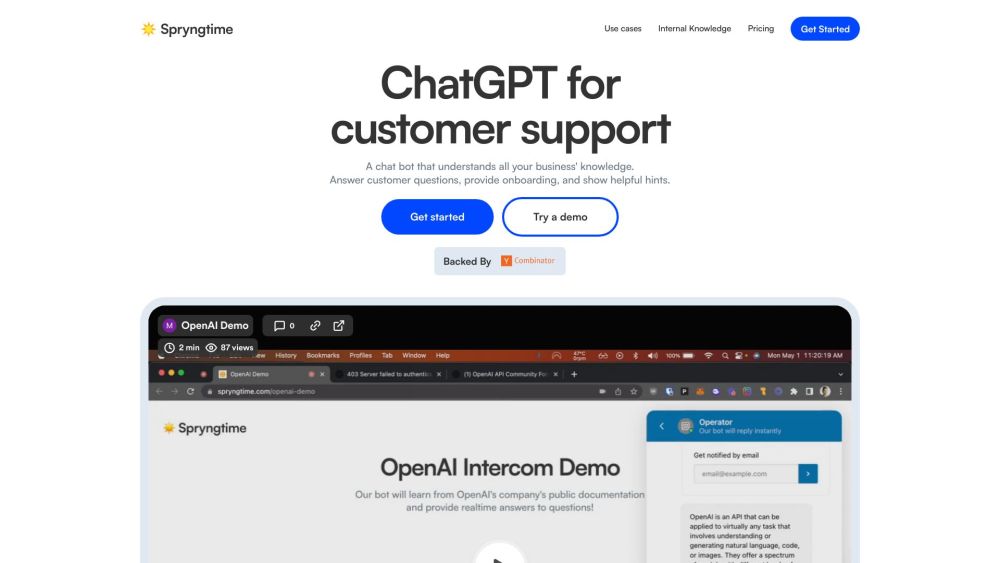
Spryngtime website preview

Spryngtime Website screenshot

What is Spryngtime?

Spryngtime is an innovative tool for automating customer support, leveraging the power of ChatGPT to handle support tickets and provide responses that reflect your company's unique tone and voice. This tool can manage customer inquiries, execute tasks like refunds and cancellations, and efficiently resolve support issues.

How to use Spryngtime?

To deploy Spryngtime, integrate it seamlessly with your current support channels such as Zendesk, Intercom, Slack, Discord, or Email. The bot is designed to understand your product details, help center information, and customer data, enabling it to deliver precise answers. Additionally, it can perform tasks such as retrieving customer-specific data and automating refunds or cancellations. Setting up Spryngtime is straightforward, and its advanced features allow it to offer support, draft messages for review, and even create new documentation for previously unanswered queries.

Spryngtime's Core Features

Automate support tickets and deliver responses in your company's tone and voice

Reduce ticket volume by up to 50% through accurate responses

Generate FAQs and documentation from historical conversations automatically

Handle tasks such as refunds, cancellations, and API integrations

Leverage past interactions and chat history to provide relevant answers

Ensure data security with advanced encryption

Allow message review and drafting prior to sending responses

Integrate with popular platforms like Slack, Intercom, Zendesk, Discord, and Email

Spryngtime's Use Cases

Answer inquiries about product features or integrations

Automate processes for cancellations and refunds

Efficiently resolve support tickets

Significantly reduce the number of incoming support tickets

Create FAQs and documentation from past interactions

Product source: Spryngtime official website. Check the provider for current plans, limits and availability.

FAQ

Spryngtime questions and answers

Product context and practical checks for evaluating Spryngtime.

What is Spryngtime used for?

Spryngtime: Automate support with ChatGPT in your company’s tone. handle questions, cancellations, refunds, and more with tailored responses.

How do I get started with Spryngtime?

To deploy Spryngtime, integrate it seamlessly with your current support channels such as Zendesk, Intercom, Slack, Discord, or Email. The bot is designed to understand your product details, help center information, and customer data, enabling it to deliver precise answers. Additionally, it can perform tasks such as retrieving customer-specific data and automating refunds or cancellations. Setting up Spryngtime is straightforward, and its advanced features allow it to offer support, draft messages for review, and even create new documentation for previously unanswered queries.

Which capabilities are described for Spryngtime?

Automate support tickets and deliver responses in your company's tone and voiceReduce ticket volume by up to 50% through accurate responsesGenerate FAQs and documentation from historical conversations automaticallyHandle tasks such as refunds, cancellations, and API integrationsLeverage past interactions and chat history to provide relevant answersEnsure data security with advanced encryptionAllow message review and drafting prior to sending responsesIntegrate with popular platforms like Slack, Intercom, Zendesk, Discord, and Email

What projects can I evaluate Spryngtime for?

Answer inquiries about product features or integrationsAutomate processes for cancellations and refundsEfficiently resolve support ticketsSignificantly reduce the number of incoming support ticketsCreate FAQs and documentation from past interactions Spryngtime Company Spryngtime Company name: Spryngtime. Spryngtime Pricing Spryngtime Pricing Link: https://www.spryngtime.com/pricing

What should I compare before choosing a Spryngtime plan?

Spryngtime Pricing Link: https://www.spryngtime.com/pricing Confirm current prices and allowances on the provider’s website before purchasing.

What inputs should I prepare for a Spryngtime trial?

Identify the files, text or account connections your task needs. Confirm that the product accepts those inputs and offers controls for reviewing its work.

How can I check the quality of a Spryngtime result?

Test one representative task and inspect the result for accuracy and completeness. Record where manual corrections or extra tools are needed.

Which export options should I check in Spryngtime?

Check export formats, integrations and whether you can keep using your work outside the service. Test a real export before committing to a longer plan.

What is a practical way to test Spryngtime against alternatives?

Choose one task with a clear success condition. Keep the input consistent, record the time spent reviewing and compare the complete workflow cost.

Where is the official Spryngtime website?

The website linked from this profile is https://www.spryngtime.com. Use the provider’s own documentation, account area and support channels to confirm current product details.

Visit Spryngtime