Table of contents
Speechly: Voice-Powered AI Email Assistant for Professionals
Speechly: Dictate polished, professional emails instantly—voice-powered AI that structures, refines, and sends with precision.
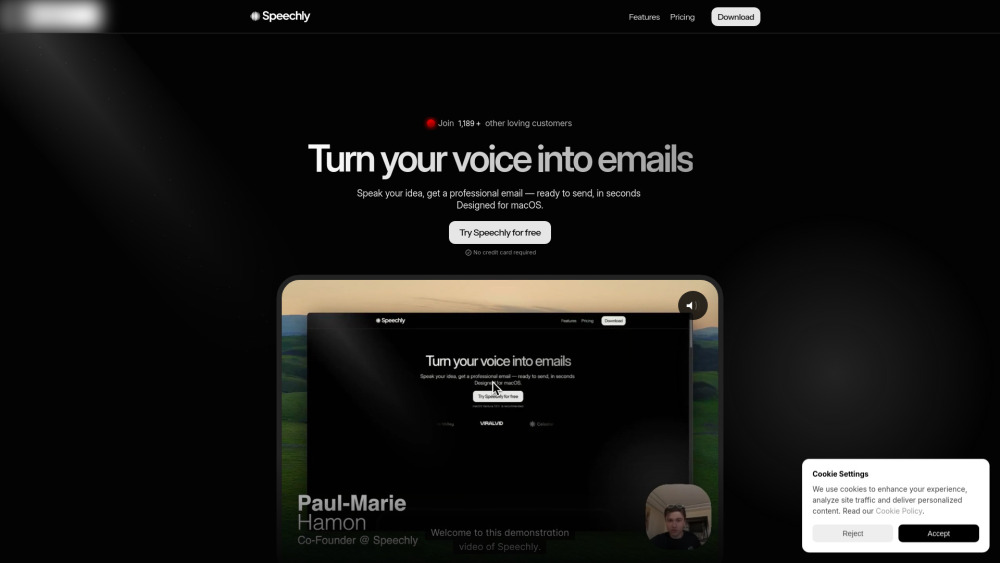
Introducing Speechly: Your Voice-Powered AI Email Assistant
Speechly reimagines email composition for modern professionals — transforming spontaneous voice notes into articulate, context-aware, and on-brand emails in real time. No keyboard required. No drafting fatigue. Just speak your intent, and let Speechly handle structure, nuance, grammar, and localization — all natively on macOS. Engineered for clarity, speed, and discretion, it supports over 100 languages and adapts seamlessly to your communication style.
How Speechly Works — Effortlessly
Launch Speechly, press the mic button, and speak naturally — whether it’s a quick follow-up, a client proposal, or a multilingual outreach. Its on-device AI transcribes, interprets intent, composes a purpose-built email (with logical intro, concise body, and clear call-to-action), and presents it for your final review. One click — and it’s sent.
Why Professionals Choose Speechly
Real-Time Voice-to-Email Conversion
Smart Message Architecture (Auto-Generated Intro, Body & CTA)
Adaptive Tone Engine — Adjust from Warm to Authoritative in One Tap
Native Support for 100+ Languages — Including regional variants and dialects
macOS-Native Design — Deep system integration, no browser dependency
Privacy by Default — Free plan processes speech locally; zero cloud audio upload
Custom Email Templates (Pro Plan Only)
Upcoming Offline Mode — Full functionality without internet (Pro Plan)
Real-World Use Cases
Draft high-stakes emails hands-free during meetings or commutes
Maintain linguistic precision across global teams and clients
Enforce consistent brand voice and professionalism — every time
Reclaim hours weekly previously lost to email overload and revision cycles
Frequently Asked Questions
-
Do I need to type anything at all?
-
What’s the monthly limit on the Free Plan?
-
Can I fine-tune the tone for different recipients?
-
What unlocks with the Pro subscription?
-
How does Speechly protect my sensitive communications?
-
Is there developer access via API?
-
Is this just speech-to-text — or something more?
-
Get Support or Request a Refund
Reach our support team directly: Contact Us Page
-
About Speechly
Speechly is an independent product studio focused on human-centered AI tools for knowledge work. Founded to reduce cognitive friction in daily communication.
-
Log In to Your Account
Access Speechly instantly: https://www.speechly.io/login?utm_source=toolify
-
Follow Speechly on Facebook
Latest updates and community insights: https://facebook.com/
-
Watch Tutorials on YouTube
Master Speechly in minutes: https://www.youtube.com/
-
Join the Conversation on X (Twitter)
Real-time tips and announcements: https://twitter.com/
FAQ from Speechly
What is Speechly?
Speechly is an intelligent, macOS-native email assistant that converts spoken ideas into polished, context-sensitive emails — complete with logical flow, appropriate tone, and grammatical accuracy — all without touching a keyboard.
How to use Speechly?
Click the microphone, speak conversationally (e.g., “Ask Sarah about the Q3 timeline — keep it friendly but urgent”), and receive a ready-to-send email in seconds. Review, tweak if needed, and hit send.
Do I have to type anything?
No. Speechly eliminates typing entirely. Even editing is optional — most users send the first draft.
How many emails can I create on the Free Plan?
The Free Plan includes 20 fully functional email generations per month — with local processing and no usage tracking.
Can I choose the tone of my email?
Yes — Pro users select from five nuanced tone profiles (e.g., “Diplomatic,” “Action-Oriented,” “Grateful”) to match audience and intent. Free users receive a balanced, universally appropriate default.
What’s included in the Pro Plan?
Unlimited emails, advanced tone control, reusable custom templates, full multilingual support, priority support, early offline mode access, and beta API integration for workflow automation.
Is my data private?
Absolutely. Speechly never stores or transmits raw audio. Free Plan processing happens entirely on-device. Pro Plan audio is encrypted in transit and deleted immediately after processing — no retention, no profiling.
Is there an API?
Yes — a lightweight, RESTful API is available in closed beta for Pro subscribers, enabling integration with Slack, Notion, CRM systems, and internal tools.
What exactly does this tool do?
It acts as your AI co-writer: listening to your voice, understanding your goal, structuring your message with rhetorical best practices, refining language for impact, and delivering a professional email — in under 5 seconds.