What is Smart Paste?
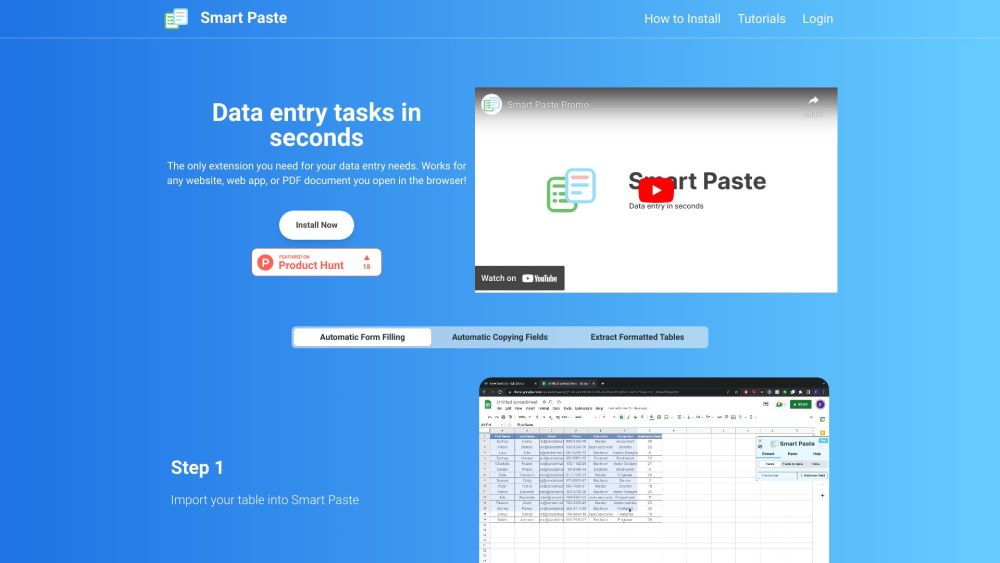
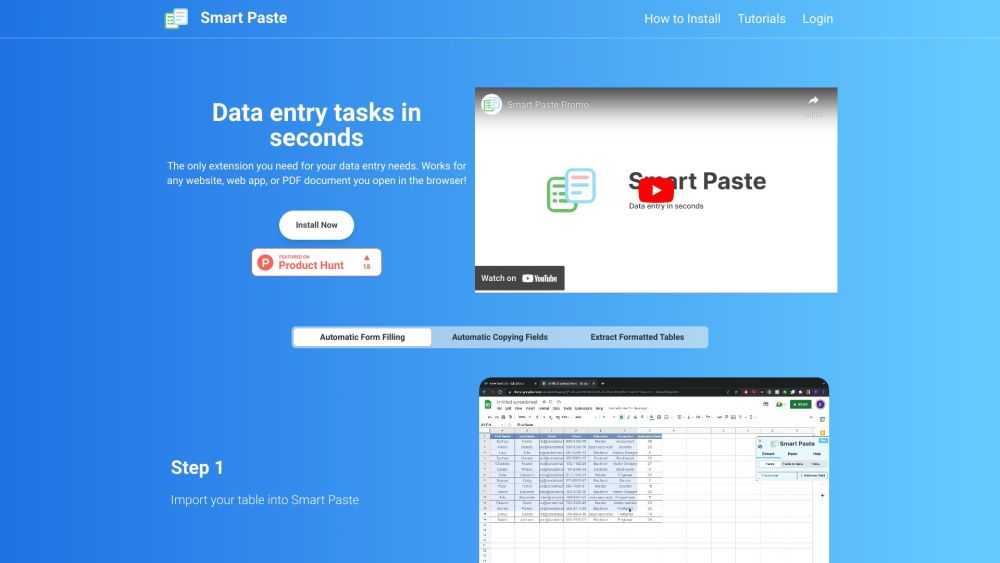
Smart Paste is an extension that allows users to quickly and efficiently perform data entry tasks on websites, web apps, and PDF documents. It automates form filling, copying fields, and extracting tables, making data entry tasks easier and faster.
How to use Smart Paste?
To use Smart Paste, simply install the extension in your browser. Once installed, you can easily perform various data entry tasks. For automatic form filling, select the website fields you want to extract and add them to your table. Then, paste the extracted data into your spreadsheet. For copying fields, press 'Select a table' in the Smart Paste sidebar, select your desired table, and click 'Copy table to clipboard'. Finally, paste the copied table into your spreadsheet. For extracting formatted tables, import your table into Smart Paste, select the table header corresponding to the correct input field, and fill in your form by selecting the right entry.
Smart Paste's Core Features
Automatic form filling
Automatic copying fields
Extracting formatted tables
Quick data entry tasks
Works with any website, web app, or PDF document
Data never leaves your computer
Smart Paste's Use Cases
Transferring data between websites and PDFs
Automating repetitive tasks with hotkeys
Quickly filling forms from tables
Filling input boxes, radio buttons, checkboxes, etc.
Reducing errors by showing the table on the side
Smart Paste Support Email & Customer service contact & Refund contact etc.
Here is the Smart Paste support email for customer service: [email protected] .
Smart Paste Login
Smart Paste Login Link: https://www.smartpaste.io/login
Smart Paste Pricing
Smart Paste Pricing Link: https://www.smartpaste.io/
Smart Paste Youtube
Smart Paste Youtube Link: https://www.youtube.com/playlist?list=PLVnC_yq9CR7O8oYeGEdgm-uRZDSjfOLsw