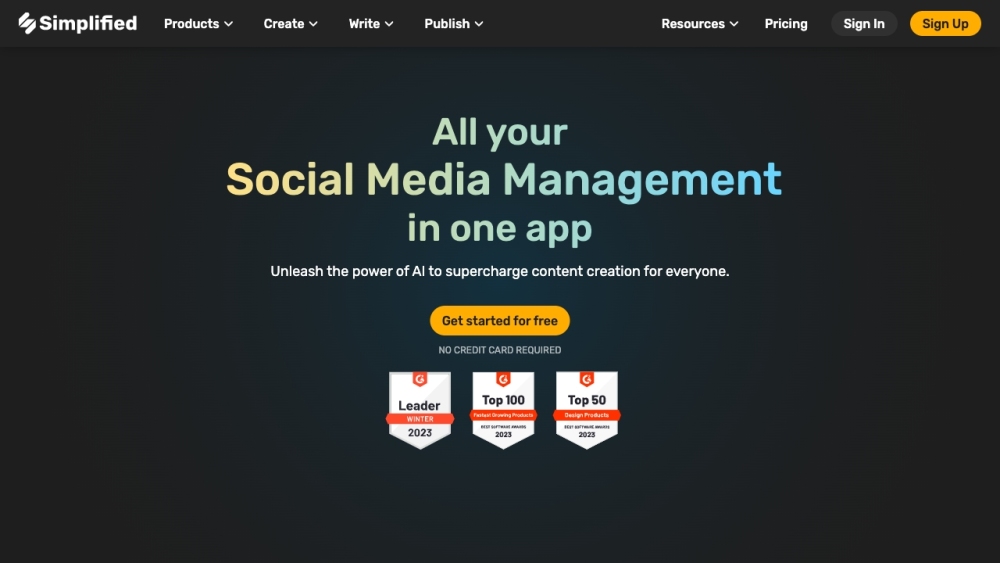
Discover Simplified
Simplified is a user-friendly all-in-one platform designed to enhance the efficiency of modern marketing teams. This versatile app includes time-saving features and collaboration tools, making it easier to streamline your marketing efforts. With an extensive collection of free images, videos, and audio clips, along with designer templates, Simplified enables teams to produce eye-catching graphic designs, engaging videos, and compelling written content. Additionally, the app offers a content calendar for seamless scheduling and posting to various social media platforms. Best of all, Simplified is free to use.
Getting Started with Simplified
To begin using Simplified, create a free account. After logging in, you can explore a wide range of features, including graphic design, video editing, AI content writing, and social media management. Leverage the vast library of free resources, templates, and AI tools to produce the content you envision. Collaborate with your team by sharing workspaces and providing real-time feedback. Use the content calendar to organize and schedule posts across different social media channels. Simplified optimizes your marketing workflow and boosts team productivity.
Key Features of Simplified
Graphic Design: Utilize millions of free images, videos, and audio clips, and employ designer templates to create stunning visuals.
AI Writer: Quickly generate content for blogs, social media, websites, and more with AI assistance.
Video Editor & Animation: Effortlessly collaborate on videos for platforms like TikTok, Instagram, and YouTube.
Social Media Management: Enhance your business growth through effective social media management, including post scheduling and publishing.
AI Presentation Maker: Create professional presentations swiftly using AI technology.
AI Image Generator: Produce images from text with the help of AI.
AI Background Remover: Instantly remove backgrounds from images.
Magic Resizer: Resize your designs instantly for various platforms and purposes.
Animation Maker: Bring your designs to life with easy-to-use animations.
AI Content Rewriter: Quickly expand and rewrite your content.
AI Blog Writer: Let AI create blogs, essays, and articles in minutes.
Instagram Reels: Craft engaging content specifically for Instagram Reels.
Convert mov to mp4: Convert your video files from mov to mp4 format.
Convert jpg to png: Change image file formats from jpg to png.
Social Media Post Templates: Design eye-catching posts and stories for various social media platforms.
Video Content for Social Media: Create videos tailored for Instagram Reels, YouTube Shorts, and TikTok.
Social Media Hashtag Generator: Generate relevant hashtags for your social media posts.
SEO-driven Copywriting: Write content optimized for search engines.
Social Media Scheduling: Automate and schedule posts on platforms like Instagram, Facebook, TikTok, Twitter, Pinterest, and LinkedIn.
Social Media Analytics: Analyze your post performance to develop better marketing strategies.
Unlimited Workspaces: Create distinct workspaces for teams and clients for efficient collaboration.
Who Can Benefit from Simplified?
Marketing Teams: Simplify your workflow with Simplified's all-in-one tools for design, video editing, content writing, and social media management.
Content Creators: Utilize a vast array of resources and AI tools to produce appealing designs, engaging videos, and well-crafted content for multiple platforms.
Small Business Owners: Save time and resources by using Simplified’s intuitive tools to create professional graphics and videos, write captivating copy, and efficiently manage social media.
Freelancers: Offer high-quality graphic design, video editing, and content writing services to clients using Simplified's comprehensive feature set.
Non-profit Organizations: Boost your online presence and connect with supporters by creating compelling visuals, videos, and written content with Simplified's tools and templates.
Support and Contact Information
For customer service, contact Simplified support at [email protected].
Company Information
Company name: TLDR Technologies, Inc.
Login to Simplified
Access the login page here: https://app.simplified.com/login
Sign Up for Simplified
Create a free account here: https://app.simplified.com/signup
Pricing Information
View pricing details here: https://simplified.com/pricing
Connect on Social Media
Follow Simplified on Facebook, YouTube, TikTok, LinkedIn, Twitter, Instagram, and Pinterest.