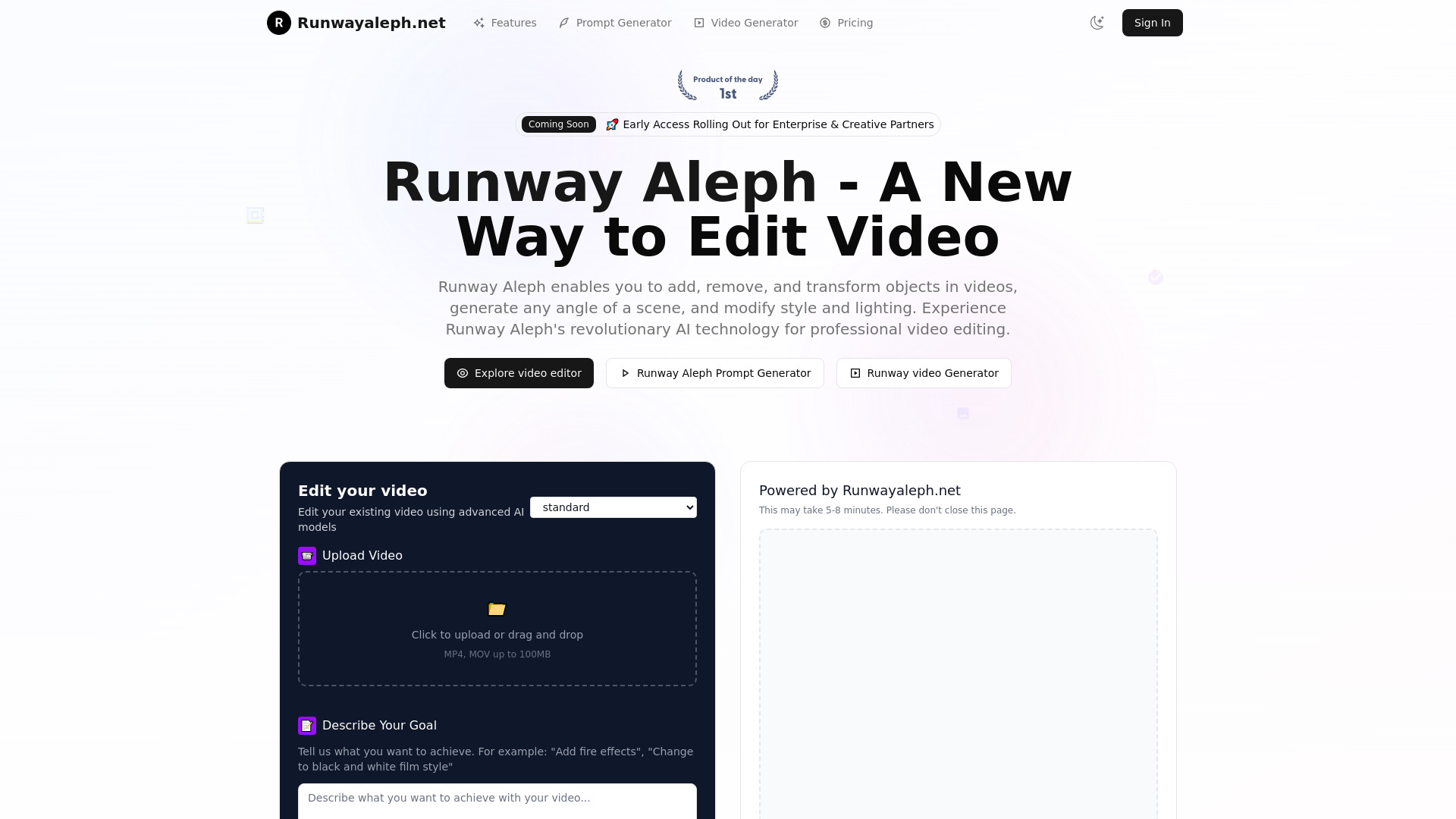
What Is Runwayaleph.net?
Runwayaleph.net is presented as an AI video editing platform for changing footage through written instructions. Its central idea is straightforward: describe the visual adjustment you want, then use AI to create a revised version of the clip. Tasks such as removing distracting objects, exploring a different visual style, or changing the atmosphere of a scene become part of a prompt-based creative workflow.
The platform’s described approach centers on in-context video editing, which considers the surrounding scene when making changes. A useful edit needs to account for movement, composition, and the relationship between subjects and their environment. For creators, this opens opportunities to experiment with existing material, develop alternative versions, and explore ideas that might otherwise require additional filming or detailed manual work. Results depend on the source footage, the requested transformation, and the capabilities available in the current version.
How to Use Runwayaleph.net
Begin by selecting a video with a clear subject and an identifiable editing goal. Upload the clip through the available interface, checking the current requirements for file format, duration, and size. Footage with visible details and relatively consistent motion can make it easier to assess whether the generated changes match your intentions. Before submitting a project, review any account requirements, usage allowances, and processing costs displayed by the service.
Next, write a focused instruction explaining what should change and what should remain consistent. For example, “Remove the parked bicycle beside the doorway while preserving the person walking past” gives the model a specific target. For a style adjustment, try “Give the scene a muted cinematic look with soft contrast and warm highlights.” If a prompt assistance feature is available, use it to clarify the subject, effect, and desired appearance.
Once processing finishes, preview the entire result before downloading it. Look for flickering details, altered faces, inconsistent shadows, or background changes that were not requested. Refine the prompt or simplify the edit when needed. Working through individual changes can make the results easier to evaluate, especially when a project involves object removal, relighting, and a new visual style.
Key Features of Runwayaleph.net
- Alternative Camera Perspectives: Explore generated viewpoints based on existing footage. This capability can help creators test different compositions or visualize additional coverage, although newly generated perspectives should be checked for plausible geometry and consistent subject details.
- Video Style Transformation: Reinterpret a clip with a different aesthetic, such as monochrome cinema, faded film colors, or a stylized artistic treatment. Describe contrast, texture, and color preferences to give the requested look a clearer direction.
- AI Object Removal and Editing: Target unwanted items within a scene, replace selected elements, or introduce new visual details. Successful edits depend on how clearly the object appears and how much movement, overlap, or background reconstruction the task involves.
- Scene and Environment Changes: Experiment with different backgrounds, weather effects, or times of day. Prompts can describe a rainy street, warmer evening light, or a darker atmosphere while specifying which parts of the original scene should stay recognizable.
- Character Appearance Adjustments: Explore changes to clothing, makeup, or other visible character details for creative development. Review facial identity, body proportions, and continuity carefully, particularly when the subject turns, moves quickly, or becomes partially obscured.
- Color Editing and Relighting: Adjust the visual mood through changes to selected colors or the apparent lighting. Instructions about light direction, brightness, and color temperature can help communicate the intended effect more precisely.
- Subject and Background Separation: Background isolation can support compositing and scene replacement where this capability is available. Fine hair, transparent materials, motion blur, and overlapping subjects may require additional inspection or cleanup.
- Motion From Still Images: Where supported, image animation can turn a photograph or static visual into a moving sequence. Confirm whether this function is included in the current platform offering and what controls are available for directing movement.
These capabilities support a flexible approach to visual experimentation. The most useful results come from matching a specific editing objective to suitable source material, then reviewing the output for continuity and accuracy before including it in a finished production.
Why Choose Runwayaleph.net?
Runwayaleph.net may appeal to creators who want to explore video changes through everyday language. A prompt-based interface provides a direct way to communicate an idea, whether that means removing a background distraction or giving a scene a different atmosphere. It can also help teams discuss creative options by producing visual examples that are easier to evaluate than a written description alone.
Another potential benefit is making more use of existing footage. A single clip can become the starting point for several visual directions, helping creators compare treatments before committing to a final edit. Marketing teams might explore seasonal variations, while filmmakers could test the mood of a scene during post-production. The practical value depends on generation costs, processing time, and how much correction each result requires.
Before choosing the service for regular production, assess its current features alongside your workflow. Check export quality, available controls, pricing, commercial-use terms, and policies covering uploaded content. If you are looking specifically for Runway’s Aleph model, verify the website’s relationship to Runway through official sources. A domain name alone does not establish an official affiliation, and access conditions may differ between services.
Use Cases and Applications
For filmmakers and independent production teams, AI video editing can support visual exploration during post-production. Existing shots can provide a basis for testing different lighting conditions, removing minor distractions, or imagining another perspective. Generated versions are particularly useful for discussing creative direction, provided the team checks whether the result meets the continuity and quality requirements of the final project.
Marketing teams can use style and environment changes to explore multiple campaign concepts from the same source material. A product clip might be tested with warmer colors, a different background, or a seasonal atmosphere. When editing commercial footage, review logos, packaging, product proportions, and any text carefully so that generated changes preserve accurate brand and product information.
Social media creators can experiment with visual treatments for short videos, refresh older footage, or remove elements that distract from the main subject. Corporate teams may also find opportunities to revise background details or update the appearance of existing material. In each case, compare the effort of generating and correcting the edit with the effort of making the change in a conventional editor or filming a replacement shot.