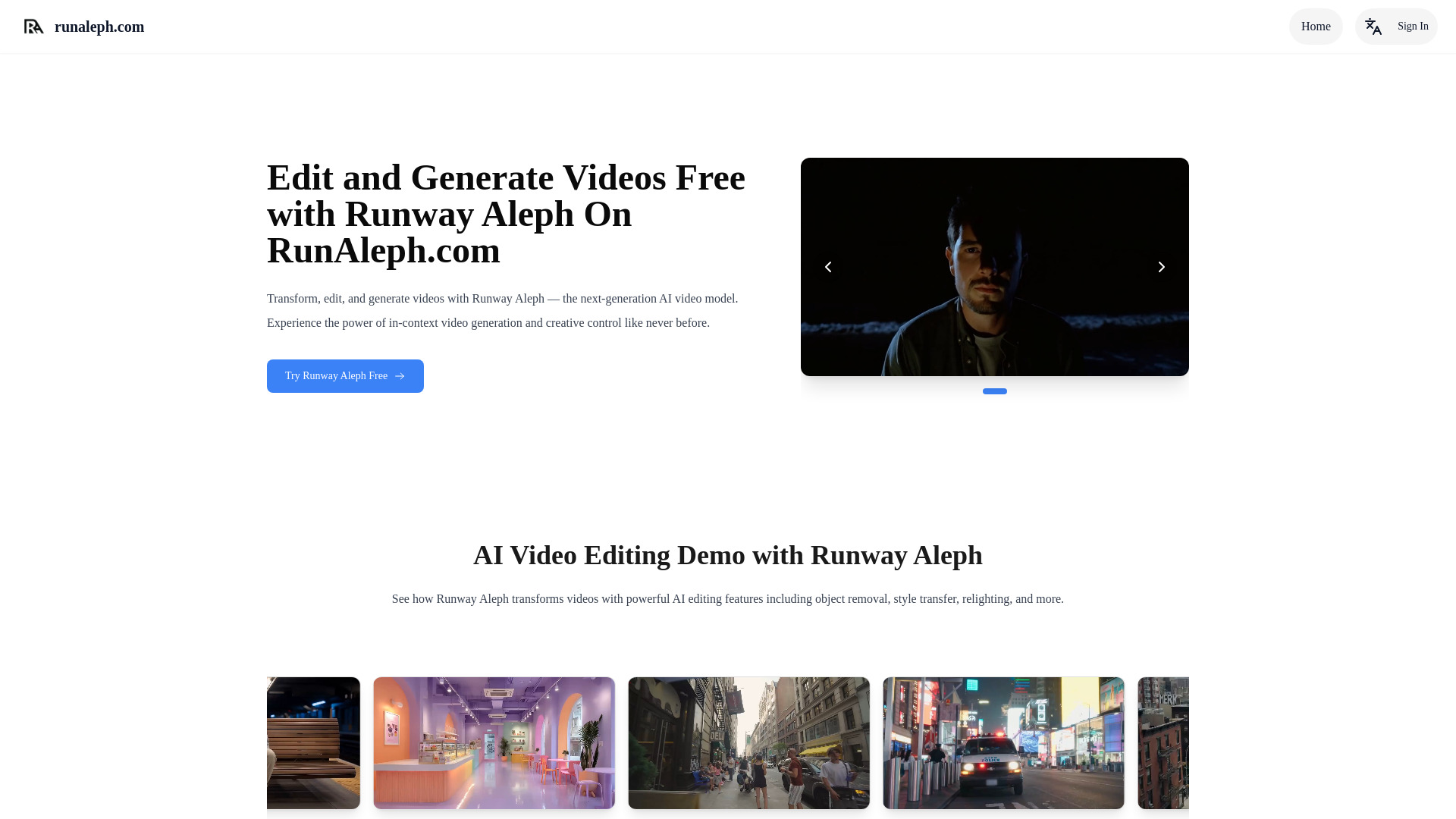
What is RunAleph: Free AI Video Editing with Text Prompts & Styling?
RunAleph is an AI-powered video editing platform that lets users reshape video content through written instructions and creative styling prompts. Instead of working through complex timelines, layers, and manual effects, you can describe the result you want and allow the AI to interpret the footage, subjects, lighting, and overall visual atmosphere. From changing a scene’s mood to applying a completely different artistic direction, RunAleph makes advanced video editing more approachable for creators at every experience level.
Designed for fast experimentation, RunAleph helps turn ordinary clips into polished visual content with only a few prompt adjustments. Content creators, social media managers, advertisers, educators, and independent filmmakers can use the platform to explore new looks, adapt existing footage, and produce engaging video variations without needing extensive editing experience. Free access options make it possible to test the workflow and discover how text-guided editing can support different creative projects.
How to Use RunAleph for Text-Based AI Video Editing
Getting started with RunAleph is straightforward. Begin by uploading a compatible video clip to the platform. After the footage is loaded, enter a prompt that explains the changes you want to make. You might request a dramatic nighttime appearance, a soft cinematic color palette, a new environmental setting, a different camera perspective, or a specific visual style inspired by a particular genre. The AI then evaluates the source material and applies the requested direction to create an updated version.
Clear, descriptive prompts generally produce more predictable results. Include details about the setting, lighting, colors, movement, atmosphere, and subject treatment when those elements matter to your concept. For example, a prompt such as “give this outdoor portrait a warm sunset glow with subtle film grain and a calm editorial style” provides more creative guidance than a short instruction such as “make it cinematic.” You can continue refining the output by adjusting one element at a time until the style matches your intended result.
Key Features of RunAleph: Free AI Video Editing with Styling Prompts
- Prompt-Based Video Adjustments: Describe edits in natural language and use AI to guide changes to the appearance, atmosphere, motion, and composition of your footage without manually applying every effect.
- Creative Style Transformation: Experiment with visual directions such as cinematic, vintage, futuristic, animated, minimalist, dramatic, or commercial styling to develop distinct versions of the same source video.
- Scene and Background Refinement: Use written instructions to explore environmental changes, background treatments, lighting adjustments, and other scene enhancements while preserving the main idea of the original footage.
- Flexible Creative Iteration: Generate different results from revised prompts, compare stylistic approaches, and gradually refine the video until the mood, colors, and overall presentation support your creative goal.
- Accessible Free Trial Experience: Try the platform’s AI editing workflow through available free access options and evaluate how text-guided video styling fits into your production process.
These tools are useful when speed and creative flexibility matter. Rather than beginning every project from an empty timeline, users can start with existing footage and explore several visual directions quickly. This approach is especially practical for short-form content, campaign concepts, promotional clips, and early-stage creative development.
Why Choose RunAleph for AI Video Editing and Styling?
RunAleph combines a simple text interface with AI-assisted video transformation, making it easier to test ideas that might otherwise require significant editing time. The platform allows creators to focus on the intended result instead of managing every technical adjustment manually. Whether you want to improve the tone of a clip, build a recognizable visual identity, or create multiple versions for different audiences, text prompts provide a direct way to communicate the desired direction.
The platform can also support a more efficient creative workflow. A marketer may use one product video to explore several campaign styles, while a creator can adapt a single recording for different platforms and audiences. An educator might add a more engaging visual treatment to an instructional clip, and a small business owner can produce branded content without assembling a large production team. RunAleph gives each user room to experiment while keeping the editing process simple and approachable.
Use Cases and Applications for RunAleph
Social media creators can use RunAleph to produce variations of short videos with different moods, colors, and visual themes. This makes it easier to test which presentation receives the strongest response on platforms that reward frequent and varied content. A travel creator, for example, could turn the same destination footage into a bright summer edit, a moody evening sequence, or a stylized cinematic montage.
Businesses and marketing teams can use AI styling to refresh existing assets for seasonal promotions, product launches, and brand campaigns. Instead of recording new footage for every concept, teams can explore alternative treatments using their current video library. Freelancers and agencies may also use RunAleph during the concept stage to present clients with several creative directions before investing in a full production.
Teachers, trainers, and course creators can apply visual changes to make educational videos more engaging and easier to adapt. Independent filmmakers can use prompt-driven editing to test atmosphere, genre, and visual identity while developing a scene. The platform is also useful for personal projects, including event videos, music clips, portfolios, and experimental storytelling.