AI Advertising Assistant

RivetAI

RivetAI: AI-powered pre-production platform automates scripting, scheduling, and budgeting for efficient, high-quality film and TV production. Streamline your workflow.

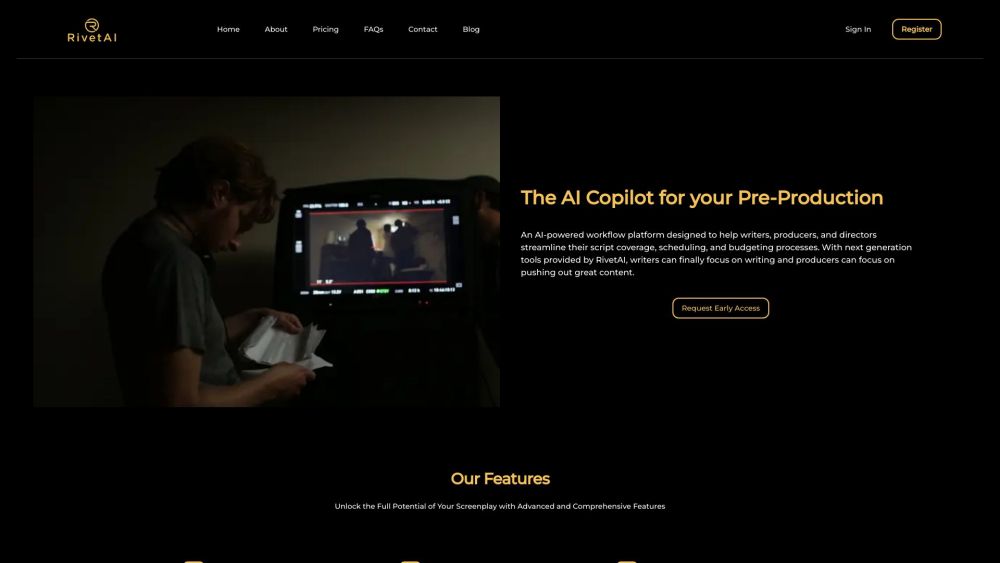
RivetAI website preview

RivetAI Website screenshot

What is RivetAI?

RivetAI is a groundbreaking AI-driven platform designed to revolutionize the pre-production phase for film and television professionals, including writers, producers, and directors. The platform offers tools for automated script breakdowns, scheduling, and budget estimation, facilitating the creation of high-quality content with greater efficiency.

How to use RivetAI?

Using RivetAI is straightforward. Start by signing up and requesting early access. Upon approval, you can upload your screenplay to the platform. RivetAI will then generate comprehensive script coverage reports, screenplay summaries, character breakdowns, automated budgets, and shooting schedules. These resources help writers focus on creativity while enabling producers to manage production processes effectively.

RivetAI's Core Features

Automated script breakdowns

Screenplay summaries

Character breakdown sheets

Automated budget breakdowns

Automated shooting schedules

Advanced security

Multilingual support

RivetAI's Use Cases

Enhancing script coverage and analysis

Simplifying narrative complexity with screenplay summaries

Supporting casting decisions and character development

Streamlining financial planning with automated budgeting

Optimizing resource management with automated shooting schedules

  • RivetAI Support Email & Customer Service Contact

    For customer service, contact RivetAI support at: [email protected].

  • RivetAI Company

    Company Name: RivetAI

    Address: 8520 Washington Boulevard, Culver City, CA 90232.

    For more information, visit the about us page.

  • RivetAI Pricing

    For pricing details, visit: https://www.rivetai.com/

Product source: RivetAI official website. Check the provider for current plans, limits and availability.

FAQ

RivetAI questions and answers

Product context and practical checks for evaluating RivetAI.

What is RivetAI used for?

RivetAI: AI-powered pre-production platform automates scripting, scheduling, and budgeting for efficient, high-quality film and TV production. Streamline your workflow.

How do I get started with RivetAI?

Using RivetAI is straightforward. Start by signing up and requesting early access. Upon approval, you can upload your screenplay to the platform. RivetAI will then generate comprehensive script coverage reports, screenplay summaries, character breakdowns, automated budgets, and shooting schedules. These resources help writers focus on creativity while enabling producers to manage production processes effectively.

Which capabilities are described for RivetAI?

Automated script breakdownsScreenplay summariesCharacter breakdown sheetsAutomated budget breakdownsAutomated shooting schedulesAdvanced securityMultilingual support

What projects can I evaluate RivetAI for?

Enhancing script coverage and analysisSimplifying narrative complexity with screenplay summariesSupporting casting decisions and character developmentStreamlining financial planning with automated budgetingOptimizing resource management with automated shooting schedules RivetAI Support Email & Customer Service Contact For customer service, contact RivetAI support at: [email protected]. RivetAI Company Company Name: RivetAI Address: 8520 Washington Boulevard, Culver City, CA 90232. For more information, visit the about us page. RivetAI Pricing For pricing details, visit: https://www.rivetai.com/

What should I compare before choosing a RivetAI plan?

For pricing details, visit: https://www.rivetai.com/ Confirm current prices and allowances on the provider’s website before purchasing.

What inputs should I prepare for a RivetAI trial?

Compare text prompts, reference frames, source footage and audio support. Check duration, aspect ratio and whether the tool lets you keep a subject consistent between shots.

How can I check the quality of a RivetAI result?

Watch the entire clip for motion errors, distorted objects, changing identities, lip-sync problems and abrupt transitions. Inspect the downloaded file as well as the preview.

Which export options should I check in RivetAI?

Check export resolution, frame rate, aspect ratio, audio tracks and watermark rules. A good preview is not a substitute for an export that fits your publishing channel.

What is a practical way to test RivetAI against alternatives?

Use a short shot with one subject and one camera movement. Keep the prompt and duration constant, then compare usable seconds and the number of regenerations.

Where is the official RivetAI website?

The website linked from this profile is https://www.rivetai.com. Use the provider’s own documentation, account area and support channels to confirm current product details.

Visit RivetAI