AI Content Generator

Restate

Restate: AI-driven listings that create high-quality, detailed, and compelling property descriptions to boost sales and attract buyers effortlessly.

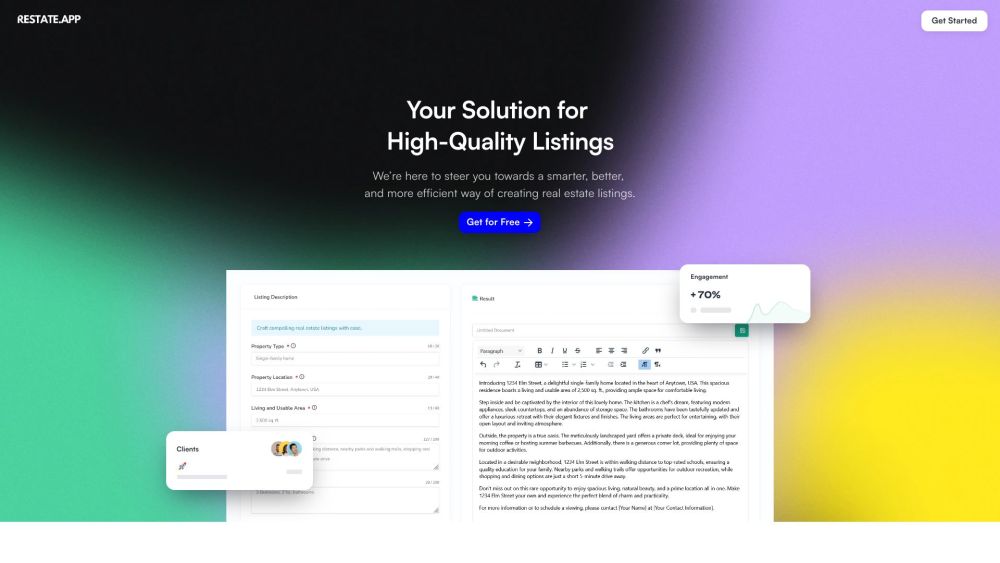
Restate website preview

Restate Website screenshot

What is Restate?

Restate employs advanced AI technology to craft high-quality, detailed, and compelling property listings that captivate potential buyers.

How to use Restate?

Restate streamlines the creation of real estate listings. Just enter the property details, and the AI engine will produce sharp and engaging listings with minimal effort.

Restate's Core Features

Personalized listings to emphasize unique property attributes

AI-driven efficiency for rapid listing generation

High-quality, detailed, and compelling descriptions

Intuitive user interface

Restate's Use Cases

Real estate agents

Property managers

Realtors

Independent realtors

Real estate businesses

Product source: Restate official website. Check the provider for current plans, limits and availability.

FAQ

Restate questions and answers

Product context and practical checks for evaluating Restate.

What is Restate used for?

Restate: AI-driven listings that create high-quality, detailed, and compelling property descriptions to boost sales and attract buyers effortlessly.

How do I get started with Restate?

Restate streamlines the creation of real estate listings. Just enter the property details, and the AI engine will produce sharp and engaging listings with minimal effort.

Which capabilities are described for Restate?

Personalized listings to emphasize unique property attributesAI-driven efficiency for rapid listing generationHigh-quality, detailed, and compelling descriptionsIntuitive user interface

What projects can I evaluate Restate for?

Real estate agentsProperty managersRealtorsIndependent realtorsReal estate businesses Restate Sign up Restate Sign up Link: https://dashboard.restate.app/signup Restate Pricing Restate Pricing Link: https://dashboard.restate.app/signup

What should I compare before choosing a Restate plan?

Restate Pricing Link: https://dashboard.restate.app/signup Confirm current prices and allowances on the provider’s website before purchasing.

What inputs should I prepare for a Restate trial?

Identify the files, text or account connections your task needs. Confirm that the product accepts those inputs and offers controls for reviewing its work.

How can I check the quality of a Restate result?

Test one representative task and inspect the result for accuracy and completeness. Record where manual corrections or extra tools are needed.

Which export options should I check in Restate?

Check export formats, integrations and whether you can keep using your work outside the service. Test a real export before committing to a longer plan.

What is a practical way to test Restate against alternatives?

Choose one task with a clear success condition. Keep the input consistent, record the time spent reviewing and compare the complete workflow cost.

Where is the official Restate website?

The website linked from this profile is https://restate.app. Use the provider’s own documentation, account area and support channels to confirm current product details.

Visit Restate