Summarizer

Recipe Reel

Recipe Reel: AI instantly summarizes Instagram recipes for quick reference and easy editing, saving you time and effort in the kitchen.

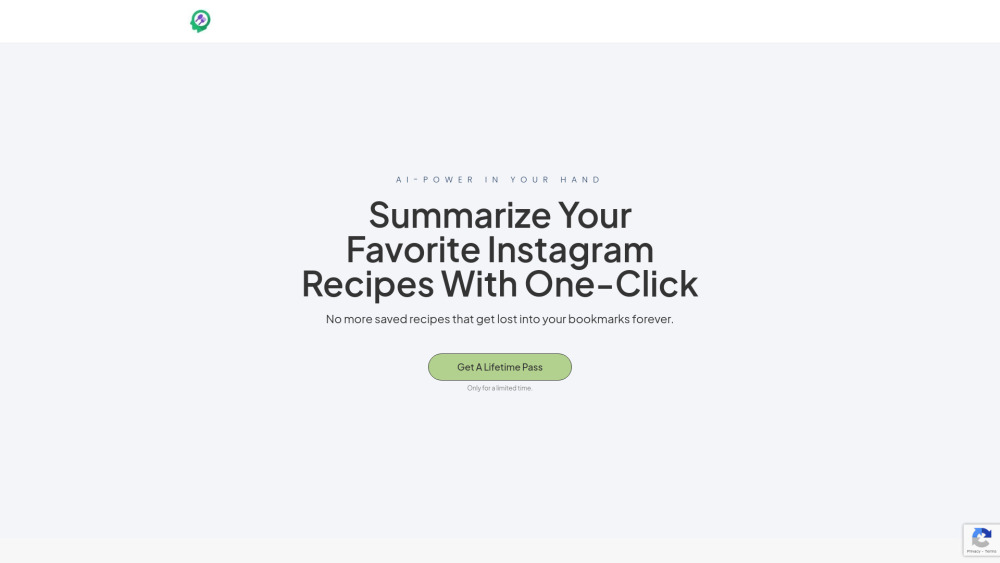
Recipe Reel website preview

Recipe Reel Website screenshot

What is Recipe Reel?

Recipe Reel is an innovative platform that utilizes AI to break down Instagram recipe reels, offering users a simple way to store, manage, and modify their favorite recipes.

How to use Recipe Reel?

Simply copy and paste an Instagram recipe reel's URL into Recipe Reel, and the AI will swiftly summarize and present the recipe in an editable format.

Recipe Reel's Core Features

AI-powered recipe summarization in one click

Unlimited recipe summaries with a subscription

Automatically create shopping lists from recipes

Organize recipes into custom groups for easy access

Export options for sharing and saving recipes

Recipe Reel's Use Cases

Efficiently categorize recipes into themed collections, like weeknight meals or desserts

Generate detailed shopping lists based on summarized recipe information

  • Recipe Reel Company

    Recipe Reel is the official brand behind the platform.

  • Recipe Reel Pricing

    Check the latest pricing and subscription details here: https://myreelrecipes.com/pricing/

Product source: Recipe Reel official website. Check the provider for current plans, limits and availability.

FAQ

Recipe Reel questions and answers

Product context and practical checks for evaluating Recipe Reel.

What is Recipe Reel used for?

Recipe Reel: AI instantly summarizes Instagram recipes for quick reference and easy editing, saving you time and effort in the kitchen.

How do I get started with Recipe Reel?

Simply copy and paste an Instagram recipe reel's URL into Recipe Reel, and the AI will swiftly summarize and present the recipe in an editable format.

Which capabilities are described for Recipe Reel?

AI-powered recipe summarization in one clickUnlimited recipe summaries with a subscriptionAutomatically create shopping lists from recipesOrganize recipes into custom groups for easy accessExport options for sharing and saving recipes

What projects can I evaluate Recipe Reel for?

Efficiently categorize recipes into themed collections, like weeknight meals or dessertsGenerate detailed shopping lists based on summarized recipe information Recipe Reel Company Recipe Reel is the official brand behind the platform. Recipe Reel Pricing Check the latest pricing and subscription details here: https://myreelrecipes.com/pricing/

What should I compare before choosing a Recipe Reel plan?

Check the latest pricing and subscription details here: https://myreelrecipes.com/pricing/ Confirm current prices and allowances on the provider’s website before purchasing.

What inputs should I prepare for a Recipe Reel trial?

Compare support for source documents, style instructions, outlines and length limits. Check whether citations link to real material rather than merely looking like references.

How can I check the quality of a Recipe Reel result?

Verify names, dates, quotations and factual claims against the original sources. Edit tone, remove repetition and make sure the text answers the intended reader’s question.

Which export options should I check in Recipe Reel?

Check export to plain text, Markdown, documents or your publishing system. Formatting, headings and working links matter when moving a draft into production.

What is a practical way to test Recipe Reel against alternatives?

Use a real brief and a short source document. Compare factual accuracy, structure and editing time rather than accepting the longest or most confident draft.

Where is the official Recipe Reel website?

The website linked from this profile is https://myreelrecipes.com. Use the provider’s own documentation, account area and support channels to confirm current product details.

Visit Recipe Reel