AI Product Description Generator

Recap

Effortlessly track crypto assets and generate tax reports with Recap. Supports multiple exchanges and wallets, prioritizing your privacy with on-device encryption.

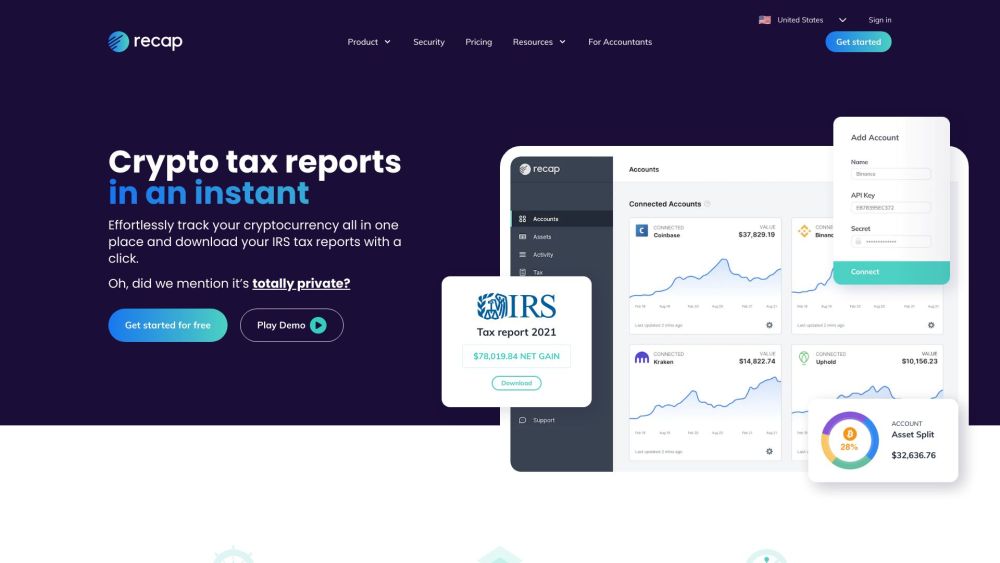
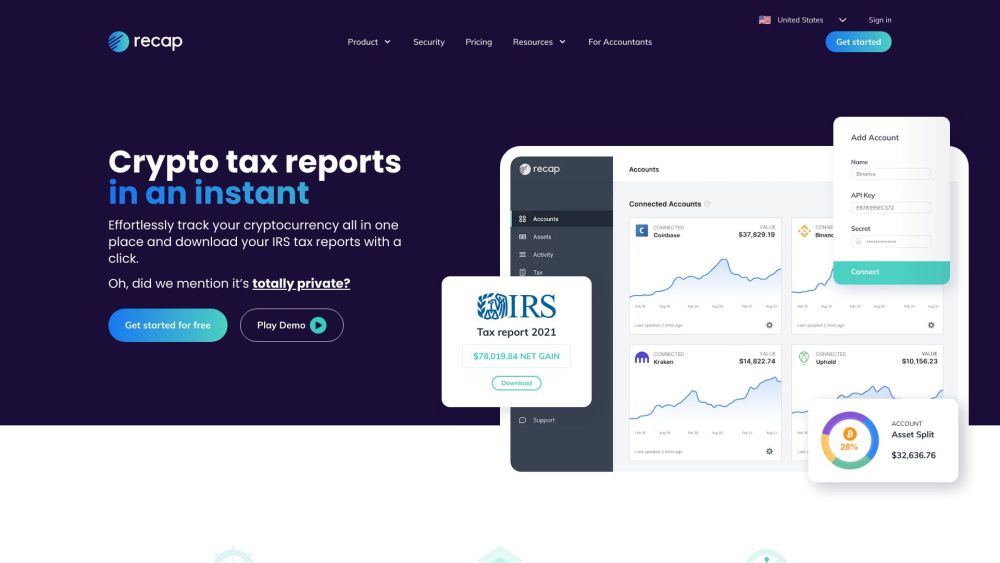
Recap website preview

Recap Website screenshot

Understanding Recap

Recap is an advanced crypto tax software and portfolio tracker that simplifies the process of managing crypto assets and generating tax reports. By supporting a wide range of exchanges and wallets, Recap ensures that all your transactions are seamlessly recorded and managed. The platform is designed with a strong emphasis on user privacy, encrypting all account data directly on your device.

Getting Started with Recap

To begin using Recap, create an account and connect your exchanges and wallets via API or by importing CSV files. Once connected, Recap automatically syncs and tracks your trades and crypto assets in real-time. You can easily generate your HMRC tax reports with just one click. Additionally, Recap offers tools for analyzing trading performance, viewing asset allocation, and monitoring the overall value of your crypto portfolio.

Key Features of Recap

Efficiently track crypto assets

Automatic synchronization with major exchanges

Support for Ethereum wallets, including NFTs, DeFi, and DEX trading

CSV import for various exchanges, wallets, and chains

End-to-end encryption of account data

Real-time portfolio tracking

View crypto asset values in pounds

Trading performance analysis

Asset allocation insights

Who Can Benefit from Recap?

Crypto enthusiasts looking for easy asset management

Traders needing to generate accurate HMRC tax reports

Investors aiming to analyze trading performance and plan future investments

Product source: Recap official website. Check the provider for current plans, limits and availability.

FAQ

Recap questions and answers

Product context and practical checks for evaluating Recap.

What is Recap used for?

Effortlessly track crypto assets and generate tax reports with Recap. Supports multiple exchanges and wallets, prioritizing your privacy with on-device encryption.

How do I get started with Recap?

To begin using Recap, create an account and connect your exchanges and wallets via API or by importing CSV files. Once connected, Recap automatically syncs and tracks your trades and crypto assets in real-time. You can easily generate your HMRC tax reports with just one click. Additionally, Recap offers tools for analyzing trading performance, viewing asset allocation, and monitoring the overall value of your crypto portfolio.

Which capabilities are described for Recap?

Efficiently track crypto assetsAutomatic synchronization with major exchangesSupport for Ethereum wallets, including NFTs, DeFi, and DEX tradingCSV import for various exchanges, wallets, and chainsEnd-to-end encryption of account dataReal-time portfolio trackingView crypto asset values in poundsTrading performance analysisAsset allocation insights

What should I compare before choosing a Recap plan?

Pricing Information: https://recap.io/pricing Confirm current prices and allowances on the provider’s website before purchasing.

What inputs should I prepare for a Recap trial?

Identify the files, text or account connections your task needs. Confirm that the product accepts those inputs and offers controls for reviewing its work.

How can I check the quality of a Recap result?

Test one representative task and inspect the result for accuracy and completeness. Record where manual corrections or extra tools are needed.

Which export options should I check in Recap?

Check export formats, integrations and whether you can keep using your work outside the service. Test a real export before committing to a longer plan.

What is a practical way to test Recap against alternatives?

Choose one task with a clear success condition. Keep the input consistent, record the time spent reviewing and compare the complete workflow cost.

What should I review before uploading material to Recap?

Read the provider’s rules on access, retention, deletion and use of uploaded material. Start with a non-confidential sample that you have permission to use.

Where is the official Recap website?

The website linked from this profile is https://recap.io. Use the provider’s own documentation, account area and support channels to confirm current product details.

Visit Recap