Text&ampWriting

Qwen-Image-Edit

Edit images with Alibaba’s open-source Qwen-Image-Edit—precise text rendering, semantic and appearance edits, powered by a free 20B AI model.

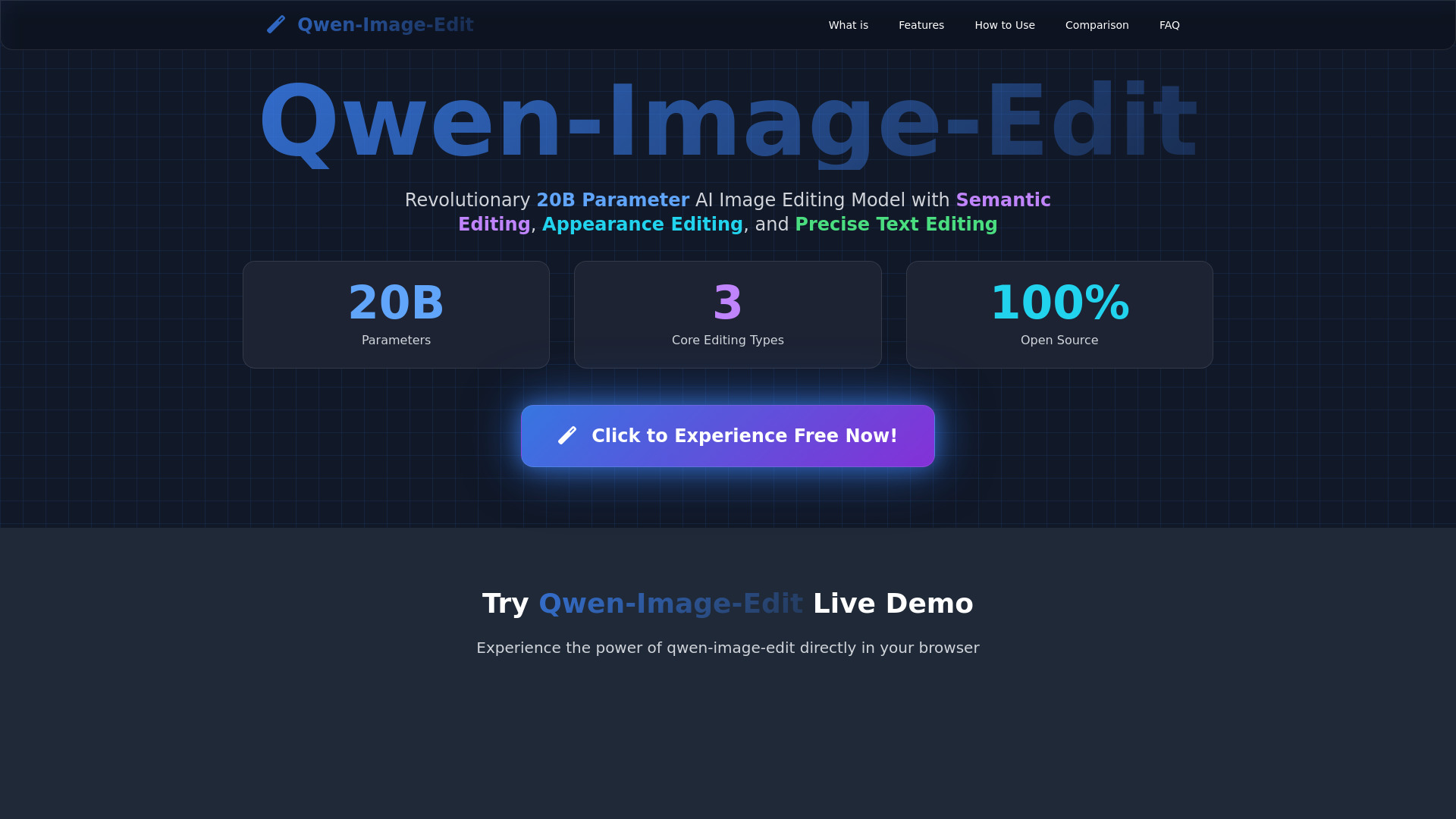
Qwen-Image-Edit website preview

What is Qwen-Image-Edit?

Qwen-Image-Edit is an open-source AI image editing model with 20 billion parameters, created by Alibaba’s Qwen research team. Designed for creators, developers, and businesses, qwen-image-edit can transform existing images according to written instructions while maintaining important visual details. The model combines semantic image editing with detailed appearance adjustments, making it possible to change a scene’s style, modify individual objects, replace backgrounds, or refine specific image regions through natural language prompts. One of its most notable strengths is text manipulation inside images. Qwen-image-edit can work with Chinese and English text while attempting to retain the existing typography, positioning, and overall design structure. Released under the Apache 2.0 license, qwen-image-edit gives users the flexibility to explore, customize, and deploy an advanced AI image editing system in both personal and commercial projects.

How to Use Qwen-Image-Edit

Users can access qwen-image-edit through several workflows, depending on their technical background and production requirements. Developers who want to run the model locally can install the required Python packages and initialize the model with the QwenImageEditPipeline. A typical workflow involves loading Qwen/Qwen-Image-Edit, supplying an input image, and writing a prompt that explains the intended modification. The generated result can then be reviewed, refined, and incorporated into a larger application or creative process.

Those who prefer a ready-made experience can try qwen-image-edit through the Qwen Chat Interface or compatible HuggingFace Spaces. These browser-based options remove the need for local model installation and offer a convenient way to test image transformation prompts. For more advanced workflows, users can launch a Gradio-based demonstration locally and configure available GPU resources to improve processing efficiency. Organizations handling substantial image volumes may also connect the model to ModelScope or related API infrastructure, making it easier to build automated editing pipelines for catalogs, campaigns, and content libraries.

Key Features of Qwen-Image-Edit

  • Prompt-Based Image Transformation: Describe a visual change in ordinary language and use qwen-image-edit to reinterpret the supplied image according to the requested subject, setting, mood, or artistic direction.
  • Semantic Image Editing: Adjust broad visual concepts such as a character’s pose, the viewpoint of a scene, or the artistic treatment of an image while working to preserve the identity and essential meaning of the original content.
  • Detailed Appearance Control: Make targeted changes to objects and regions, including adding or removing elements, changing colors, replacing backgrounds, and modifying individual visual attributes.
  • Chinese and English Text Support: Edit words embedded in images while preserving key aspects of the original layout and lettering style, which is useful for posters, product graphics, advertisements, and translated marketing materials.
  • Open-Source Deployment: The Apache 2.0 license allows developers to examine the model, adapt it to their workflows, and connect it with tools such as HuggingFace, ComfyUI, Python applications, and custom services.

These capabilities make qwen-image-edit suitable for both creative experimentation and repeatable production tasks. Instead of switching between several specialized tools, users can describe a combination of structural, stylistic, and localized changes within one editing workflow.

Why Choose Qwen-Image-Edit?

Qwen-image-edit is a strong option for users who want advanced AI image editing without depending entirely on a closed commercial platform. Its 20B parameter architecture is designed to handle complex visual instructions, including changes that require an understanding of the relationship between objects, people, text, and backgrounds. This gives creators more control when they need an image to evolve while still retaining recognizable details from the source material.

The model’s open-source availability is also valuable for technical teams. Developers can test qwen-image-edit in an experimental environment, connect it to an existing content system, or create a specialized interface for internal users. Online access makes the technology approachable for individuals, while local and API-based deployment options provide a path toward larger-scale workflows. This combination of editing depth, integration flexibility, and multilingual text handling makes qwen-image-edit relevant to design teams, e-commerce operators, media organizations, and software companies.

Use Cases and Applications

Marketing departments can use qwen-image-edit to adapt campaign artwork for different audiences, update promotional text, and create variations of a visual concept without rebuilding every asset manually. E-commerce teams can replace backgrounds, adjust product colors, remove unwanted objects, and prepare consistent catalog images for multiple sales channels. Because the model supports text editing within graphics, businesses can also create localized versions of banners, labels, and promotional posters while preserving the main layout.

Creative professionals may apply qwen-image-edit to concept development, character exploration, storyboarding, and style experimentation. A single reference image can be transformed into different environments, viewpoints, or artistic treatments while keeping important identity cues. SaaS developers can integrate the model into design platforms, social media tools, and content management systems, allowing their users to access image editing through a guided prompt interface. Agencies and production teams can further use batch-oriented deployments to generate controlled image variations for advertising, publishing, and brand communication projects.

Product source: Qwen-Image-Edit official website. Check the provider for current plans, limits and availability.

FAQ

Qwen-Image-Edit questions and answers

Product context and practical checks for evaluating Qwen-Image-Edit.

What is Qwen-Image-Edit used for?

Edit images with Alibaba’s open-source Qwen-Image-Edit—precise text rendering, semantic and appearance edits, powered by a free 20B AI model.

How do I get started with Qwen-Image-Edit?

Users can access qwen-image-edit through several workflows, depending on their technical background and production requirements. Developers who want to run the model locally can install the required Python packages and initialize the model with the QwenImageEditPipeline. A typical workflow involves loading Qwen/Qwen-Image-Edit, supplying an input image, and writing a prompt that explains the intended modification. The generated result can then be reviewed, refined, and incorporated into a larger application or creative process.Those who prefer a ready-made experience can try qwen-image-edit through the Qwen Chat Interface or compatible HuggingFace Spaces. These browser-based options remove the need for local model installation and offer a convenient way to test image transformation prompts. For more advanced workflows, users can launch a Gradio-based demonstration locally and configure available GPU resources to improve processing efficiency. Organizations handling substantial image volumes may also connect the model to ModelScope or related API infrastructure, making it easier to build automated editing pipelines for catalogs, campaigns, and content libraries.

Which capabilities are described for Qwen-Image-Edit?

Prompt-Based Image Transformation: Describe a visual change in ordinary language and use qwen-image-edit to reinterpret the supplied image according to the requested subject, setting, mood, or artistic direction. Semantic Image Editing: Adjust broad visual concepts such as a character’s pose, the viewpoint of a scene, or the artistic treatment of an image while working to preserve the identity and essential meaning of the original content. Detailed Appearance Control: Make targeted changes to objects and regions, including adding or removing elements, changing colors, replacing backgrounds, and modifying individual visual attributes. Chinese and English Text Support: Edit words embedded in images while preserving key aspects of the original layout and lettering style, which is useful for posters, product graphics, advertisements, and translated marketing materials. Open-Source Deployment: The Apache 2.0 license allows developers to examine the model, adapt it to their workflows, and connect it with tools such as HuggingFace, ComfyUI, Python applications, and custom services. These capabilities make qwen-image-edit suitable for both creative experimentation and repeatable production tasks. Instead of switching between several specialized tools, users can describe a combination of structural, stylistic, and localized changes within one editing workflow.

What projects can I evaluate Qwen-Image-Edit for?

Marketing departments can use qwen-image-edit to adapt campaign artwork for different audiences, update promotional text, and create variations of a visual concept without rebuilding every asset manually. E-commerce teams can replace backgrounds, adjust product colors, remove unwanted objects, and prepare consistent catalog images for multiple sales channels. Because the model supports text editing within graphics, businesses can also create localized versions of banners, labels, and promotional posters while preserving the main layout.Creative professionals may apply qwen-image-edit to concept development, character exploration, storyboarding, and style experimentation. A single reference image can be transformed into different environments, viewpoints, or artistic treatments while keeping important identity cues. SaaS developers can integrate the model into design platforms, social media tools, and content management systems, allowing their users to access image editing through a guided prompt interface. Agencies and production teams can further use batch-oriented deployments to generate controlled image variations for advertising, publishing, and brand communication projects.

How does Qwen-Image-Edit handle prompt-based image transformation?

Prompt-Based Image Transformation: Describe a visual change in ordinary language and use qwen-image-edit to reinterpret the supplied image according to the requested subject, setting, mood, or artistic direction.

How does Qwen-Image-Edit handle semantic image editing?

Semantic Image Editing: Adjust broad visual concepts such as a character’s pose, the viewpoint of a scene, or the artistic treatment of an image while working to preserve the identity and essential meaning of the original content.

What should I compare before choosing a Qwen-Image-Edit plan?

Check Qwen-Image-Edit’s current pricing page for included usage, renewal terms and any credit charges. Compare the cost of a usable result, including retries, rather than assuming that account registration includes free usage.

What inputs should I prepare for a Qwen-Image-Edit trial?

Look for text prompts, image references, masks or sketches as appropriate. Compare composition control, supported upload types and the ability to revise a selected area.

How can I check the quality of a Qwen-Image-Edit result?

Inspect text, hands, edges, reflections and repeated objects at full size. Check that important product or brand details survive editing.

Where is the official Qwen-Image-Edit website?

The website linked from this profile is https://qwen-image-edit.org. Use the provider’s own documentation, account area and support channels to confirm current product details.

Visit Qwen-Image-Edit