Writing Assistants

Qex AI

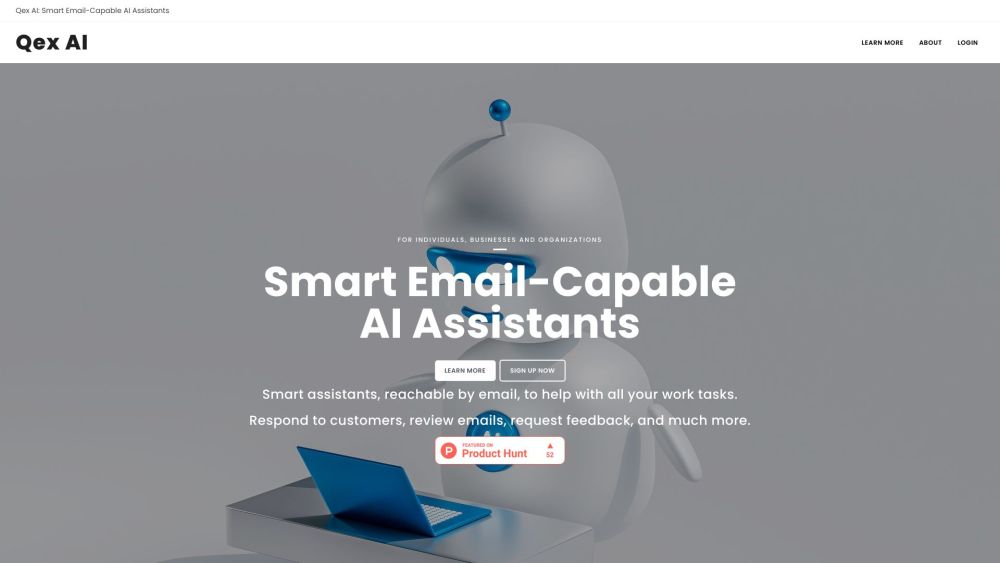
Smart assistants, reachable by email, to help with all your work tasks. Respond to customers, review emails, request feedback, and much more.

Qex AI website preview

Qex AI Website screenshot

What is Qex AI?

Qex AI provides intelligent email assistants designed to streamline your work processes. These smart assistants can handle customer responses, review emails, gather feedback, and more, all via email.

How to use Qex AI?

With Qex AI, you can deploy smart assistants to read, comprehend, and respond to emails. They assist with everyday tasks, facilitate communication with various stakeholders, and manage marketing and administrative duties.

Qex AI's Core Features

Really Smart Assistants

Qex AI assistants utilize the latest AI technology, trained on extensive human knowledge to perform intelligently.

Email Handling

Assign each assistant a dedicated mailbox with clear instructions to handle email communication efficiently.

Email Lock Lists

Ensure that your assistants only process emails from specified senders to save resources.

Copy Multiple Parties

Allow assistants to include multiple stakeholders in email replies, ensuring everyone is in the loop.

Delayed Responses

Schedule email responses for specific times, perfect for follow-ups and time-sensitive communications.

No Responses

Instruct assistants to ignore certain emails, based on predefined criteria.

Long Contexts

Handle lengthy email threads with ease, thanks to 8k token context capabilities.

PDF Attachments

Assistants can download and read PDF attachments in emails, incorporating relevant information into their responses.

Web Browsing

Empower your assistants to browse the web or perform searches to gather the information needed for their tasks.

Unlimited Assistants + Emails

Create as many assistants as needed, each capable of managing an unlimited number of emails.

Start Free, Cancel Anytime

Get started with a free trial, no credit card required, and cancel anytime without any commitment.

Never Any Billing Surprises

Prepay for your usage with credits, eliminating unexpected billing surprises.

Data Privacy

Your data remains yours; Qex AI does not retain copies of your emails.

Qex AI's Use Cases

Tier 1 Customer Support

Personalized Email Marketing Campaigns

Cold Emails Tailored to Target Customers

Outgoing Email Compliance Reviews

Requesting Feedback and Reviews

Order Confirmation Follow-ups

Debt Collection

IT Support Desk

  • Qex AI Support Email & Customer Service

    For customer service, contact Qex AI at [email protected]. For more contact options, visit the contact us page.

  • Qex AI Company

    Learn more about Qex AI on the about us page.

  • Qex AI Login

    Access your Qex AI account via the login gateway.

  • Qex AI Sign Up

    Sign up for Qex AI at the registration form.

  • Qex AI Pricing

    Check out Qex AI's pricing plans at the pricing page.

  • Qex AI Facebook

    Follow Qex AI on Facebook at facebook.com/QexAI.

Product source: Qex AI official website. Check the provider for current plans, limits and availability.

FAQ

Qex AI questions and answers

Product context and practical checks for evaluating Qex AI.

What is Qex AI used for?

Smart assistants, reachable by email, to help with all your work tasks. Respond to customers, review emails, request feedback, and much more.

How do I get started with Qex AI?

With Qex AI, you can deploy smart assistants to read, comprehend, and respond to emails. They assist with everyday tasks, facilitate communication with various stakeholders, and manage marketing and administrative duties.

Which capabilities are described for Qex AI?

Really Smart AssistantsQex AI assistants utilize the latest AI technology, trained on extensive human knowledge to perform intelligently.Email HandlingAssign each assistant a dedicated mailbox with clear instructions to handle email communication efficiently.Email Lock ListsEnsure that your assistants only process emails from specified senders to save resources.Copy Multiple PartiesAllow assistants to include multiple stakeholders in email replies, ensuring everyone is in the loop.Delayed ResponsesSchedule email responses for specific times, perfect for follow-ups and time-sensitive communications.No ResponsesInstruct assistants to ignore certain emails, based on predefined criteria.Long ContextsHandle lengthy email threads with ease, thanks to 8k token context capabilities.PDF AttachmentsAssistants can download and read PDF attachments in emails, incorporating relevant information into their responses.Web BrowsingEmpower your assistants to browse the web or perform searches to gather the information needed for their tasks.Unlimited Assistants + EmailsCreate as many assistants as needed, each capable of managing an unlimited number of emails.Start Free, Cancel AnytimeGet started with a free trial, no credit card required, and cancel anytime without any commitment.Never Any Billing SurprisesPrepay for your usage with credits, eliminating unexpected billing surprises.Data PrivacyYour data remains yours; Qex AI does not retain copies of your emails.

What projects can I evaluate Qex AI for?

Tier 1 Customer SupportPersonalized Email Marketing CampaignsCold Emails Tailored to Target CustomersOutgoing Email Compliance ReviewsRequesting Feedback and ReviewsOrder Confirmation Follow-upsDebt CollectionIT Support Desk Qex AI Support Email & Customer Service For customer service, contact Qex AI at [email protected]. For more contact options, visit the contact us page. Qex AI Company Learn more about Qex AI on the about us page. Qex AI Login Access your Qex AI account via the login gateway. Qex AI Sign Up Sign up for Qex AI at the registration form. Qex AI Pricing Check out Qex AI's pricing plans at the pricing page. Qex AI Facebook Follow Qex AI on Facebook at facebook.com/QexAI.

What should I compare before choosing a Qex AI plan?

Check out Qex AI's pricing plans at the pricing page. Confirm current prices and allowances on the provider’s website before purchasing.

What inputs should I prepare for a Qex AI trial?

Look for text prompts, image references, masks or sketches as appropriate. Compare composition control, supported upload types and the ability to revise a selected area.

How can I check the quality of a Qex AI result?

Inspect text, hands, edges, reflections and repeated objects at full size. Check that important product or brand details survive editing.

Which export options should I check in Qex AI?

Compare pixel dimensions, transparency, file formats and any enlargement options. Confirm that the downloaded result works in your design or publishing software.

What is a practical way to test Qex AI against alternatives?

Prepare a brief with a subject, composition, lighting and required output size. Test a first generation and a targeted revision to see how much control you retain.

Where is the official Qex AI website?

The website linked from this profile is https://qexai.com. Use the provider’s own documentation, account area and support channels to confirm current product details.

Visit Qex AI