AI Content Generator

Powerpresent AI

Powerpresent AI: Create stunning, professional presentations 10x faster with our AI-driven tool. Just enter your topic and let the AI do the rest!

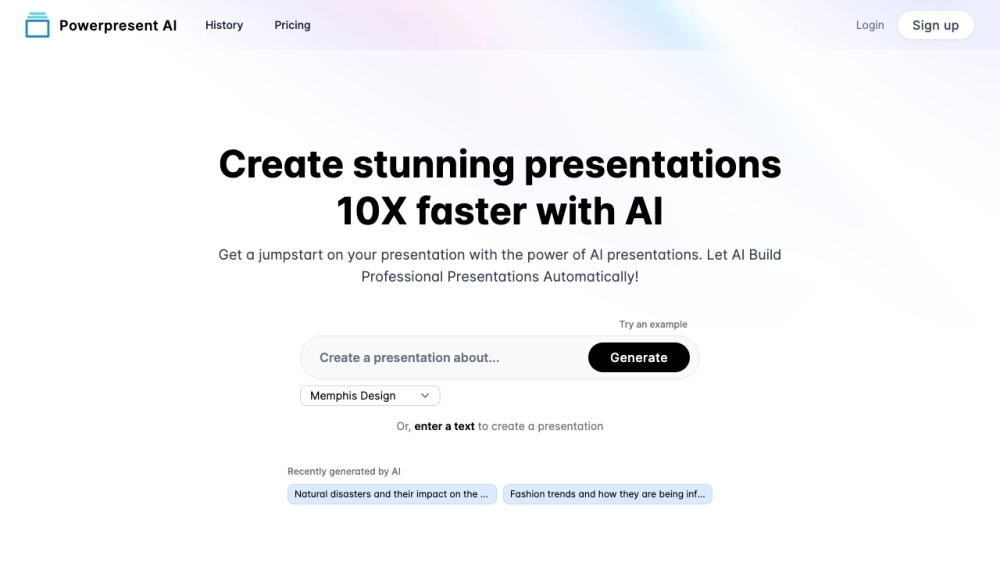
Powerpresent AI website preview

Powerpresent AI Website screenshot

What is Powerpresent AI?

Powerpresent AI is an innovative tool designed to harness the power of AI technology to create visually stunning presentations at a significantly accelerated pace. Users simply input a topic or some text, and the AI handles the rest, generating professional-grade presentations in minutes.

How to use Powerpresent AI?

Using Powerpresent AI is straightforward: just enter your topic or text, and the AI engine will generate an aesthetically pleasing presentation. The resulting presentations can be exported to Google Slides for further customization or downloaded as PPTX files. This tool requires no prior design or AI knowledge, making it accessible to everyone.

Powerpresent AI's Core Features

AI-driven presentation creation

Simple input of topic or text

Export options to Google Slides and PPTX files

Professional and visually attractive presentations

User-friendly with no design or AI expertise needed

Powerpresent AI's Use Cases

Accelerating presentation creation by 10x

Kickstarting presentations with AI assistance

Automating the presentation process

Crafting impactful and visually engaging presentations

Product source: Powerpresent AI official website. Check the provider for current plans, limits and availability.

FAQ

Powerpresent AI questions and answers

Product context and practical checks for evaluating Powerpresent AI.

What is Powerpresent AI used for?

Powerpresent AI: Create stunning, professional presentations 10x faster with our AI-driven tool. Just enter your topic and let the AI do the rest!

How do I get started with Powerpresent AI?

Using Powerpresent AI is straightforward: just enter your topic or text, and the AI engine will generate an aesthetically pleasing presentation. The resulting presentations can be exported to Google Slides for further customization or downloaded as PPTX files. This tool requires no prior design or AI knowledge, making it accessible to everyone.

Which capabilities are described for Powerpresent AI?

AI-driven presentation creationSimple input of topic or textExport options to Google Slides and PPTX filesProfessional and visually attractive presentationsUser-friendly with no design or AI expertise needed

What projects can I evaluate Powerpresent AI for?

Accelerating presentation creation by 10xKickstarting presentations with AI assistanceAutomating the presentation processCrafting impactful and visually engaging presentations Powerpresent AI Company Powerpresent AI Company name: Powerpresent AI. Powerpresent AI Login Powerpresent AI Login Link: https://powerpresent.ai/login Powerpresent AI Sign up Powerpresent AI Sign up Link: https://powerpresent.ai/login Powerpresent AI Pricing Powerpresent AI Pricing Link: https://powerpresent.ai/buy-credits Powerpresent AI Facebook Powerpresent AI Facebook Link: https://www.facebook.com/YaaraDotAIPowerpresent AI Youtube Powerpresent AI Youtube Link: https://www.youtube.com/@yaara_aiPowerpresent AI Tiktok Powerpresent AI Tiktok Link: https://www.tiktok.com/@yaara_aiPowerpresent AI Linkedin Powerpresent AI Linkedin Link: https://www.linkedin.com/company/powerpresent-aiPowerpresent AI Twitter Powerpresent AI Twitter Link: https://twitter.com/powerpresent_aiPowerpresent AI Instagram Powerpresent AI Instagram Link: https://www.instagram.com/yaara_ai

What should I compare before choosing a Powerpresent AI plan?

Powerpresent AI Pricing Link: https://powerpresent.ai/buy-credits Confirm current prices and allowances on the provider’s website before purchasing.

What inputs should I prepare for a Powerpresent AI trial?

Identify the files, text or account connections your task needs. Confirm that the product accepts those inputs and offers controls for reviewing its work.

How can I check the quality of a Powerpresent AI result?

Test one representative task and inspect the result for accuracy and completeness. Record where manual corrections or extra tools are needed.

Which export options should I check in Powerpresent AI?

Check export formats, integrations and whether you can keep using your work outside the service. Test a real export before committing to a longer plan.

What is a practical way to test Powerpresent AI against alternatives?

Choose one task with a clear success condition. Keep the input consistent, record the time spent reviewing and compare the complete workflow cost.

Where is the official Powerpresent AI website?

The website linked from this profile is https://powerpresent.ai. Use the provider’s own documentation, account area and support channels to confirm current product details.

Visit Powerpresent AI