Text&ampWriting

Postel

Grow your personal brand on X with Postel. Use AI to create and schedule posts or turn videos, podcasts, and blogs into fresh content

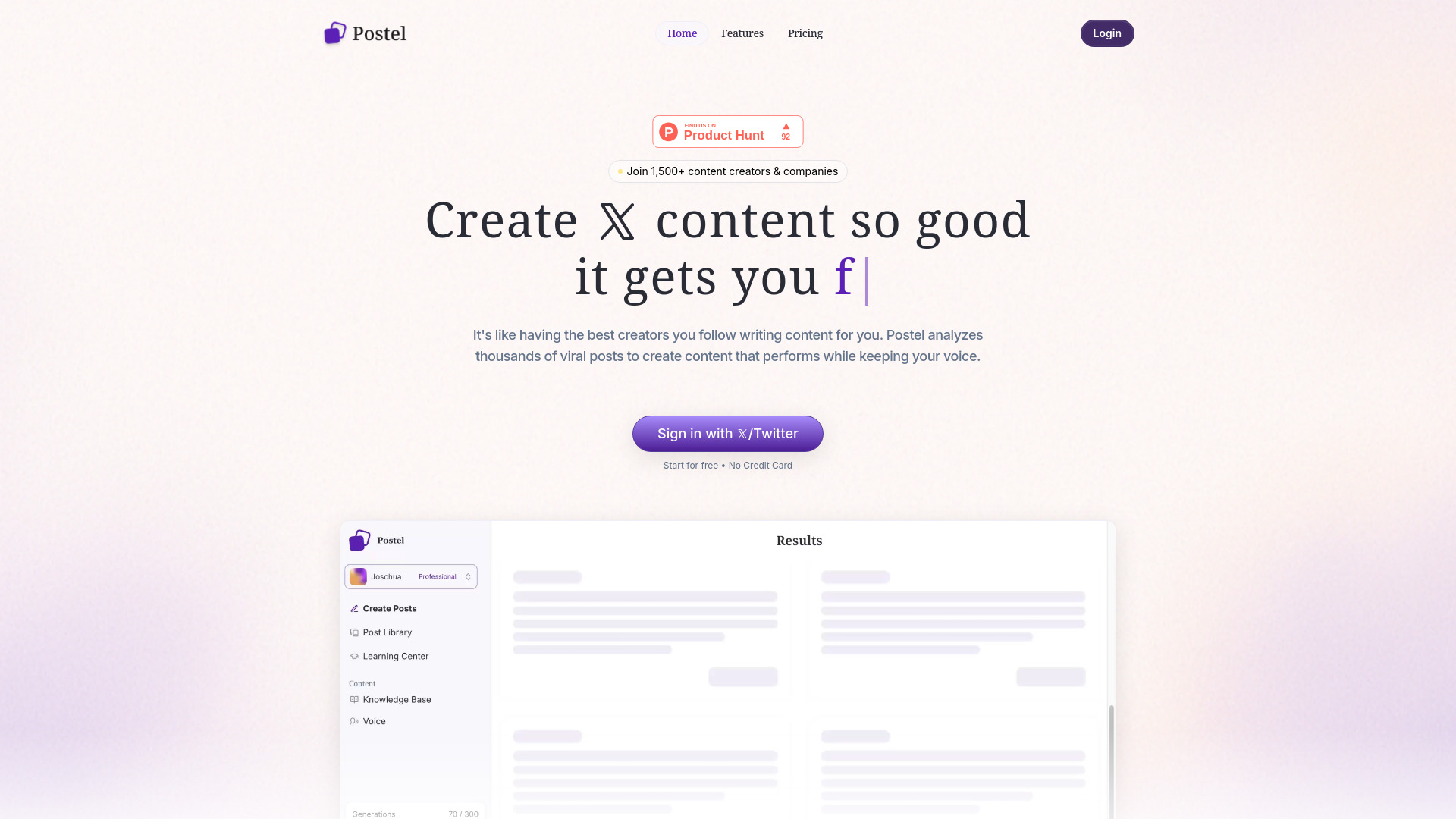
Postel website preview

What is Postel?

Postel is an AI writing, scheduling, and content repurposing tool built for X, formerly Twitter. It gives creators, founders, and marketing teams one place to turn rough ideas, voice notes, and existing material into posts and threads. Postel draws on patterns from thousands of viral posts to suggest ways to structure a draft. It also reviews your X timeline to learn how you write, from the length of your sentences to the way you open a post. You can then refine the draft and schedule it in the same workspace.

How to Use Postel

Start with whatever you already have. If an idea comes to you away from your desk, speak it into the Speech-to-Post tool and use the resulting draft as a starting point. If you've already covered a topic in a podcast, YouTube video, Instagram Reel, or blog article, paste the source link into Postel. You can use a single takeaway for a standalone post or develop a longer argument into a thread with room for examples.

Open your draft in the rich-text editor to sharpen the opening, move key points around, and add media where it helps tell the story. The built-in AI brainstorming tools can suggest new angles when you have a topic in mind and need a clearer direction. You can also connect your knowledge base to give Postel more context about your work or add other creators' voices as style references. Once you've reviewed the copy, assign each post a date and time.

Key Features of Postel

  • AI voice matching uses your existing X posts to pick up on habits such as how you phrase opinions, explain ideas, and address readers. Those cues help Postel suggest copy that fits the style your followers already know.
  • Content repurposing turns material from YouTube videos, podcast episodes, Instagram Reels, and blog articles into drafts for X. Pull out a practical tip for a short post or build a thread around a story that needs more context.
  • Speech-to-Post converts spoken notes into editable drafts. Talk through something you learned, capture a reaction to industry news, or record the outline of a thread while the details are still fresh.
  • Post scheduling lets you prepare several days of content in one session and spread it across your calendar. Use the editor to build threads, attach media, and review AI suggestions informed by patterns in widely shared posts.

These features fit together in a single workflow. For example, you can record a quick response to a question you hear from customers, use the editor to tighten the wording, and schedule the finished post for later in the week. You decide how much of the draft to keep and what details to add before it goes live.

Why Choose Postel for X?

Postel is designed around the work that goes into publishing regularly on X. A founder can turn a quick observation from a customer call into a short post, while a creator can give a more involved idea enough room to unfold across a thread. Postel's analysis of popular posts can help you experiment with openings and formats. Its timeline-based voice matching gives those experiments a starting point grounded in your own writing.

The scheduling and editing tools are especially relevant if you prefer to write in batches. You can review a week's drafts together, spot repeated topics, and decide where each post fits. Mobile access helps when ideas come up between meetings, and knowledge base integration gives Postel background for drafts on specialized topics. Postel is also featured among the AI content tools listed on aitop-tools.com.

Use Cases and Applications

Independent creators and thought leaders can use Postel to build a publishing routine around the work they already do. A consultant might record a voice note after a workshop, turn one audience question into a short post, and expand a second question into a thread. An agency can use voice matching to draft for clients with different styles, then review each set of posts before scheduling it against the client's editorial calendar.

Founders and executives can use Postel to get more mileage out of interviews, articles, and video appearances. A single podcast conversation might contain a story about an early business decision, a practical lesson for customers, and a question worth putting to followers. Each can become a separate piece for X. Spreading those ideas across several posts gives readers more ways to discover and respond to the original material.

``` The supplied HTML contained no images. The rewrite preserves the section hierarchy and list structure and leaves out the source’s unverified productivity figures.

Product source: Postel official website. Check the provider for current plans, limits and availability.

FAQ

Postel questions and answers

Product context and practical checks for evaluating Postel.

What is Postel used for?

Grow your personal brand on X with Postel. Use AI to create and schedule posts or turn videos, podcasts, and blogs into fresh content

How do I get started with Postel?

Start with whatever you already have. If an idea comes to you away from your desk, speak it into the Speech-to-Post tool and use the resulting draft as a starting point. If you've already covered a topic in a podcast, YouTube video, Instagram Reel, or blog article, paste the source link into Postel. You can use a single takeaway for a standalone post or develop a longer argument into a thread with room for examples.Open your draft in the rich-text editor to sharpen the opening, move key points around, and add media where it helps tell the story. The built-in AI brainstorming tools can suggest new angles when you have a topic in mind and need a clearer direction. You can also connect your knowledge base to give Postel more context about your work or add other creators' voices as style references. Once you've reviewed the copy, assign each post a date and time.

Which capabilities are described for Postel?

AI voice matching uses your existing X posts to pick up on habits such as how you phrase opinions, explain ideas, and address readers. Those cues help Postel suggest copy that fits the style your followers already know. Content repurposing turns material from YouTube videos, podcast episodes, Instagram Reels, and blog articles into drafts for X. Pull out a practical tip for a short post or build a thread around a story that needs more context. Speech-to-Post converts spoken notes into editable drafts. Talk through something you learned, capture a reaction to industry news, or record the outline of a thread while the details are still fresh. Post scheduling lets you prepare several days of content in one session and spread it across your calendar. Use the editor to build threads, attach media, and review AI suggestions informed by patterns in widely shared posts. These features fit together in a single workflow. For example, you can record a quick response to a question you hear from customers, use the editor to tighten the wording, and schedule the finished post for later in the week. You decide how much of the draft to keep and what details to add before it goes live.

What projects can I evaluate Postel for?

Independent creators and thought leaders can use Postel to build a publishing routine around the work they already do. A consultant might record a voice note after a workshop, turn one audience question into a short post, and expand a second question into a thread. An agency can use voice matching to draft for clients with different styles, then review each set of posts before scheduling it against the client's editorial calendar.Founders and executives can use Postel to get more mileage out of interviews, articles, and video appearances. A single podcast conversation might contain a story about an early business decision, a practical lesson for customers, and a question worth putting to followers. Each can become a separate piece for X. Spreading those ideas across several posts gives readers more ways to discover and respond to the original material.

How does Postel handle ai voice matching?

AI voice matching uses your existing X posts to pick up on habits such as how you phrase opinions, explain ideas, and address readers. Those cues help Postel suggest copy that fits the style your followers already know.

How does Postel handle content repurposing?

Content repurposing turns material from YouTube videos, podcast episodes, Instagram Reels, and blog articles into drafts for X. Pull out a practical tip for a short post or build a thread around a story that needs more context.

What should I compare before choosing a Postel plan?

Check Postel’s current pricing page for included usage, renewal terms and any credit charges. Compare the cost of a usable result, including retries, rather than assuming that account registration includes free usage.

What inputs should I prepare for a Postel trial?

Compare text prompts, reference frames, source footage and audio support. Check duration, aspect ratio and whether the tool lets you keep a subject consistent between shots.

How can I check the quality of a Postel result?

Watch the entire clip for motion errors, distorted objects, changing identities, lip-sync problems and abrupt transitions. Inspect the downloaded file as well as the preview.

Where is the official Postel website?

The website linked from this profile is https://postel.app. Use the provider’s own documentation, account area and support channels to confirm current product details.

Visit Postel