AI Content Generator

Podsqueeze

Podsqueeze: AI-Powered Podcast Content Generator & Organizer - Easily create shownotes, timestamps, newsletters, and more with just one click!

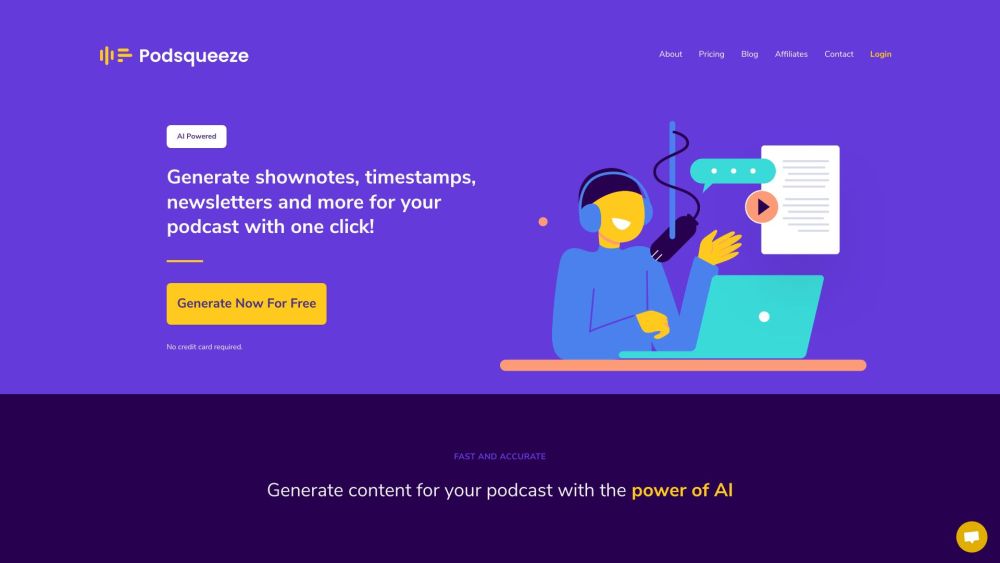
Podsqueeze website preview

Podsqueeze Website screenshot

What is Podsqueeze?

Podsqueeze is an advanced AI-powered tool designed to streamline the process of podcast content creation and organization. With just one click, you can generate comprehensive shownotes, accurate timestamps, engaging newsletters, and much more.

How to use Podsqueeze?

Using Podsqueeze is simple. Start by signing up for a free account. Once you're logged in, you can either input your podcast's RSS feed URL to select an episode or directly upload your audio or video file. With a single click, Podsqueeze produces a variety of content including transcripts, SRT files for captions, detailed shownotes, timestamps, blog posts, social media content, catchy titles, quotes, bullet points, and relevant keywords. This content can be easily edited to suit your specific needs. Podsqueeze also supports multiple languages, making it a versatile tool for reaching a global audience.

Podsqueeze's Core Features

AI-powered content generation

Create shownotes, transcripts, SRT files, timestamps, and more

User-friendly and intuitive interface

Customizable and editable content

Supports multiple languages

Podsqueeze's Use Cases

Produce accurate transcripts and captions for podcast episodes

Generate searchable shownotes summarizing episode highlights

Create timestamps to direct listeners to specific segments

Facilitate easy sharing on blogs, social media, and newsletters

Craft engaging titles, quotes, and keywords to attract listeners

Support for multiple languages to expand reach

Product source: Podsqueeze official website. Check the provider for current plans, limits and availability.

FAQ

Podsqueeze questions and answers

Product context and practical checks for evaluating Podsqueeze.

What is Podsqueeze used for?

Podsqueeze: AI-Powered Podcast Content Generator & Organizer - Easily create shownotes, timestamps, newsletters, and more with just one click!

How do I get started with Podsqueeze?

Using Podsqueeze is simple. Start by signing up for a free account. Once you're logged in, you can either input your podcast's RSS feed URL to select an episode or directly upload your audio or video file. With a single click, Podsqueeze produces a variety of content including transcripts, SRT files for captions, detailed shownotes, timestamps, blog posts, social media content, catchy titles, quotes, bullet points, and relevant keywords. This content can be easily edited to suit your specific needs. Podsqueeze also supports multiple languages, making it a versatile tool for reaching a global audience.

Which capabilities are described for Podsqueeze?

AI-powered content generationCreate shownotes, transcripts, SRT files, timestamps, and moreUser-friendly and intuitive interfaceCustomizable and editable contentSupports multiple languages

What projects can I evaluate Podsqueeze for?

Produce accurate transcripts and captions for podcast episodesGenerate searchable shownotes summarizing episode highlightsCreate timestamps to direct listeners to specific segmentsFacilitate easy sharing on blogs, social media, and newslettersCraft engaging titles, quotes, and keywords to attract listenersSupport for multiple languages to expand reach Podsqueeze Support Email & Customer Service Contact Contact Podsqueeze customer service at: [email protected]. Podsqueeze Company Company name: Podsqueeze™ - USERQUEST LDA. Podsqueeze Pricing For pricing details, visit: https://www.podsqueeze.com/pricing/ Podsqueeze Facebook Follow on Facebook: https://www.facebook.com/profile.php?id=100093779395164 Podsqueeze YouTube Subscribe on YouTube: https://www.youtube.com/@Podsqueeze Podsqueeze LinkedIn Connect on LinkedIn: https://www.linkedin.com/company/podsqueeze Podsqueeze Twitter Follow on Twitter: https://twitter.com/podsqueeze_app Podsqueeze Instagram Follow on Instagram: https://www.instagram.com/podsqueeze/

What should I compare before choosing a Podsqueeze plan?

For pricing details, visit: https://www.podsqueeze.com/pricing/ Confirm current prices and allowances on the provider’s website before purchasing.

What inputs should I prepare for a Podsqueeze trial?

Compare support for source documents, style instructions, outlines and length limits. Check whether citations link to real material rather than merely looking like references.

How can I check the quality of a Podsqueeze result?

Verify names, dates, quotations and factual claims against the original sources. Edit tone, remove repetition and make sure the text answers the intended reader’s question.

Which export options should I check in Podsqueeze?

Check export to plain text, Markdown, documents or your publishing system. Formatting, headings and working links matter when moving a draft into production.

What is a practical way to test Podsqueeze against alternatives?

Use a real brief and a short source document. Compare factual accuracy, structure and editing time rather than accepting the longest or most confident draft.

Where is the official Podsqueeze website?

The website linked from this profile is https://podsqueeze.com. Use the provider’s own documentation, account area and support channels to confirm current product details.

Visit Podsqueeze