AI Chatbot

PlutusChat

PlutusChat: Your investing copilot for quick, precise answers on US stocks. Chat with AI to access 170,000+ SEC filings across 7,000+ tickers.

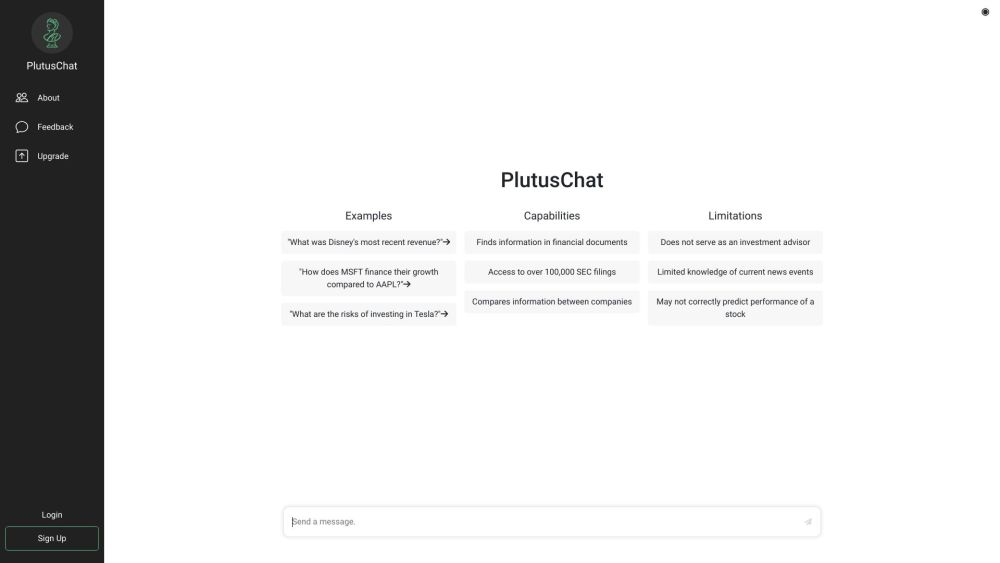
PlutusChat website preview

PlutusChat Website screenshot

What is PlutusChat?

PlutusChat is a cutting-edge financial assistant designed for retail investors. It enables users to swiftly obtain pertinent information about US stocks by engaging with our AI, which provides access to more than 170,000 SEC filings for over 7,000 stock tickers.

How to use PlutusChat?

Using PlutusChat is straightforward: initiate a conversation with our AI to explore over 170,000 SEC filings covering 7,000+ stock tickers.

PlutusChat's Core Features

Access to a vast database of SEC filings

AI-driven chatbot for financial inquiries

Company comparison tools

Product source: PlutusChat official website. Check the provider for current plans, limits and availability.

FAQ

PlutusChat questions and answers

Product context and practical checks for evaluating PlutusChat.

What is PlutusChat used for?

PlutusChat: Your investing copilot for quick, precise answers on US stocks. Chat with AI to access 170,000+ SEC filings across 7,000+ tickers.

How do I get started with PlutusChat?

Using PlutusChat is straightforward: initiate a conversation with our AI to explore over 170,000 SEC filings covering 7,000+ stock tickers.

Which capabilities are described for PlutusChat?

Access to a vast database of SEC filingsAI-driven chatbot for financial inquiriesCompany comparison tools PlutusChat Company For more information about PlutusChat, please visit the about us page(https://www.plutus.chat/). PlutusChat Login PlutusChat Login Link: https://www.plutus.chat/ PlutusChat Sign up PlutusChat Sign up Link: https://www.plutus.chat/

What should I compare before choosing a PlutusChat plan?

Check PlutusChat’s current pricing page for included usage, renewal terms and any credit charges. Compare the cost of a usable result, including retries, rather than assuming that account registration includes free usage.

What inputs should I prepare for a PlutusChat trial?

Identify the files, text or account connections your task needs. Confirm that the product accepts those inputs and offers controls for reviewing its work.

How can I check the quality of a PlutusChat result?

Test one representative task and inspect the result for accuracy and completeness. Record where manual corrections or extra tools are needed.

Which export options should I check in PlutusChat?

Check export formats, integrations and whether you can keep using your work outside the service. Test a real export before committing to a longer plan.

What is a practical way to test PlutusChat against alternatives?

Choose one task with a clear success condition. Keep the input consistent, record the time spent reviewing and compare the complete workflow cost.

What should I review before uploading material to PlutusChat?

Read the provider’s rules on access, retention, deletion and use of uploaded material. Start with a non-confidential sample that you have permission to use.

Where is the official PlutusChat website?

The website linked from this profile is https://www.promptdodo.com. Use the provider’s own documentation, account area and support channels to confirm current product details.

Visit PlutusChat