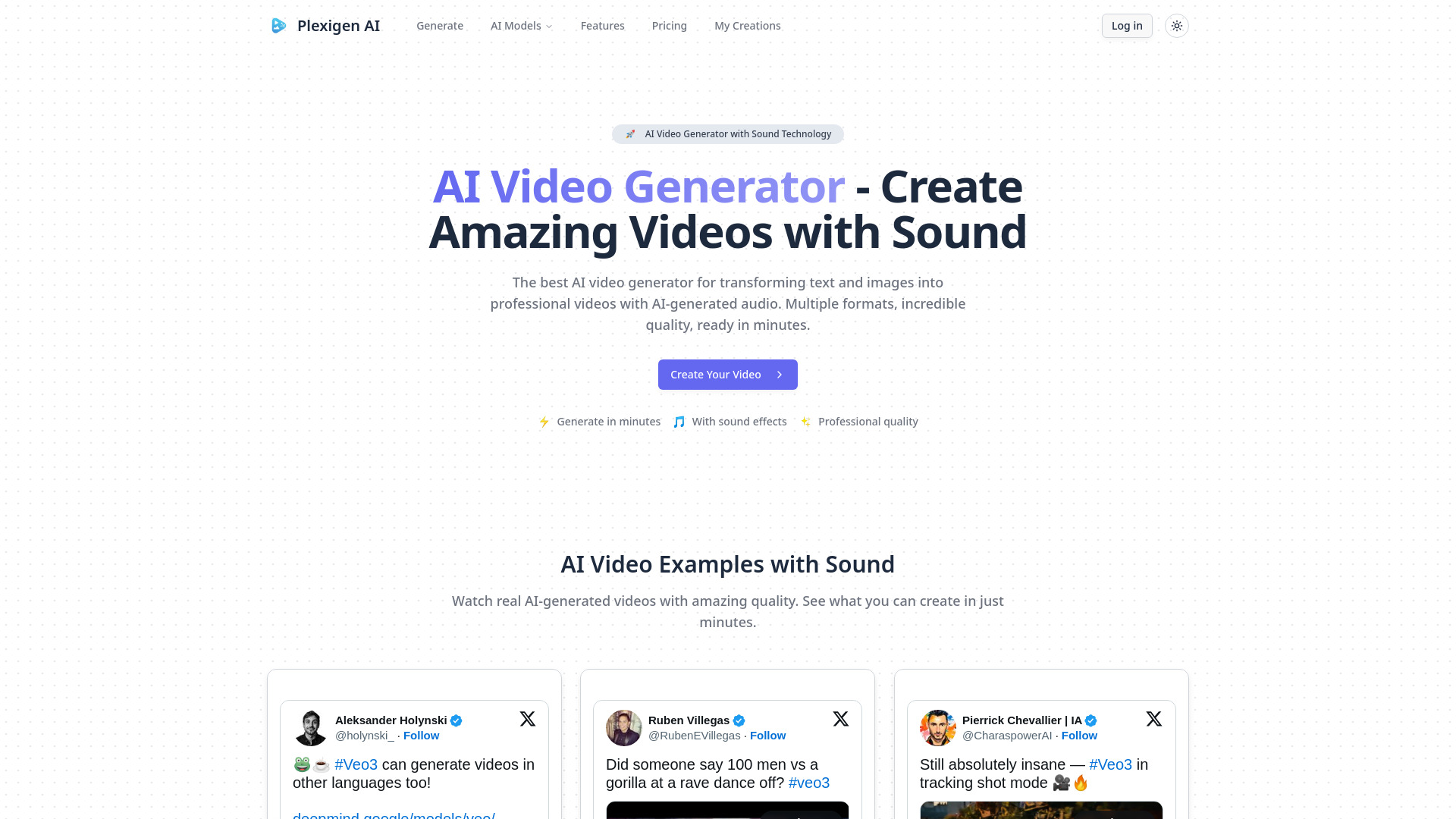
What Is Plexigen AI: Text to Video with AI Sound and Visual Effects?
Plexigen AI is an AI video creation platform that turns written ideas and still images into moving scenes with accompanying audio. By combining text-to-video generation with AI sound and visual effects, it helps creators develop video content from a single creative brief. Users can describe a setting, subject, or action and use that description to guide the resulting visuals and sound. This approach makes the platform useful for social media content, promotional concepts, and visual storytelling.
Powered by Google Veo 3 technology, Plexigen AI brings video and audio generation into one workflow. Its capabilities include creating soundscapes and effects that complement the action on screen, reducing the work involved in assembling those elements separately. Landscape, portrait, and square output options support different publishing needs, giving creators flexibility when preparing content for social platforms, presentations, and other projects.
How to Create Videos with Plexigen AI
Start by writing a prompt that explains what you want viewers to see and hear. Describe the main subject, the location, and the action, then add details about lighting, camera movement, atmosphere, or sound. For example, a prompt might describe a bicycle moving along a quiet coastal road, with a slow tracking shot and the sound of waves nearby. You can also upload a still image to provide a visual starting point for image-to-video generation.
Choose an available output format that suits your intended destination, then submit your input for generation. Plexigen AI interprets the description or reference image to produce moving visuals and accompanying audio. Review the result for composition, movement, pacing, and sound before deciding whether to revise your prompt. Clear instructions and focused adjustments can help you explore different versions of the same idea without needing to build each scene manually.
For more consistent creative direction, keep each prompt centered on a clear scene. Explain the mood you want to convey and identify the sounds that matter most. A calm product showcase, for instance, calls for different movement and audio choices than an energetic promotional clip.
Key Features of Plexigen AI
- Text-to-Video Generation: Convert written descriptions into video sequences guided by your choice of subject, environment, action, and style. This feature gives creators a practical way to visualize ideas, develop short scenes, and explore concepts before committing to a larger production.
- Image-to-Video Creation: Use an uploaded image as the starting point for a moving sequence. Reference images can help communicate the appearance or composition you have in mind while the AI develops motion and related scene elements.
- AI Sound and Visual Effects: Generate audio elements alongside the visuals to support the scene’s atmosphere and action. Sound effects, ambient audio, and background music can contribute to a more complete viewing experience, with the results depending on the prompt and available generation capabilities.
- Multiple Video Orientations: Create content in landscape, portrait, or square layouts to suit different viewing environments. Selecting the appropriate orientation helps keep the subject and composition aligned with the needs of social feeds, vertical video channels, or presentation screens.
- Streamlined Creative Iteration: Generate and review video concepts in a workflow designed to reduce manual production steps. Adjusting descriptions makes it possible to test changes in tone, visual direction, or pacing as you refine an idea.
Together, these features help bring visual development and audio creation into a shared process. The time saved will vary with the project, the complexity of the scene, and the number of revisions needed to reach a suitable result.
Why Use Plexigen AI for Video Creation?
Plexigen AI offers a starting point for people who want to communicate through video without constructing every visual and audio element themselves. Its combined approach to imagery, movement, and sound can simplify early production work and make experimentation more accessible. Creators can focus on describing the message and atmosphere they want to convey, then evaluate how effectively the generated sequence expresses that direction.
For marketing teams and independent creators, this workflow can also support faster exploration of campaign ideas. A single concept can be developed into several variations by changing the setting, action, camera direction, or sound. The available output orientations help adapt those ideas to different channels. As with any AI-generated media, reviewing each result remains an important part of preparing content for publication, particularly when brand details, visual consistency, or precise messaging matter.
Use Cases for AI Video with Sound and Effects
Social media creators can use Plexigen AI to develop short visual stories, atmospheric clips, and promotional content suited to different feed formats. Including sound in the generation process helps establish a mood and gives creators audio to assess alongside the visuals. This can be useful when exploring recurring content themes or building a collection of related video ideas.
Marketing teams can use text-to-video generation to visualize advertising concepts and compare creative directions. A written campaign idea can become a moving scene that helps colleagues discuss tone, pacing, and presentation. Designers and other creative professionals can also animate reference images, explore cinematic settings, or produce illustrative sequences for presentations. These uses make the platform helpful for both concept development and content creation, depending on the quality and suitability of the generated output.