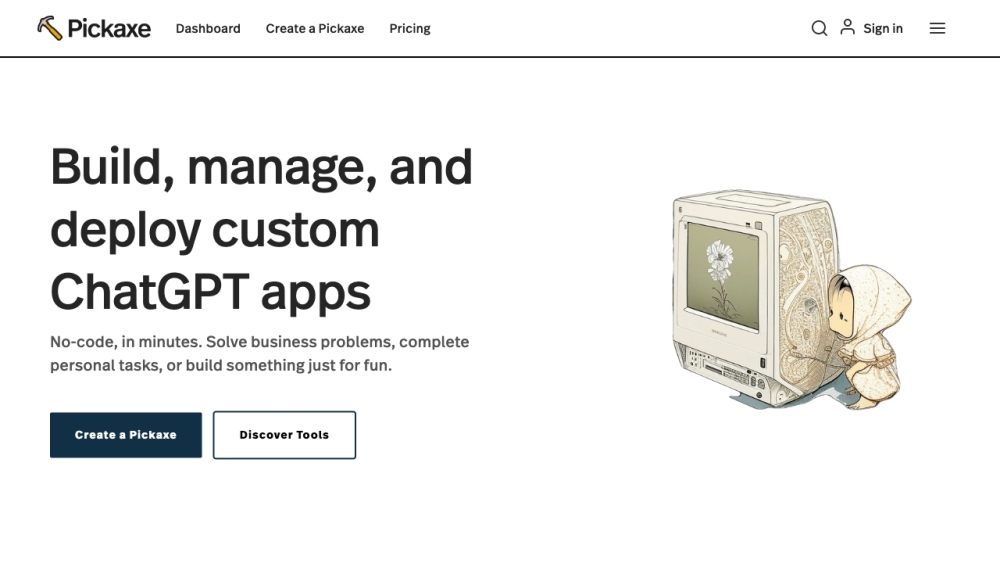
Introducing Pickaxe: No-Code AI App Builder for Engineers & Non-Technical Users
Pickaxe is a revolutionary platform that empowers engineers and non-technical users to create, share, and manage AI applications seamlessly within their organizations. With Pickaxe, you can harness the power of AI prompts without the need for coding skills, bridging the gap between technology and accessibility.
Experience the Power of Pickaxe
Using Pickaxe is simple and intuitive. Sign up for an account and dive into building AI-powered apps using our visual prompt-framing builder. Train the AI with your own documents, data, and guidelines to tailor it to your specific needs. Customize the design of your AI apps and seamlessly embed them into your website or internal dashboard. Keep track of your app's performance, gather insights, provide feedback, and continuously enhance its functionality as you collect more data.
Key Features of Pickaxe
Create and Embed GPT-4 Apps with Ease
Train AI Using Your Own Data and Documents
Customize AI App Designs to Fit Your Brand
Monitor App Activity, Analyze Responses, and Provide Feedback
Continuous Improvement Through Data-Driven Iterations
Unlocking Pickaxe's Potential
Enhance Online Courses with AI-Powered Tools
Fuel Creativity with AI-Generated Prompts for Writers
Personalized Recommendations and Product Suggestions for Online Stores
Boost Productivity with AI Apps Embedded in Internal Dashboards
AI-Powered Writing, Research, and Engagement Tools for Blogs
Optimize Online Courses with Interactive AI Apps
-
Connect with Pickaxe
Join the Pickaxe Discord community: https://discord.com/invite/t7EKRSGneU. For more Discord updates, click here.
-
Need Support?
Reach out to Pickaxe's customer service via email at [email protected]. For more contact options, visit the contact us page.
-
About Pickaxe
Discover more about Pickaxe and their mission at the about us page.
-
Access Pickaxe
Login to Pickaxe at https://beta.pickaxeproject.com/login.
-
Explore Pickaxe Plans
Find the perfect plan for your needs at https://www.pickaxeproject.com/pickaxe-gold.
-
Stay Connected
Follow Pickaxe on YouTube: https://www.youtube.com/@PickaxeAI. Connect on Twitter: https://twitter.com/PickaxeProject.